
Is Your Law Firm Losing Money to IT Issues?
Calculate the real financial impact of downtime, slow systems, and security gaps on your firm. See how much revenue may be at risk and what to do about it.
Takes 2 to 3 minutes • No sign up required
Calculate the real financial impact of downtime, slow systems, and security gaps on your firm. See how much revenue may be at risk and what to do about it.
Takes 2 to 3 minutes • No sign up required


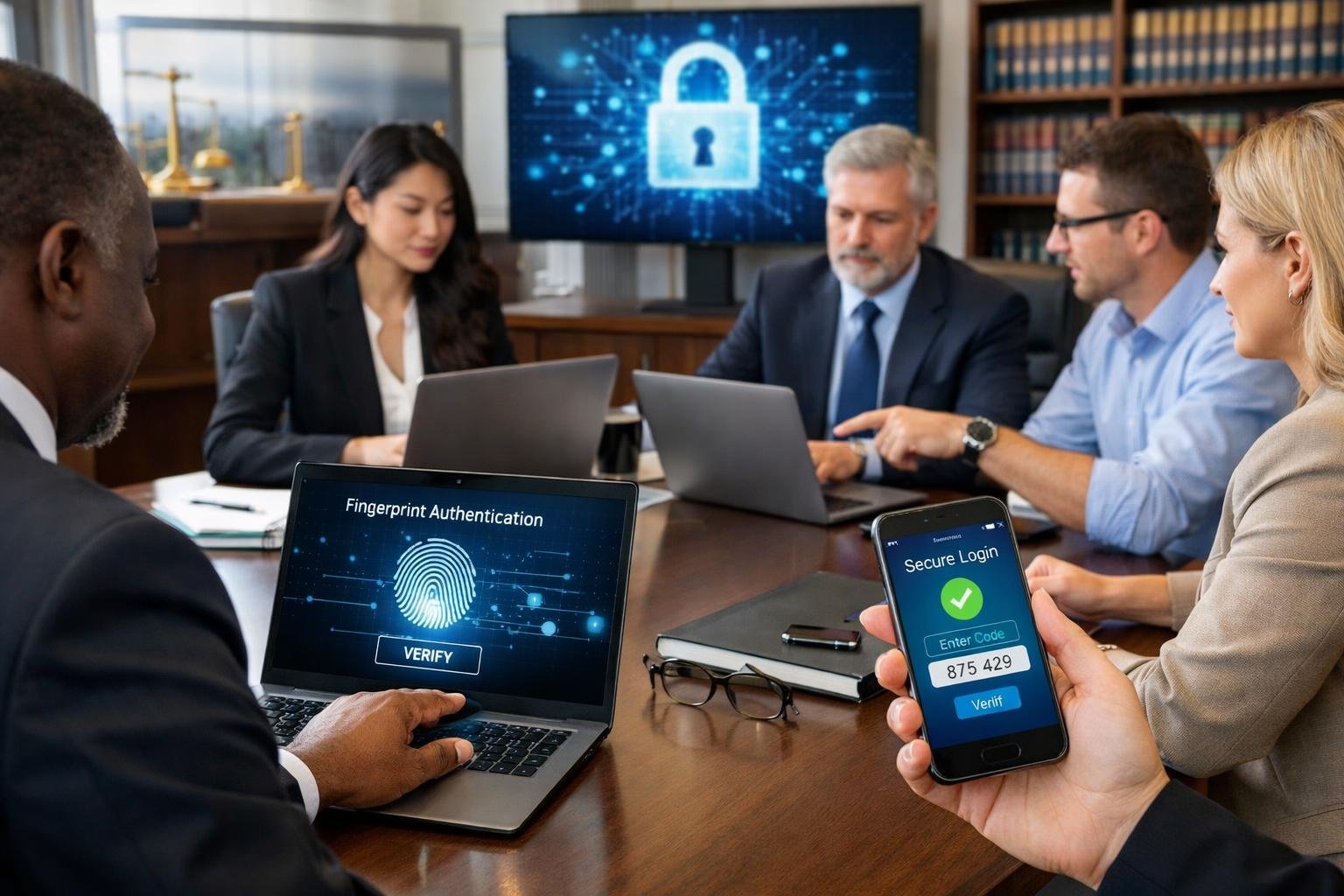
A partner at a mid-sized law firm in Chicago opened what appeared to be a routine email from opposing counsel requesting case documents. Within hours, the firm’s trust account had been drained of $240,000 through fraudulent wire transfers. The attacker had gained access weeks earlier using a single compromised password, monitoring email traffic and waiting for the right moment to strike. The firm had multi-factor authentication enabled, but it relied on SMS codes that the cybercriminal easily intercepted.
Law firms handle some of the most sensitive data in any industry, from merger negotiations to criminal defense records, making them prime targets for sophisticated attackers. A single breached account can expose privileged communications, enable financial fraud, or trigger mandatory breach notifications that damage your reputation and client relationships. Many managing partners and office managers believe their firms are protected simply because they require MFA, but the reality is more nuanced and critical to understand.
The type of multi-factor authentication your firm uses determines whether you are actually protected or simply creating a false sense of security. Not all MFA methods defend against modern phishing techniques, social engineering, and credential theft tactics that cybercriminals use daily to compromise law firms. Understanding which MFA methods provide real protection and which leave vulnerabilities is essential for safeguarding your firm’s data, maintaining client trust, and meeting your ethical obligations.
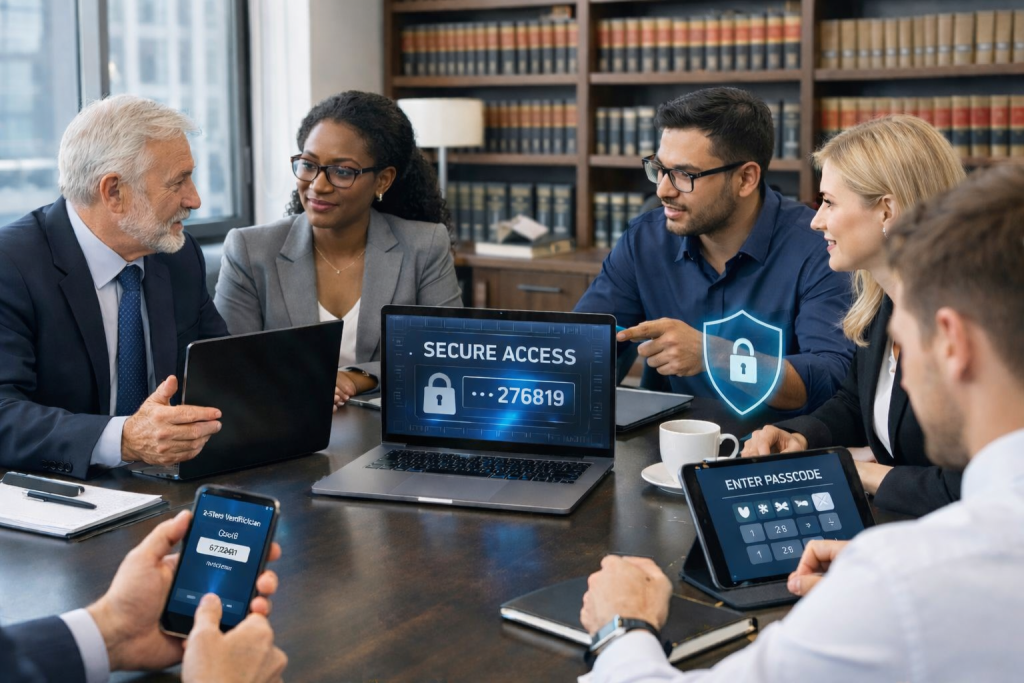
Law firms face unique cybersecurity challenges due to the sensitive nature of client data they manage and their reputation as lucrative targets for cybercriminals. The financial and professional consequences of a security breach extend beyond immediate data loss to long-term damage to client relationships and legal standing.
Cybercriminals specifically target law firms because of the valuable information you store. Your systems contain confidential client communications, privileged legal documents, financial records, intellectual property, and settlement details that can be sold or used for extortion.
The legal industry experiences a high rate of cyberattacks, with studies showing that 27% of law firms report security breaches. Attackers know that your firm likely manages cases involving corporate mergers, patent filings, litigation strategies, and other high-stakes matters worth significant money on illicit markets.
Your password credentials are likely already compromised through third-party breaches, regardless of password complexity. Cybercriminals purchase lists of stolen credentials for minimal cost and use automated bots to test these login combinations across thousands of websites and applications. According to Microsoft research from 2019, 99.9% of account compromise attacks that year would have been prevented with multi-factor authentication.
Without MFA, attackers only need your username and password to access your entire system. They don’t employ sophisticated hacking techniques—they simply try known credentials until they find one that works.
Your ethical and legal obligations require you to protect client confidentiality and maintain the attorney-client privilege. A breach that exposes client communications, case strategies, or personal information directly violates these duties and can result in bar complaints, malpractice claims, and regulatory sanctions.
Client data protection failures damage the fundamental trust relationship between attorney and client. When clients entrust you with sensitive information about pending litigation, business transactions, or personal matters, they expect that data to remain secure.
A single compromised account can expose:
Once this information is accessed by unauthorized parties, the damage cannot be undone. Clients may lose competitive advantages, face identity theft, or have their private matters exposed publicly.
The financial impact of a data breach extends well beyond immediate remediation costs. You face expenses for forensic investigation, legal notification requirements, credit monitoring services for affected clients, potential ransom payments, system restoration, and increased cybersecurity insurance premiums.
Malpractice claims and regulatory fines add substantial financial exposure. State bar associations increasingly scrutinize law firm cybersecurity practices, and inadequate security measures can result in disciplinary action.
Your firm’s reputation represents years of relationship building and professional achievement. A publicized breach immediately raises questions about your competence and trustworthiness. Prospective clients may choose competitors with stronger security practices, and existing clients may terminate representation or move their matters elsewhere.
The cyber risk to your practice operations can be severe. Ransomware attacks can lock you out of critical systems for days or weeks, preventing you from meeting court deadlines, accessing case files, or serving clients. Some firms never fully recover from major breaches, ultimately closing their practices due to lost business and mounting liabilities.
MFA provides essential protection against the most common attack vector—compromised passwords—at minimal cost and effort compared to the catastrophic consequences of a successful breach.

Multi-factor authentication is a security method that requires you to verify your identity using two or more independent credentials before accessing an account or system. These authentication factors draw from separate categories of proof, ensuring that even if one credential is compromised, unauthorized users cannot gain access to your firm’s sensitive client data.
Authentication factors fall into three distinct categories that verify your identity in different ways. Something you know includes passwords, PINs, or security questions that only you should be able to answer. Something you have refers to physical devices or digital tokens you possess, such as your smartphone, a security key, or an authentication app that generates time-sensitive codes.
Something you are involves biometric identifiers unique to you, including fingerprints, facial recognition, or retina scans. True MFA systems require at least two factors from different categories, which is why using both a password and a security question doesn’t qualify as genuine multi-factor authentication.
For law firms handling confidential client matters, this layered approach means that a stolen password alone cannot compromise your email, case management system, or document repositories. Each additional factor creates a separate barrier that attackers must overcome through entirely different methods.
When you attempt to log into a protected system, you first enter your standard credentials, typically a username and password. The system then prompts you for a second form of verification before granting access. This second step might involve entering a six-digit code sent to your mobile device, approving a push notification on your authentication app, or using your fingerprint on a registered device.
The verification code or approval request is time-sensitive and single-use, expiring within seconds or minutes. This ensures that even if someone intercepts the code, it becomes worthless before they can use it. Your second factor confirms that the person entering the password also has physical possession of your authorized device or biometric characteristics.
This process adds only seconds to your login routine but makes you significantly less vulnerable to credential theft, phishing attacks, and unauthorized access attempts targeting your firm’s client files.
Microsoft 365 implements MFA through a system that integrates with the Microsoft Authenticator app or alternative verification methods. When you sign into your firm’s Microsoft 365 account, you enter your email address and password as the first factor. The system then sends a notification to your registered smartphone through the Authenticator app.
You review the notification, which displays your login location and device information, then approve or deny the request with a single tap. Alternatively, you can choose to receive a verification code via text message or phone call that you enter into the login screen.
For law firms using Microsoft 365 to access Outlook, Teams, SharePoint, and other applications containing privileged client information, this configuration prevents unauthorized access even when passwords are compromised through data breaches or phishing schemes. You can configure conditional access policies that require MFA only for specific scenarios, such as logins from unrecognized devices or locations outside your office network.

Passwords fail because they can be stolen through phishing attacks, compromised in data breaches, and reused across multiple accounts. Even complex passwords cannot protect your law firm’s sensitive client data when attackers employ modern credential theft techniques.
Phishing attacks remain the primary method attackers use to steal law firm credentials. You receive an email that appears to come from a trusted source—a court system, client, or vendor—containing a link to a fake login page. When you enter your credentials, attackers capture them immediately.
Credential theft also occurs through data breaches at third-party services. If a website you use suffers a breach, attackers obtain your username and password combination. They then test these credentials across other platforms, including your firm’s systems.
Attackers use automated tools that attempt thousands of login combinations per minute. These tools draw from databases containing billions of previously breached passwords. Your password may already exist in one of these databases without your knowledge.
Password reuse creates a cascading security failure across your firm’s systems. When you use the same password for your case management software, email, and personal accounts, a breach at any single service compromises all your accounts.
Research shows that professionals reuse passwords an average of 13 times across different platforms. For law firms, this means a breach at an unrelated service—a shopping site or social media platform—can provide attackers with credentials that work on your practice management system.
The impact extends beyond your individual account. If an attacker gains access to your email through a reused password, they can reset passwords for other firm systems, access client communications, and potentially compromise trust accounts. A single reused password becomes the entry point for complete account compromise.
A strong password with uppercase letters, numbers, and special characters still relies on a single layer of authentication. Attackers who obtain it through phishing or keystroke logging bypass all complexity requirements.
Sophisticated attackers target law firms specifically because of the valuable client data you hold. They invest time in crafted phishing campaigns and social engineering tactics designed to steal credentials from legal professionals. Password strength becomes irrelevant when you willingly enter it into a fraudulent login page.
According to Microsoft’s security data, over 99.9% of compromised accounts did not have multi-factor authentication enabled. Strong passwords cannot prevent account compromise when attackers use credential stuffing attacks that test stolen username-password pairs across multiple services simultaneously.
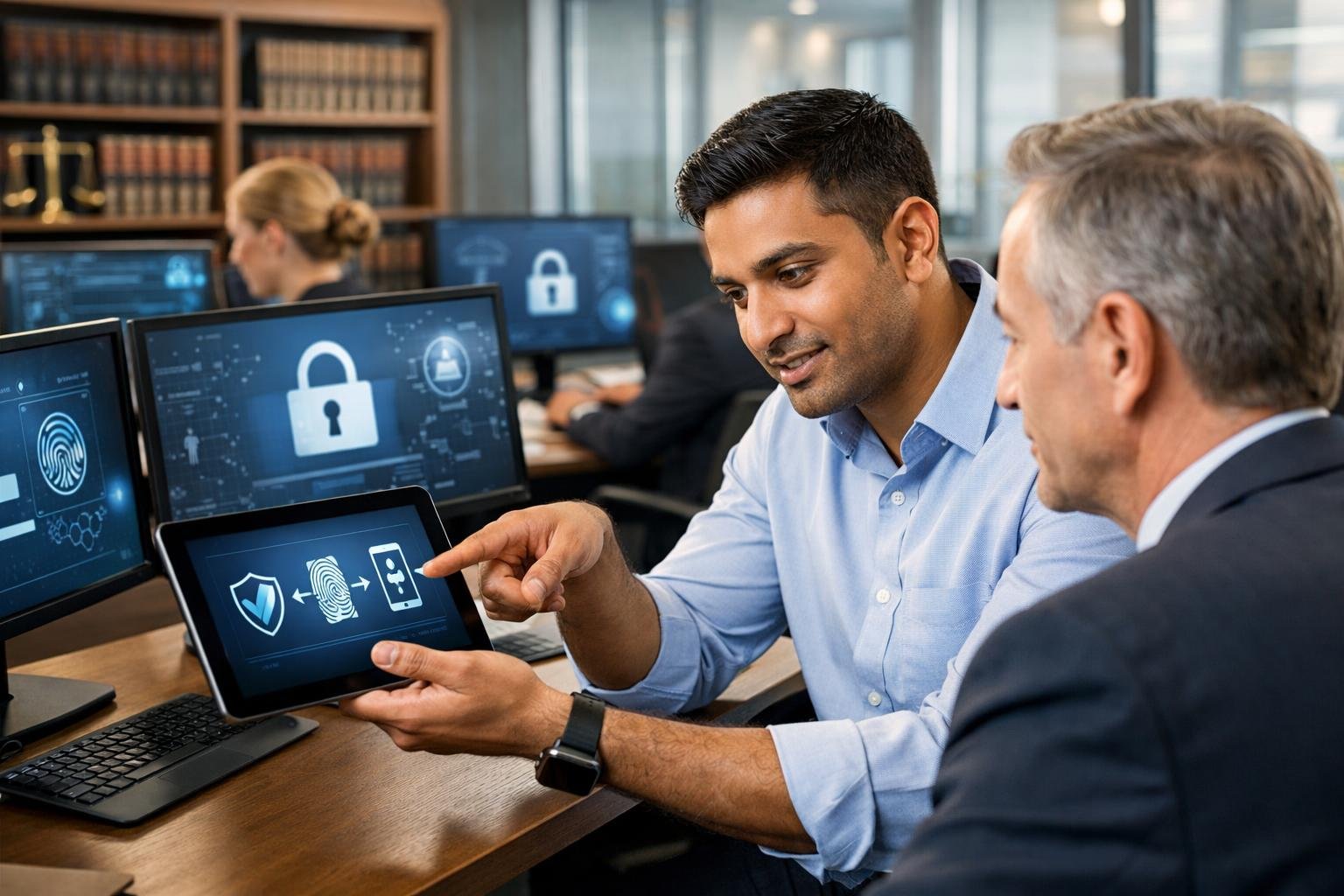
Attackers targeting law firms rely on deception rather than technical complexity. They exploit human trust through fake emails and login pages to steal credentials, then use those credentials to impersonate attorneys and manipulate financial transactions.
Cybercriminals send emails that appear to come from familiar sources like Microsoft, court filing systems, or client service providers. These emails create urgency by claiming your account needs verification, a document requires immediate review, or a security update is mandatory.
When you click the link in these emails, you land on a login page that looks identical to your actual email or document management system. The URL might be slightly misspelled or use a similar domain that’s easy to miss when you’re rushing between meetings.
After you enter your username and password, the fake page either shows an error message or redirects you to the legitimate site. You may not realize anything happened, but the attacker now has your credentials. Within minutes, they can access your email account and begin reviewing your client communications, financial data, and case files.
Once attackers capture your credentials, they log into your actual email account from their location. They study your email patterns, client relationships, and ongoing matters to make their fraudulent activities convincing.
Advanced attackers now use stolen session cookies to bypass basic security measures. They manipulate IP addresses and geolocation data to make their access appear legitimate. Some maintain persistent access for weeks or months, waiting for the right opportunity to strike.
During this access period, they identify high-value transactions like property settlements, client trust account transfers, or litigation payments. They create email rules to hide their activity and delete notification emails that might alert you to suspicious logins.
BEC attacks occur when the attacker uses your compromised email account to send fraudulent payment instructions. They impersonate you in communications with clients, opposing counsel, or your firm’s accounting staff.
A common scenario involves intercepting a legitimate wire transfer conversation. The attacker inserts themselves into an ongoing email thread about a client settlement or property closing, then sends updated banking instructions that redirect funds to an account they control.
These emails use your actual email address, reference real case details, and match your communication style. Recipients have no reason to question the legitimacy. By the time anyone discovers the fraud, the money has moved through multiple accounts and disappeared.
Without multi-factor authentication, these attacks are remarkably simple to execute and difficult to detect before significant financial loss occurs.
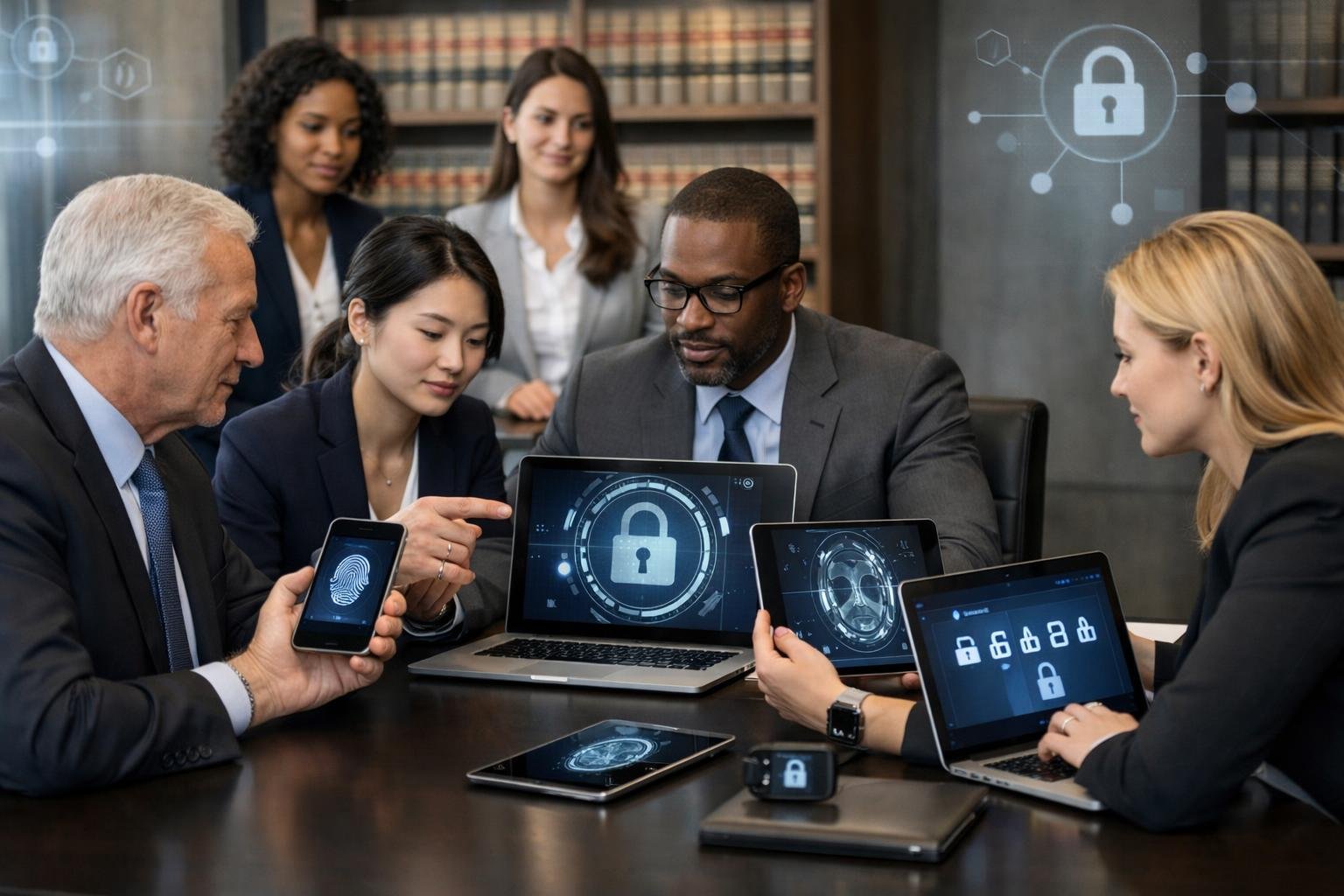
While multi-factor authentication significantly improves security over passwords alone, the protection you receive depends heavily on which MFA method you implement. Basic authentication methods remain vulnerable to modern phishing techniques, while advanced options provide substantially stronger defense against credential theft and unauthorized access.
Basic MFA methods include SMS text codes, email verification links, and voice calls that deliver one-time passwords. These approaches verify your identity through something you possess—typically your phone number or email account. While they add a layer beyond passwords, they operate at a lower MFA security level because they rely on communication channels that attackers can intercept or redirect.
Advanced MFA methods use authenticator apps, hardware security keys, or device-based authentication that generates time-based codes or cryptographic proofs. These methods create authentication credentials that remain isolated on your device rather than transmitted through potentially vulnerable channels. Hardware security keys using FIDO2 or WebAuthn standards represent the strongest option, providing phishing-resistant authentication that verifies both your identity and the legitimacy of the login page you’re accessing.
The authentication risk profile differs substantially between these tiers. Basic methods protect against automated password attacks but offer limited defense against targeted social engineering. Advanced methods, particularly hardware keys, establish cryptographic trust that prevents credential reuse even if an attacker convinces you to attempt authentication on a fraudulent site.
SMS-based MFA faces multiple bypass techniques that sophisticated attackers regularly exploit. SIM swapping attacks allow criminals to convince mobile carriers to transfer your phone number to their device, redirecting all text messages including authentication codes. Attackers also use man-in-the-middle phishing sites that capture and immediately relay both your password and MFA code to the legitimate service before the code expires.
Email-based verification links present similar vulnerabilities if an attacker has already compromised your email account or can intercept messages through DNS hijacking. Push notification fatigue represents another exploitation method where attackers repeatedly trigger MFA prompts until you accidentally approve one or approve it just to stop the notifications.
Recent corporate breaches, including incidents affecting major cloud service customers, occurred specifically because organizations relied on MFA methods susceptible to these bypass techniques. The attackers used social engineering to obtain credentials, then defeated basic MFA through real-time phishing proxies that invisibly relayed authentication codes. These attacks succeeded despite MFA being technically enabled, highlighting the critical difference in identity security provided by various implementation approaches.
Phishing-resistant MFA methods verify the authentication destination cryptographically, making it impossible for attackers to relay credentials to legitimate services through proxy sites. When you use a hardware security key or platform authenticator, the authentication challenge includes domain binding that ensures the credential only works on the actual service website, not on convincing imitations.
For law firms handling privileged client communications and confidential case information, this protection addresses your most significant authentication risk. Phishing attacks specifically target legal professionals because successful credential theft provides access to valuable intellectual property, settlement negotiations, and attorney-client privileged materials.
Implementing phishing-resistant MFA for your single sign-on services and critical applications prevents the entire class of credential relay attacks. Modern implementations using managed devices can function with minimal user friction—your enrolled laptop or mobile device serves as the authentication factor automatically, only prompting for additional verification when accessing from new devices or when suspicious activity patterns emerge.
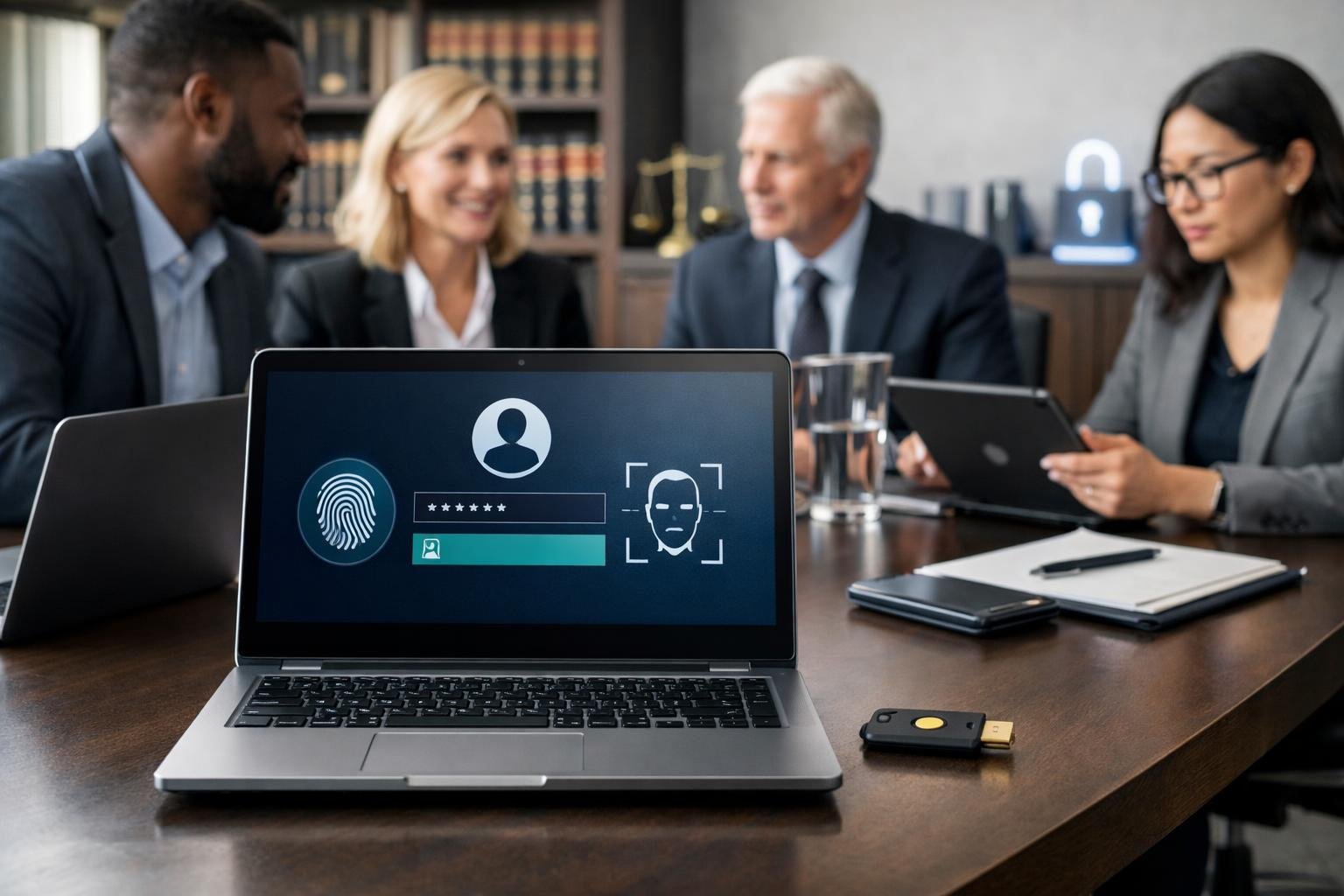
Hardware-based authentication methods using FIDO2 technology represent the strongest defense against credential theft because they verify the actual domain of a website before allowing access. Unlike traditional MFA that relies on codes or push notifications, these solutions make it technically impossible for attackers to phish credentials, even if your staff clicks on a malicious link.
FIDO2 security keys are physical devices that plug into your computer or connect wirelessly to authenticate users. Popular options like YubiKey provide the highest level of protection available for law firm accounts.
These keys use public-key cryptography instead of shared secrets. When you register a key with a service, it creates a unique cryptographic pair specific to that domain. The private key never leaves the device and cannot be copied or extracted. Each authentication attempt requires physical possession of the key and a user action like touching a button.
This method eliminates the vulnerabilities present in SMS codes, email links, and authenticator apps. No code can be intercepted because no code exists. FIDO2 keys work across platforms and require no special software beyond what modern browsers already support. They also streamline the login process since you simply insert the key and tap it rather than typing codes.
Hardware keys authenticate against the actual website domain before completing any login request. This domain binding is what makes them phishing-resistant.
When an attacker creates a fake login page designed to look like your practice management software or email portal, the hardware key will not recognize the fraudulent domain. Even if your staff member enters their username and password on the phishing site, the key will refuse to authenticate. The cryptographic challenge only succeeds when the domain matches exactly what was registered.
Traditional MFA methods fail here because they authenticate the user, not the website. SMS codes and authenticator app codes work on any site where they’re entered. An attacker can steal these codes in real-time through proxy sites or social engineering. Push notification MFA can be bypassed through notification fatigue, where users approve requests without verifying them. Hardware keys operate on cryptographic principles that make these attack vectors structurally impossible.
Deploy hardware keys for any account with access to client data, financial systems, or administrative controls. Partners, IT administrators, and billing staff should use FIDO2 keys as their primary authentication method.
You should also require hardware keys for remote access to your network and cloud-based legal software. Platforms like Microsoft 365, Google Workspace, and major practice management systems support FIDO2 authentication. Remote workers face higher phishing risks since they cannot easily verify requests with colleagues in person.
Consider hardware keys mandatory for any role that handles sensitive matters like litigation holds, trust accounting, or confidential client communications. The cost of keys ranges from $20 to $70 per device, making them affordable compared to the potential liability from a data breach. Each user needs at least two keys—one primary and one backup stored securely in case the primary is lost. This approach aligns with Zero Trust security principles by requiring cryptographic verification rather than assuming trust based on passwords alone.
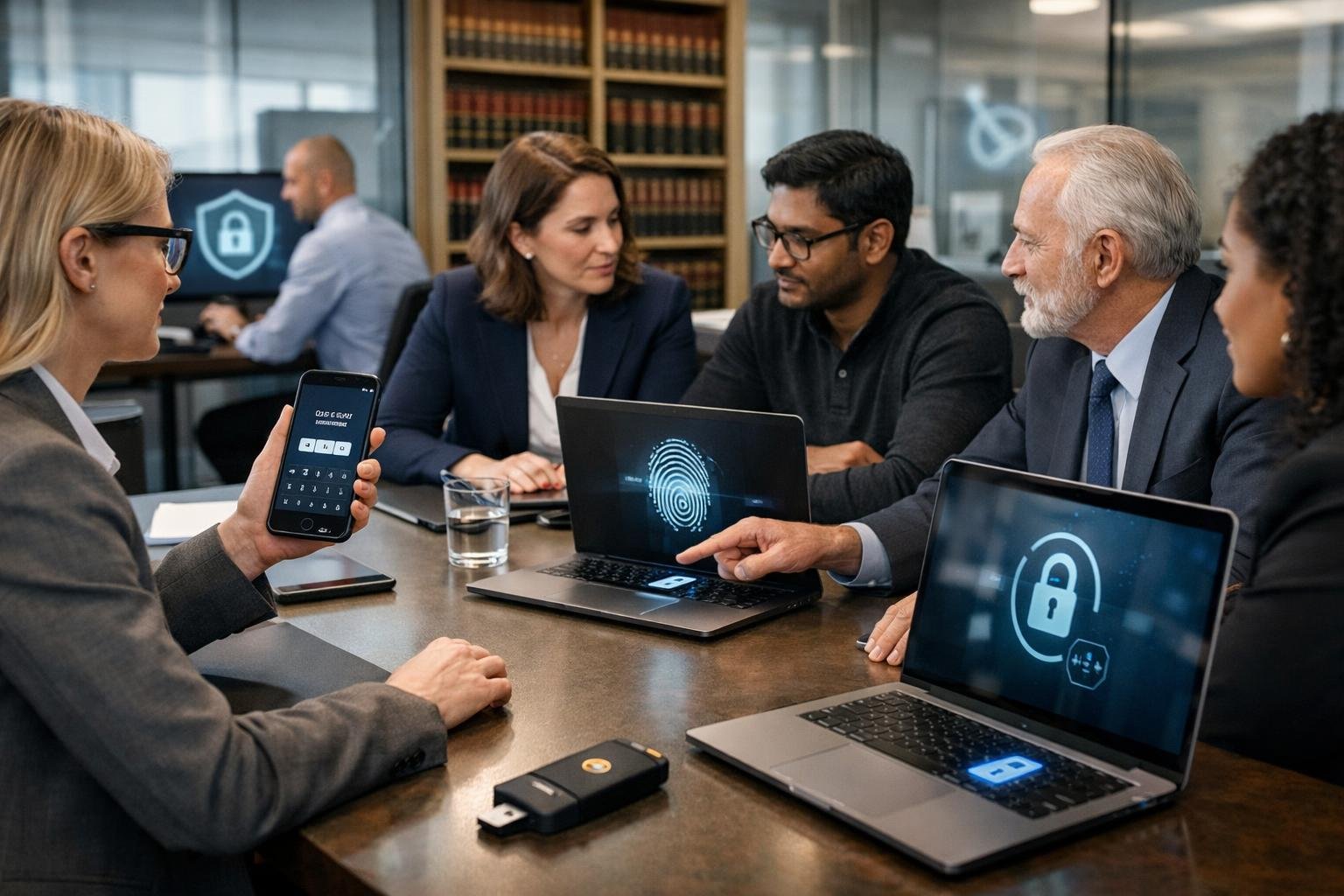
Authenticator apps represent a significant security upgrade over SMS codes and offer practical protection for most law firm scenarios. They generate time-based codes that aren’t transmitted over cellular networks, making them resistant to SIM-swapping and interception attacks that commonly target text messages.
Authenticator apps like Microsoft Authenticator, Google Authenticator, and Duo generate time-based one-time passwords (OTP codes) directly on your device. These apps use a shared secret key established during initial setup to create six-digit codes that refresh every 30 seconds.
The codes work offline because the cryptographic algorithm runs locally on your phone. When you log into a system, you enter your password first, then type the current code from the app as your second factor. The server validates the code by running the same algorithm with its copy of the secret key.
This method eliminates the vulnerabilities of SMS-based authentication. Nobody can intercept the code in transit because it never leaves your device until you manually enter it. SIM-swapping attacks become irrelevant since the codes aren’t tied to your phone number or cellular service.
App-based MFA offers several advantages that make it practical for law firms. The codes work without cellular service or internet connectivity, which matters when you’re traveling or in areas with poor reception. You can manage multiple accounts within a single app, making it easier to handle authentication for different client portals, case management systems, and cloud services.
The cost barrier is minimal. Your attorneys and staff likely already own smartphones capable of running authenticator apps. There’s no need to purchase additional hardware tokens or security keys for every user.
Recovery options are straightforward when someone gets a new phone. Most authenticator apps support backup codes or cloud-synced credentials that let users restore their accounts without IT intervention. This reduces support burden compared to managing physical tokens.
App-based MFA remains vulnerable to real-time phishing attacks where an attacker intercepts your credentials as you enter them. If you type your password and authenticator code into a fake login page, the attacker can immediately relay both to the legitimate service before the 30-second window expires.
This attack vector is called adversary-in-the-middle (AiTM) phishing. Sophisticated attackers create convincing replicas of login pages that capture your credentials and forward them in real time. The brief validity window of OTP codes doesn’t prevent this because the attacker uses them immediately.
MFA fatigue attacks also pose risks. Attackers who have stolen your password can trigger repeated authentication requests through the app, hoping you’ll eventually approve one out of annoyance or confusion. While this primarily affects push notification features rather than code-based authentication, many firms use apps that combine both methods.
For client data and privileged access to case files, these limitations matter. App-based MFA significantly raises the security bar, but it doesn’t eliminate credential theft through targeted phishing campaigns against your firm.
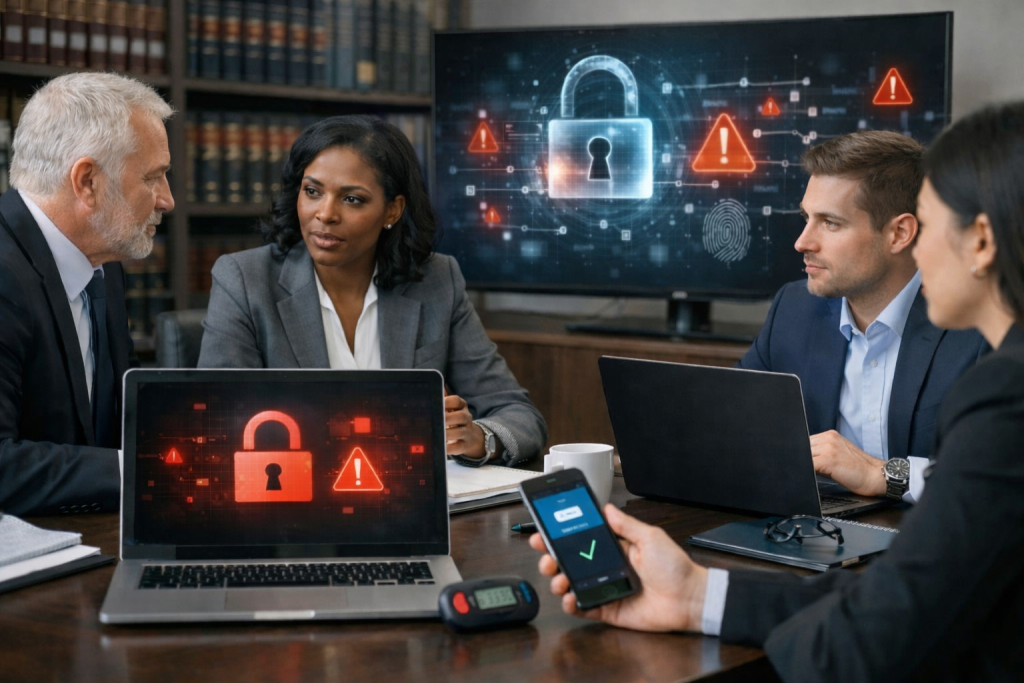
SMS codes, phone calls, and email-based authentication create dangerous vulnerabilities that attackers actively exploit to access law firm systems. These outdated methods fail to protect client data and should not be used for critical platforms like Microsoft 365.
SMS-based authentication is one of the least secure MFA methods available. When you rely on text message codes, attackers can intercept them through SIM swapping, a technique where they convince your mobile carrier to transfer your phone number to a device they control.
The process is simpler than you might think. An attacker gathers basic personal information about a target through social media or data breaches, then contacts the mobile carrier impersonating that person. Once the carrier transfers the number, all SMS codes go directly to the attacker’s device.
For law firms handling confidential client matters, this represents a critical weakness. Your mobile carrier’s customer service staff become the weakest link in your security chain, not your firm’s IT infrastructure. Determined attackers targeting legal practices specifically use this method because it works and requires minimal technical skill.
SMS MFA risk extends beyond SIM swapping. Text messages travel through multiple network intermediaries where interception is possible. Your firm cannot control or monitor these communication channels, making SMS codes fundamentally unreliable for protecting access to case files, financial records, or privileged communications.
Phone-based MFA relies on automated calls delivering access codes, creating opportunities for social engineering attacks. Attackers exploit this method by targeting your staff during high-pressure moments or using caller ID spoofing to appear as legitimate verification systems.
The human element makes phone verification particularly vulnerable in legal environments. An attacker might call your office posing as IT support, create urgency around a supposed security issue, then guide an employee through “verification steps” that actually grant unauthorized access.
Phone verification risk increases when firms operate across multiple time zones or have remote staff. Your team members working outside normal hours may receive unexpected verification calls and lack immediate access to colleagues who can confirm legitimacy. Attackers specifically target these situations.
Voice phishing attacks have grown more sophisticated with AI-generated voices that can mimic partners or trusted contacts. When combined with phone-based MFA, these techniques create scenarios where staff unknowingly approve access for attackers who sound exactly like authorized users.
Email-based authentication creates a circular security failure. If an attacker has already compromised your email account, they receive the MFA codes meant to protect that same account. This method provides zero additional security in the most critical scenario.
Email compromise frequently occurs before you attempt to strengthen authentication. Attackers gain initial access through phishing, then maintain persistence quietly. When you implement email-based MFA afterward, you’re simply sending verification codes to someone who already controls the inbox.
The problem compounds when you use email MFA to protect other systems. If attackers control your Microsoft 365 inbox, they can reset passwords and approve MFA requests for case management software, accounting systems, and client portals. Your entire security infrastructure collapses because it depends on an already-compromised channel.
Law firms must recognize that email-based MFA is insecure authentication for any sensitive system. It fails the fundamental requirement that MFA factors remain independent. Your email password and an email-delivered code both rely on the same compromised account, providing only the illusion of layered security.
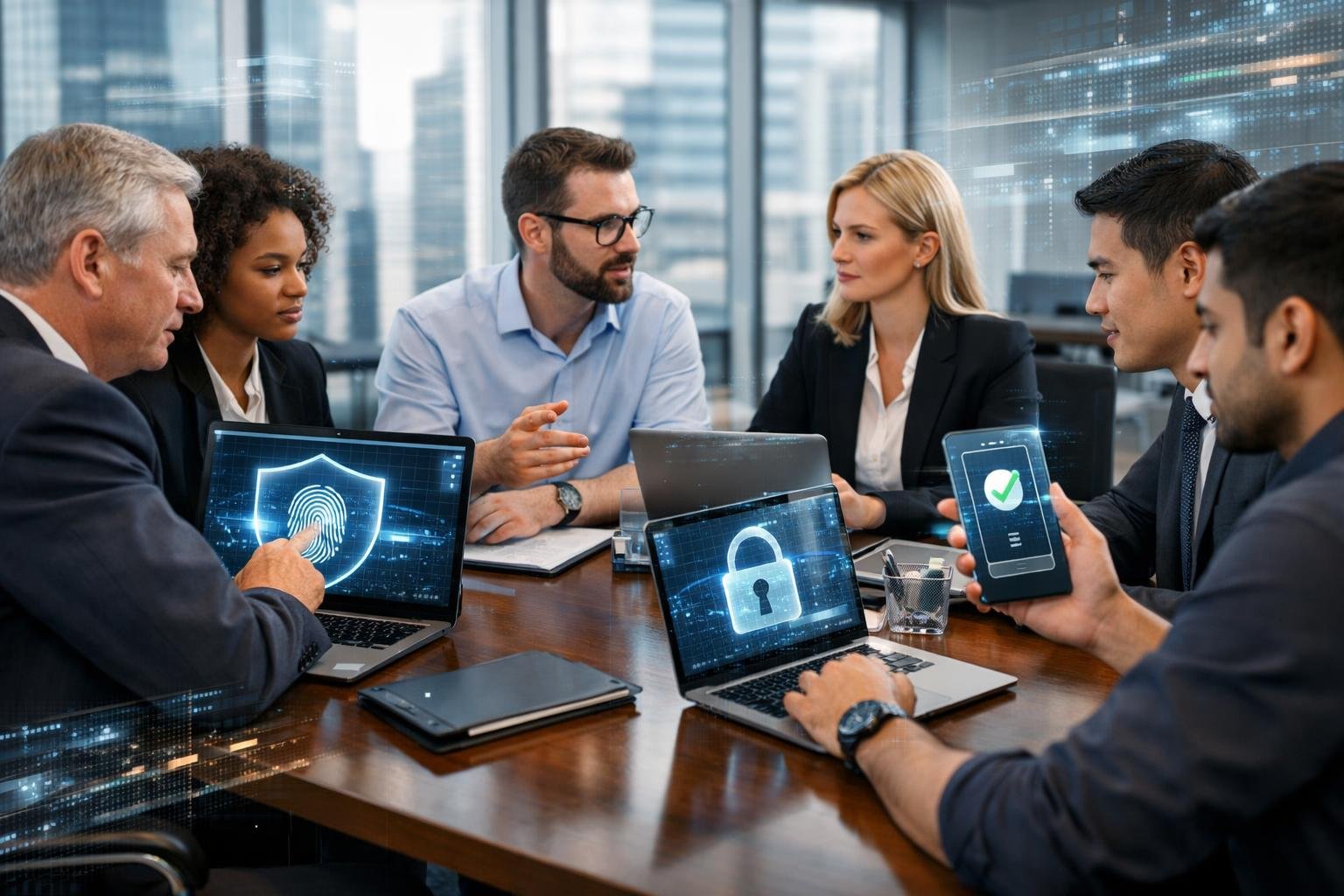
Attackers have developed specialized techniques to bypass traditional MFA implementations, particularly those relying on SMS codes, push notifications, or authenticator apps that can be manipulated through social engineering. These attacks target the procedural nature of authentication rather than breaking cryptographic protocols directly.
Modern phishing kits are purpose-built software packages sold on underground forums that automate the capture of both passwords and MFA codes in real-time. Tools like BlackForce, first observed in August 2025 and sold for 200-300 euros on Telegram, use Man-in-the-Browser techniques to intercept credentials as your staff enters them.
These kits create convincing replicas of login pages for common platforms your firm uses—Microsoft 365, Okta, or cloud-based practice management systems. When an attorney or staff member enters their username and password, the kit immediately relays those credentials to the real service, triggering an MFA challenge. The phishing page then updates dynamically to request the MFA code, which the victim provides believing they’re logging into the legitimate service.
The attack succeeds because the code is valid and used within seconds of generation. Time-based one-time passwords (TOTP) from authenticator apps provide no protection when an attacker can relay them faster than they expire. For law firms, this means client data, privileged communications, and financial information become accessible the moment a single employee falls for a convincing phishing email.
AiTM attacks involve attackers positioning themselves between your employee and the legitimate authentication service, proxying the entire login session. Unlike simple phishing pages that just collect credentials, AiTM infrastructure actively relays authentication requests and responses in real-time, capturing session tokens that grant access without needing to replay credentials.
The ShinyHunters campaign in January 2026 demonstrated the effectiveness of AiTM combined with voice phishing (vishing). Attackers targeted over 100 organizations, including Match Group, Panera Bread, and SoundCloud, using synchronized phone calls and phishing pages. An attacker would call your staff member impersonating IT support, directing them to a fake login page while simultaneously using their credentials against the real service. When MFA challenges appeared, the attacker instructed the victim through the phone to approve the request or enter the code—authenticating the attacker’s session rather than their own.
This resulted in data breaches ranging from 2 million to 20 million records per incident. Once authenticated, attackers registered their own devices for persistent MFA enrollment and deleted security notification emails to avoid detection. For your firm, this type of account takeover means unrestricted access to case files, email archives, and cloud storage containing privileged attorney-client communications.
MFA fatigue attacks, also called push bombing, exploit push notification-based authentication by overwhelming users with repeated approval requests until they accept one just to stop the alerts. Attackers who have stolen passwords trigger dozens or hundreds of push notifications to your mobile device, often during off-hours when you’re tired or distracted.
Some attackers combine this with phone calls claiming to be IT support, explaining that the notifications are part of a “system update” and that you should approve the request to complete the process. This social engineering component dramatically increases success rates because it provides a seemingly legitimate explanation for the unusual authentication activity.
Number matching—where you must enter a displayed number to approve authentication—was designed to counter push fatigue attacks. However, the January 2026 ShinyHunters campaign demonstrated that even number matching fails when attackers control the instruction context through phone calls. An attacker on the phone can simply tell you which number to enter, turning the security control into a procedural step you complete under their direction. Your approval authenticates their session, granting them full access to your firm’s systems and the sensitive client data they contain.
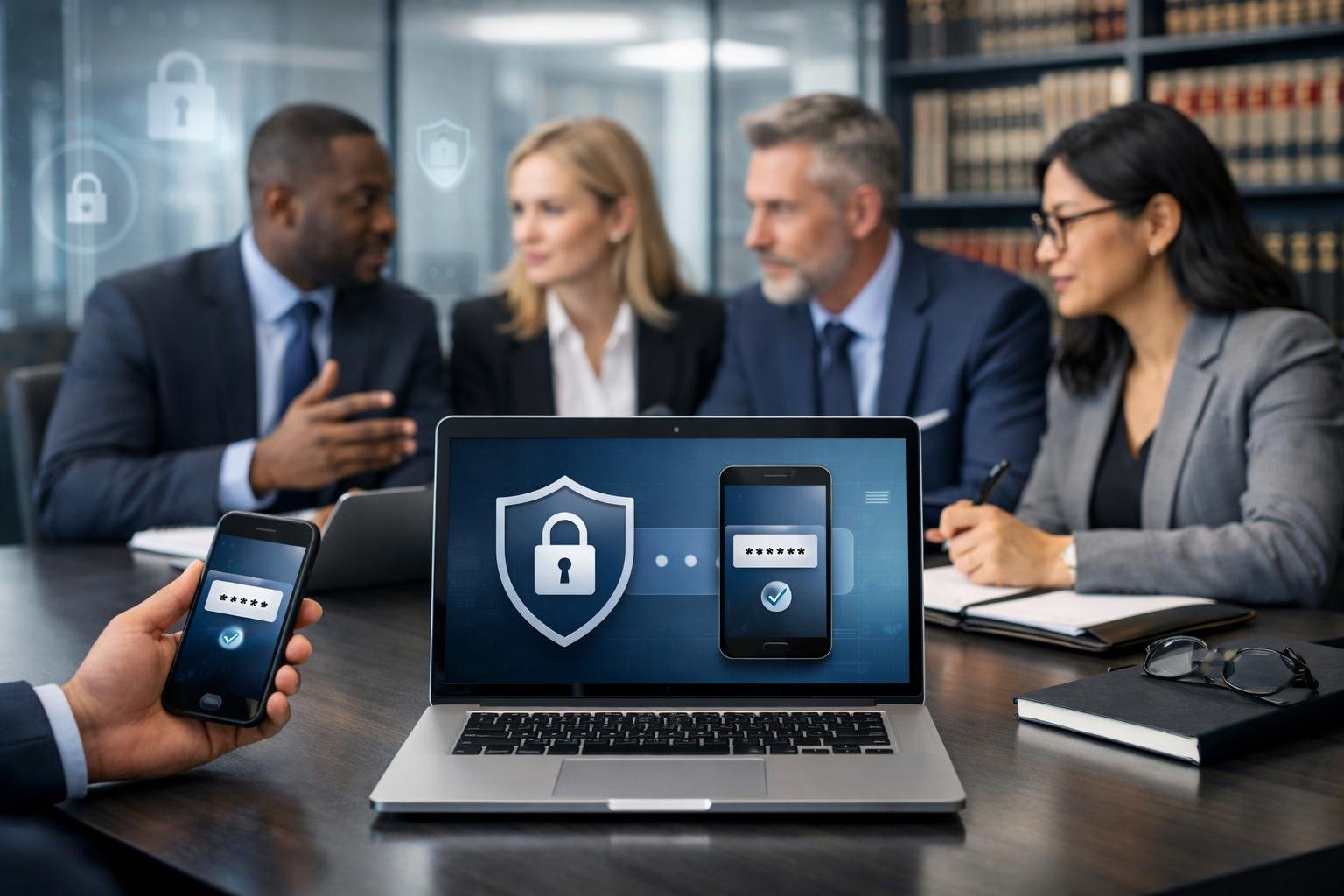
Implementing MFA effectively requires strategic enforcement across your entire infrastructure and selecting authentication methods that match your firm’s risk profile. Success depends on comprehensive deployment, user-appropriate authentication types, and dynamic access controls that respond to threat indicators.
Your firm must mandate MFA for every account that accesses confidential client data, legal documents, or internal communications. This includes email accounts, document management platforms, case management software, client portals, and file-sharing systems. Single points of failure emerge when even one administrative account remains unprotected.
Start by identifying all systems that handle privileged information and create an inventory of user access points. Deploy MFA first to partner and administrative accounts, then expand to all attorneys and staff members. Your rollout should include legacy systems and third-party applications that integrate with your core infrastructure.
Disable password-only authentication completely once MFA deployment reaches full coverage. Configure your systems to reject login attempts that bypass multi-factor verification, eliminating the option for users to revert to weaker security. Monitor compliance through regular audits that identify any gaps in protection and address them immediately.
Hardware security keys provide the strongest protection for partners, administrators, and users handling highly sensitive matters. These physical devices like YubiKeys resist phishing attacks that compromise other authentication methods. Assign hardware tokens to users who access privileged client data, financial information, or strategic communications.
Authenticator apps such as Microsoft Authenticator or Google Authenticator offer strong security for general staff while maintaining usability. These applications generate time-based codes without requiring SMS delivery, protecting against SIM swapping attacks that target text messages.
Avoid SMS-based codes whenever possible, as telecommunications vulnerabilities allow attackers to intercept messages. When SMS remains your only option for specific users or systems, treat it as a temporary measure and migrate to app-based or hardware authentication. Never rely on email-based codes, which provide minimal additional security beyond passwords.
Conditional access policies evaluate risk signals before granting system access, creating dynamic security that adapts to threat indicators. Microsoft Entra ID and similar identity management platforms assess user location, device compliance, sign-in risk, and application sensitivity to determine authentication requirements.
Configure your policies to require additional verification when users log in from unfamiliar locations, unmanaged devices, or after detecting suspicious behavior patterns. Zero Trust principles demand verification for every access request regardless of network location, eliminating assumptions about trusted environments.
Implement identity management rules that restrict access based on role requirements and data sensitivity. Your conditional access framework should enforce stricter controls for accessing litigation files, financial records, or confidential communications compared to routine administrative tasks. These access control mechanisms reduce your attack surface by limiting unnecessary exposure to sensitive information.
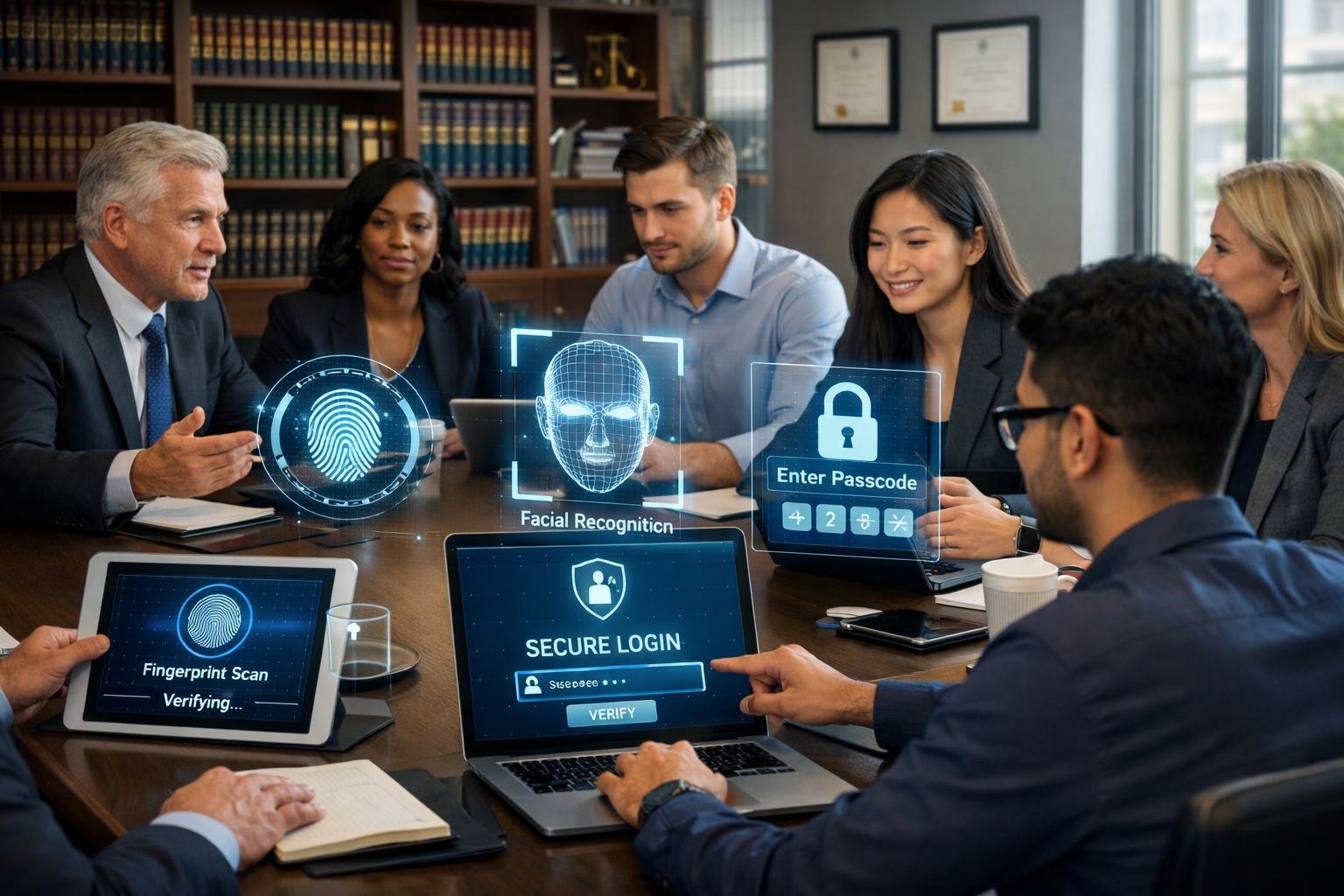
Law firms face mounting pressure to meet data protection requirements that explicitly call for stronger authentication controls. MFA has become a baseline expectation across regulatory frameworks, bar associations, and client agreements as a measurable standard for reasonable security.
Your firm handles confidential client information daily, creating an ethical duty to protect that data with appropriate safeguards. The ABA Model Rules of Professional Conduct require you to maintain competence in technology and protect client information from unauthorized access. This obligation extends beyond general awareness to implementing specific technical controls.
Many cyber insurance policies now mandate MFA as a condition of coverage. Insurers recognize that password-only access significantly increases breach risk and claim costs. If your firm experiences a data breach without MFA in place, your insurer may deny coverage or reduce payouts.
Client contracts increasingly specify MFA requirements in vendor security questionnaires and engagement agreements. Corporate legal departments and regulated clients expect their outside counsel to meet or exceed their own internal security standards. Failing to implement MFA can disqualify your firm from certain engagements or result in audit failures.
Courts and regulators evaluate law firm security practices against the “reasonable measures” standard. This legal framework asks whether your firm implemented safeguards that a prudent attorney would deploy given current threats and available technology. MFA meets this threshold because it addresses known vulnerabilities in password-based authentication.
The ABA cybersecurity guidance emphasizes implementing layered security controls proportional to the sensitivity of client data. MFA directly supports this approach by adding verification steps that prevent unauthorized access even when passwords are compromised. Your firm can demonstrate due diligence by requiring MFA for email, document management systems, and client portals.
Reasonable security measures now include:
Implementing MFA helps your firm satisfy multiple compliance obligations simultaneously. Data protection regulations like GDPR and state privacy laws require organizations to implement appropriate technical measures to secure personal information. MFA qualifies as such a measure because it materially reduces unauthorized access risk.
MFA creates auditable logs that demonstrate your firm took active steps to verify user identity. These records prove valuable during regulatory examinations, breach investigations, and malpractice claims. You can show exactly when and how authentication occurred, supporting your defense that reasonable precautions were in place.
Your firm also reduces exposure to client notification requirements and regulatory penalties. Many breach notification laws provide safe harbor provisions when encrypted data is accessed by authenticated users. MFA strengthens your authentication process, potentially limiting disclosure obligations if an incident occurs.
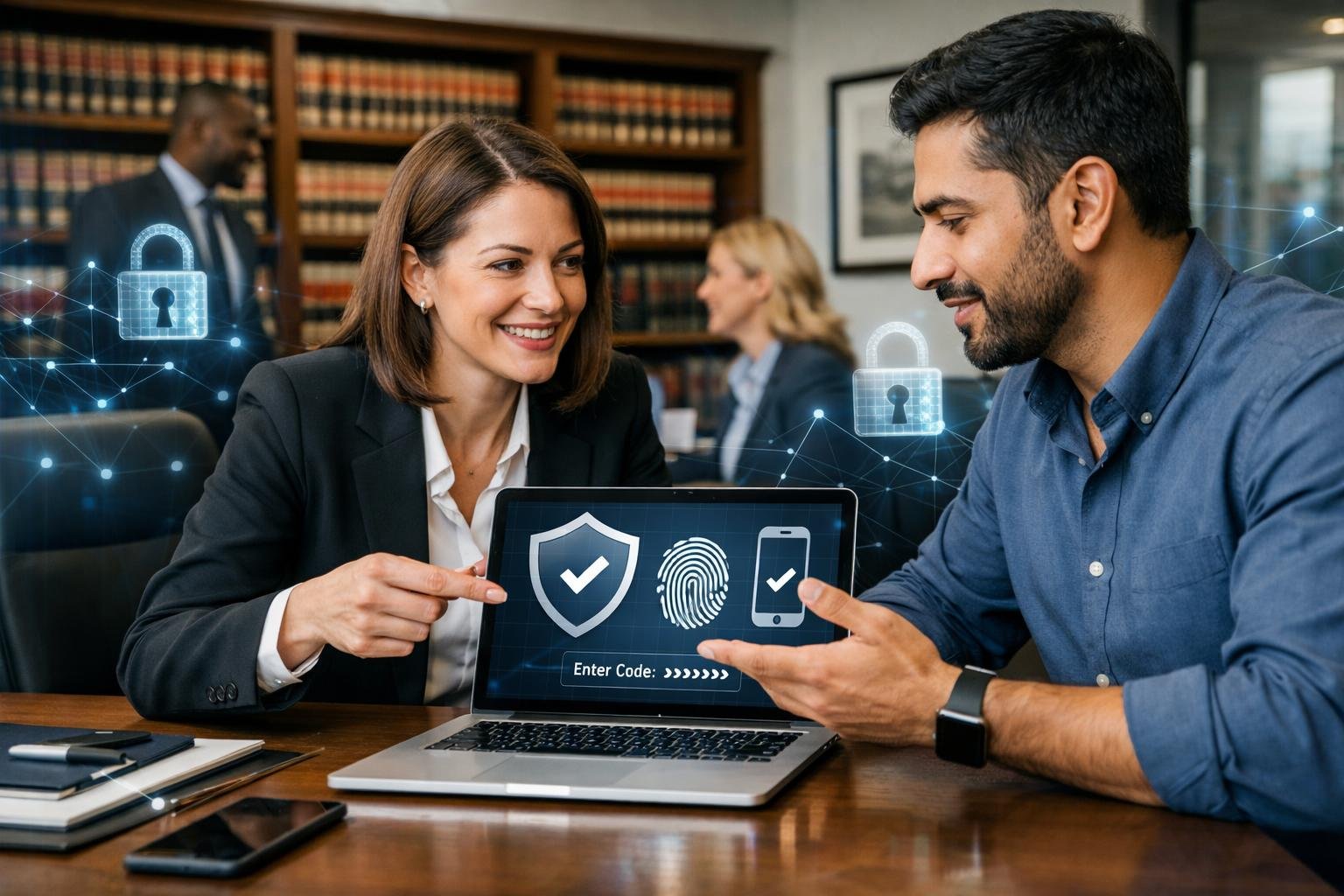
ELMIDA Solutions specializes in deploying multi-factor authentication for law firms through secure Microsoft 365 configuration, eliminating weak authentication methods, and providing hands-on technical support. The firm’s approach ensures that identity protection measures align with the security requirements of legal practices handling confidential client data.
ELMIDA Solutions configures Microsoft 365 for law firms with MFA enforcement across all user accounts, including administrators and staff members. This implementation includes conditional access policies that require authentication verification based on user location, device compliance status, and risk level. The configuration process involves disabling legacy authentication protocols that bypass MFA protections, a common vulnerability in default Microsoft 365 setups.
Security hardening extends beyond basic MFA activation. ELMIDA Solutions implements application-specific policies that prevent unauthorized access attempts even when credentials are compromised. These controls include session timeout parameters, device registration requirements, and risk-based authentication that adapts to suspicious login patterns.
The firm also configures audit logging and monitoring systems that track MFA enrollment status, authentication failures, and potential account compromise indicators. This visibility allows your firm to identify users who haven’t completed MFA setup and detect unusual access patterns that may signal security incidents.
Many law firms initially adopt SMS-based or email-based authentication codes, which remain vulnerable to SIM swapping attacks and email account compromise. ELMIDA Solutions migrates firms to authenticator apps like Microsoft Authenticator or hardware security keys that provide stronger identity protection. These methods rely on cryptographic verification rather than codes that can be intercepted or phished.
The transition process includes evaluating your current authentication infrastructure and identifying accounts still using outdated methods. ELMIDA Solutions prioritizes migration based on access privileges, starting with administrative accounts and users who handle the most sensitive client information.
User adoption often presents the biggest challenge when implementing stronger MFA. ELMIDA Solutions addresses this through staged rollouts that allow your staff to adjust gradually while maintaining security standards. The firm also disables weaker authentication options once migration is complete, preventing users from reverting to less secure methods.
ELMIDA Solutions provides cybersecurity services that include personalized training sessions for your attorneys and staff. These sessions cover how to approve authentication requests, what to do if a device is lost, and how to recognize phishing attempts that try to trick users into approving fraudulent login requests. Direct support eliminates the confusion that often accompanies MFA deployment.
Implementation includes device enrollment assistance where ELMIDA Solutions’ technicians help each user install and configure authentication apps on their smartphones or set up hardware tokens. This hands-on approach ensures complete adoption rather than leaving users to configure security tools independently.
Ongoing managed IT for law firms includes monitoring MFA effectiveness, updating policies as new threats emerge, and providing immediate support when authentication issues arise. ELMIDA Solutions also handles MFA recovery procedures when users change devices or encounter access problems, preventing these situations from disrupting your firm’s operations or creating security gaps.
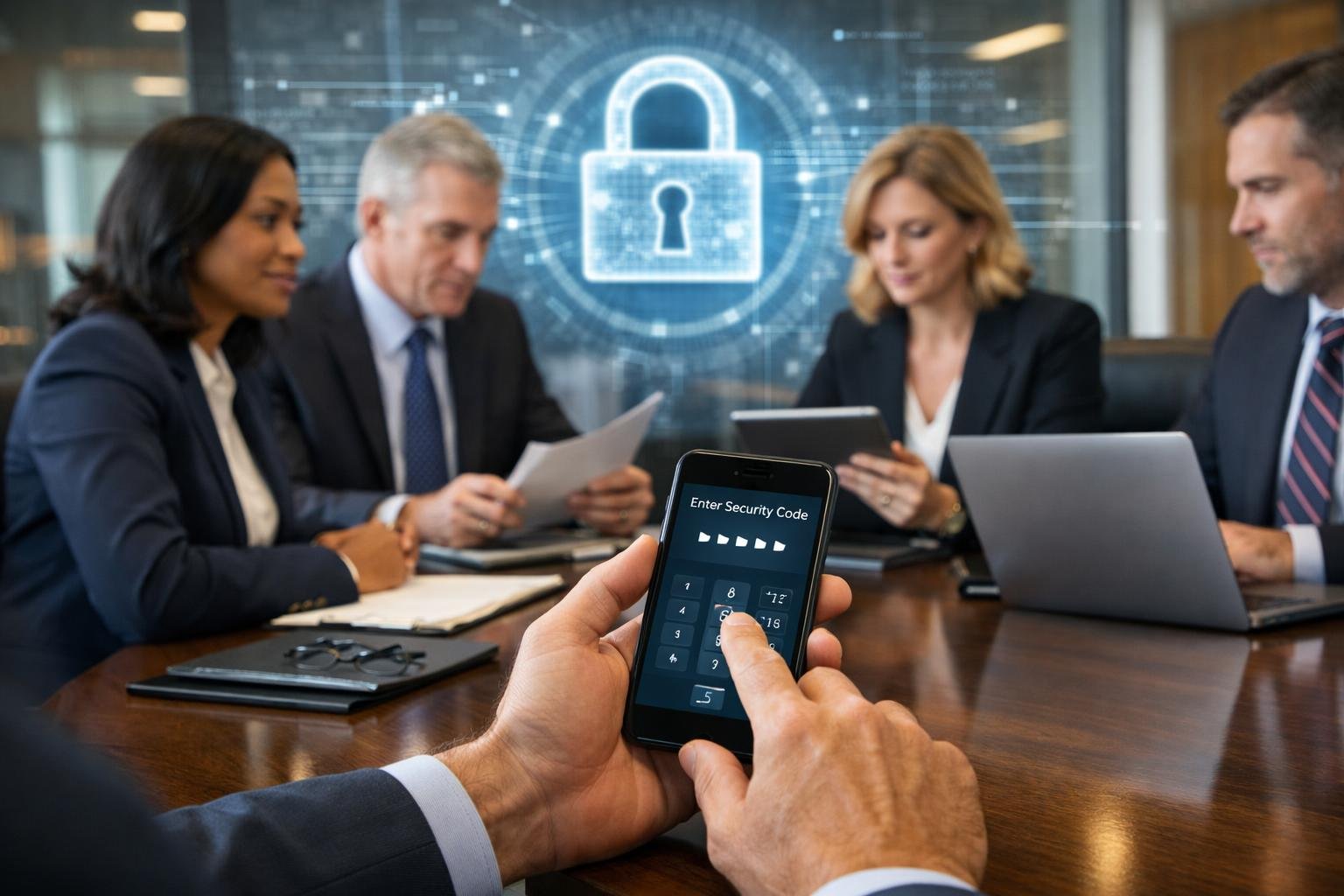
Multi-factor authentication delivers exceptional security value with minimal complexity, yet its effectiveness hinges entirely on how you deploy it across your firm. The authentication methods you select and the systems you prioritize will determine whether MFA becomes a true defensive barrier or just another checkbox exercise.
MFA blocks 99% of automated attacks targeting your firm’s credentials, making it the single most cost-effective security investment available to legal practices. When credentials are compromised through phishing or data breaches, your second authentication factor prevents unauthorized access to client files, email systems, and case management platforms.
The security control works because attackers exploit stolen passwords at scale. They cannot replicate physical devices or biometric data with the same efficiency. A compromised password becomes worthless without access to your smartphone, hardware token, or fingerprint.
Law firm protection starts with understanding that MFA addresses your most common vulnerability: human error. Your staff will click suspicious links and reuse passwords despite training. MFA compensates for these inevitable mistakes by requiring verification that only legitimate users can provide.
SMS-based verification codes remain the weakest MFA option, vulnerable to SIM swapping attacks and interception. Authenticator apps like Microsoft Authenticator or Google Authenticator provide significantly stronger protection without additional hardware costs.
Hardware security keys offer the highest level of identity security for privileged accounts and administrative access. These physical devices prevent phishing entirely because they verify the login page’s authenticity before transmitting credentials.
Your firm should prioritize push-based authentication through mobile apps for daily use and reserve hardware keys for accounts with administrative privileges or access to the most sensitive client data. Biometric authentication works well for device access but should supplement rather than replace other factors for cloud services and remote access.
Begin MFA deployment with email systems and cloud storage platforms where client communications and documents reside. These systems face constant attack attempts and contain your most valuable data.
Extend MFA to practice management software, accounting systems, and any application containing personally identifiable information. Work with your IT provider or security consultant to identify privileged accounts that need immediate protection through stronger authentication methods.
Document your MFA policies clearly and train staff on proper usage before enforcement. Cybersecurity best practices require that your team understands why MFA matters and how to respond when authentication prompts appear. Resistance drops significantly when people recognize they’re protecting client confidentiality rather than following arbitrary rules.
Enable MFA on vendor portals and third-party services to prevent supply chain attacks that exploit weaker security at partner organizations. Your security posture depends partly on the controls you require from service providers who access your systems or data.
Law firms implementing multi-factor authentication often have similar questions about how it works, what risks it addresses, and how to deploy it effectively across different platforms and user needs.
Multi-factor authentication is a security method that requires you to verify your identity using two or more different types of proof before accessing an account or system. Instead of relying solely on a password, you must provide additional evidence that you are who you claim to be.
The verification factors typically fall into three categories. Something you know includes passwords or PINs. Something you have refers to physical devices like smartphones, security keys, or hardware tokens. Something you are involves biometric data such as fingerprints or facial recognition.
Law firms handle highly sensitive client data, privileged communications, and confidential case information that cybercriminals actively target. A single compromised password can expose your entire practice to data breaches, regulatory penalties, and severe reputational damage.
MFA protects against the most common attack methods used against legal practices. Phishing emails that trick employees into revealing passwords become far less effective when attackers still need a second authentication factor. Your firm also demonstrates compliance with data protection regulations and professional responsibility rules that require reasonable security measures for client information.
Client trust depends on your ability to safeguard their confidential matters. Implementing MFA shows clients you take security seriously and have deployed industry-standard protections for their sensitive legal data.
Hardware security keys represent the most secure MFA method currently available. These physical devices, often USB or NFC-enabled keys, generate cryptographic proofs that cannot be intercepted or duplicated by remote attackers.
Biometric authentication offers strong security for individual devices. Fingerprints and facial recognition are unique to each person and difficult to replicate. However, biometric data stored on central servers can become a target, so implementation matters significantly.
Certificate-based authentication using smart cards provides high security for organizations with strict access controls. This method combines physical card possession with PIN knowledge, creating a robust barrier against unauthorized access to your firm’s most sensitive systems.
SMS codes provide better protection than passwords alone but represent the least secure MFA option. Text messages can be intercepted through SIM swapping attacks, where criminals convince mobile carriers to transfer your phone number to a device they control.
SS7 vulnerabilities in cellular networks allow sophisticated attackers to intercept SMS messages without physical access to your phone. Public information about partners and staff at your firm can make social engineering attacks against mobile carriers more successful.
Authenticator apps offer significantly better security than SMS codes. Apps like Microsoft Authenticator or Google Authenticator generate time-based codes directly on your device without transmitting them through vulnerable cellular networks.
Determined attackers can bypass certain MFA implementations, though doing so requires significantly more effort than stealing passwords. MFA-fatigue attacks bombard users with repeated authentication requests until they approve one out of frustration or confusion.
Real-time phishing attacks use proxy servers to intercept both passwords and MFA codes as users enter them. The attacker relays this information immediately to gain access before the authentication session expires. These attacks require sophisticated tools and active monitoring but have successfully compromised organizations using basic MFA.
Choosing phishing-resistant MFA methods and training your staff to recognize suspicious authentication requests substantially reduces bypass risks. No security measure provides absolute protection, but MFA forces attackers to use complex, resource-intensive methods rather than simple password theft.
Phishing-resistant MFA uses cryptographic verification tied to specific websites or applications, preventing attackers from using intercepted credentials. FIDO2 security keys and platform-based authentication methods verify that you are authenticating to the legitimate service, not a fake login page.
These methods rely on public key cryptography where your device holds a private key and the service holds the corresponding public key. The authentication happens through a cryptographic challenge that confirms both your identity and the authenticity of the service requesting access.
Your firm should prioritize phishing-resistant MFA for email accounts, document management systems, and any platforms containing client data. This approach protects against the sophisticated phishing campaigns that increasingly target legal professionals.
Microsoft 365 administrators enable MFA through the Microsoft 365 admin center under the active users section. You select the users who need MFA protection and choose whether to enforce it immediately or allow users to set it up at their next login.
Users receive prompts to configure their authentication method when they next sign in. Microsoft supports multiple options including the Microsoft Authenticator app, phone calls, SMS codes, and hardware tokens. The Authenticator app provides the best balance of security and convenience for most law firms.
Your firm should enable security defaults or configure conditional access policies to require MFA for all users, especially those accessing client data. Start with administrative accounts and partner-level access, then expand to all staff members. Microsoft provides detailed rollout guidance and monitoring tools to track adoption across your organization.