
Onsite vs Remote IT Support for Law Firms: Choosing the Right Model for Client Data Protection
Comparing onsite vs remote IT support for NYC law firms and how each model affects client data protection, SHIELD Act compliance, and privilege.
When evaluating onsite vs remote IT support, most law firms treat it as a logistical decision about convenience or cost. But for NYC law firms handling privileged client communications, financial records, and litigation materials, this choice directly impacts your ability to protect confidential data and maintain compliance with professional responsibility rules. The decision between onsite and remote IT support is fundamentally a question of cybersecurity and regulatory compliance, not just operational efficiency.
Your obligations under the NYS SHIELD Act and ABA Model Rule 1.6 require reasonable measures to safeguard client information, which means your IT support model must address how technicians access your systems, where sensitive data moves during troubleshooting, and whether your provider can respond appropriately when a breach threatens attorney-client privilege. Remote IT support offers faster response times for software issues and network monitoring, while onsite support provides hands-on hardware management and physical security controls. Without an internal IT department to bridge the gap, you need clarity on which model protects your clients and your practice.
The reality for most NYC law firms is that neither pure onsite nor fully remote IT support alone meets the unique demands of legal practice. Your support model must balance the speed and monitoring capabilities of remote assistance with the physical presence required for secure hardware deployment, evidence handling, and compliance audits. Understanding how each approach addresses data protection, incident response, and regulatory requirements will determine whether your managed IT services NYC provider becomes a compliance partner or a liability.
Key Takeaways
- Onsite vs remote IT support for law firms is primarily a compliance and data security decision, not just a cost or convenience choice
- Remote support delivers faster response for software and network issues, while onsite support handles hardware, physical security, and sensitive data management
- A hybrid IT support model typically provides the best balance of security, compliance, and operational efficiency for NYC law firms without internal IT staff
Understanding Onsite vs Remote IT Support for Law Firms
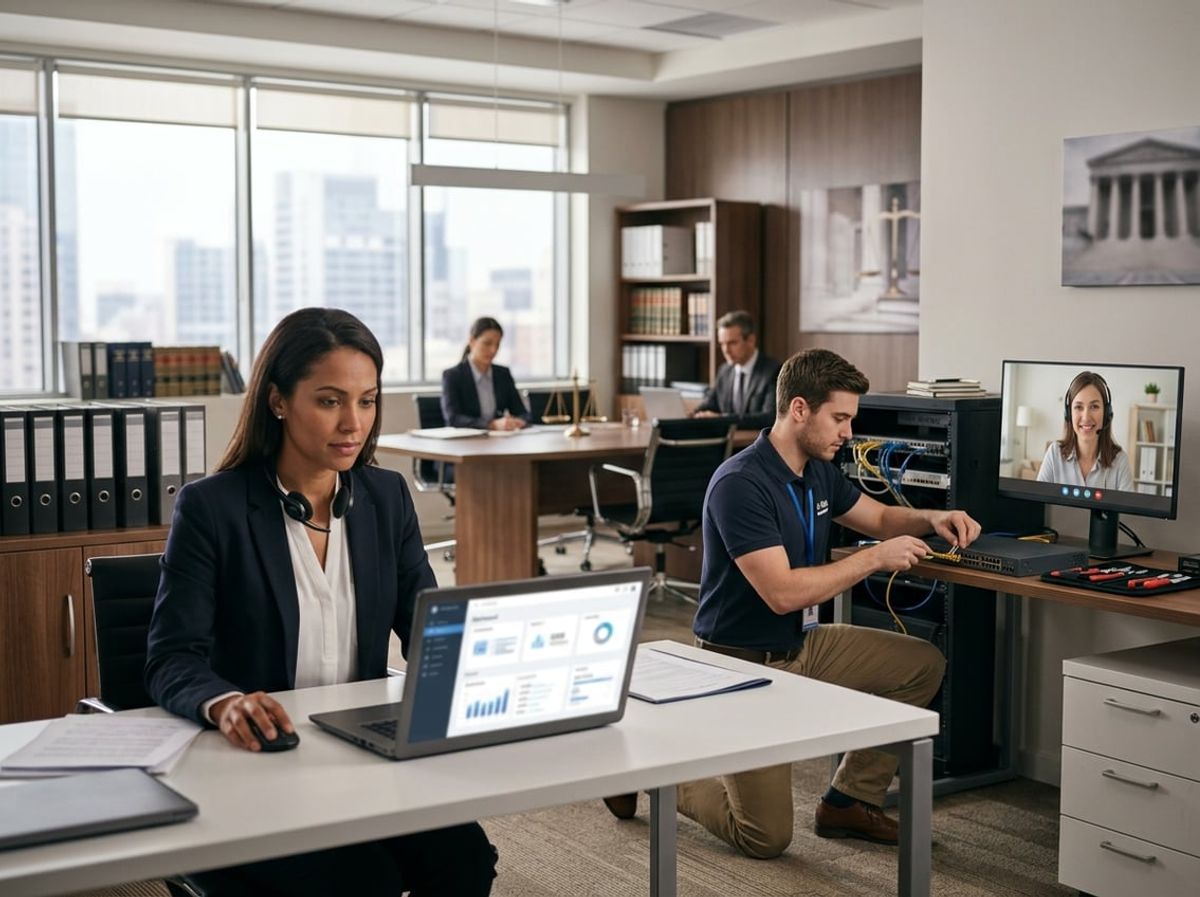
Law firms handle privileged attorney-client communications and sensitive case materials that require IT support models aligned with strict confidentiality obligations and regulatory frameworks. The choice between physical and virtual technical assistance directly impacts your ability to maintain client trust and meet professional responsibility standards.
Defining Onsite IT Support for Legal Practices
Onsite IT support places technicians physically within your law office to manage systems, troubleshoot issues, and maintain infrastructure. These professionals arrive at your firm's location to perform tasks ranging from workstation setup to server maintenance.
For legal practices, this model offers direct oversight of how technicians handle case files and client data. You can observe access procedures, verify proper handling of privileged materials, and ensure compliance with your confidentiality protocols in real time.
Physical presence enables immediate response to hardware failures that could jeopardize court deadlines. When a partner's computer fails hours before a filing deadline, an onsite technician can swap hardware, recover data, and restore access without relying on internet connectivity or remote access tools that might raise security concerns.
This approach also addresses physical security requirements. Your staff can escort technicians, monitor their access to file rooms or document storage areas, and prevent unauthorized exposure to client information displayed on screens or printed materials.
Defining Remote IT Support for Legal Practices
Remote IT support delivers technical assistance through secure internet connections that allow technicians to access your systems from external locations. Support staff connect to your workstations, servers, and network infrastructure without entering your physical office space.
This model relies on specialized software that creates encrypted tunnels between your devices and the technician's computer. The technician can view your screen, install updates, adjust configurations, and resolve software issues as if sitting at your desk.
For law firms, remote support introduces specific confidentiality considerations. Every remote session creates a potential pathway to privileged information, requiring strict authentication protocols and session logging. You need clear documentation showing who accessed what systems, when they connected, and which files they viewed during support sessions.
Remote technicians cannot address physical hardware failures, cable issues, or equipment that requires hands-on intervention. If your document scanner malfunctions before a discovery deadline, remote support cannot replace components or diagnose mechanical problems.
The effectiveness of remote assistance depends entirely on functional network connectivity. Internet outages or system crashes that prevent remote access require alternative solutions, potentially delaying resolution of critical issues.
Why the Distinction Matters for Client Confidentiality
Your choice between onsite and remote IT support creates different risk profiles for protecting attorney-client privilege and meeting your ethical obligations under the ABA Model Rules of Professional Conduct.
Remote access introduces these specific confidentiality risks:
- Technicians working from external locations may handle multiple clients simultaneously, increasing the chance of data exposure across organizations
- Screen sharing sessions could inadvertently display privileged case strategy, settlement discussions, or client identity to technicians who lack proper clearance
- Remote connections create logs and cached data on external systems that may not meet your data retention and destruction requirements
Onsite support addresses confidentiality through:
- Direct supervision of technician activities while they access sensitive systems
- Ability to restrict physical access to specific areas, preventing exposure to printed documents or whiteboards containing case information
- Immediate verification that technicians follow your clean desk policies and screen lock procedures
The NYS SHIELD Act requires reasonable safeguards for private information, and your support model must demonstrate appropriate controls. Remote sessions need documented security measures including multi-factor authentication, encrypted connections, and access restrictions that limit technician permissions to only necessary systems. Onsite arrangements require background checks, signed confidentiality agreements, and escort procedures that prevent unsupervised access to client data.
Neither model inherently satisfies your confidentiality obligations. Your responsibility extends to vetting the security practices of any IT provider, establishing clear protocols for handling privileged information, and maintaining audit trails that prove compliance with your professional duties.
How Onsite IT Support Works for Legal Practices
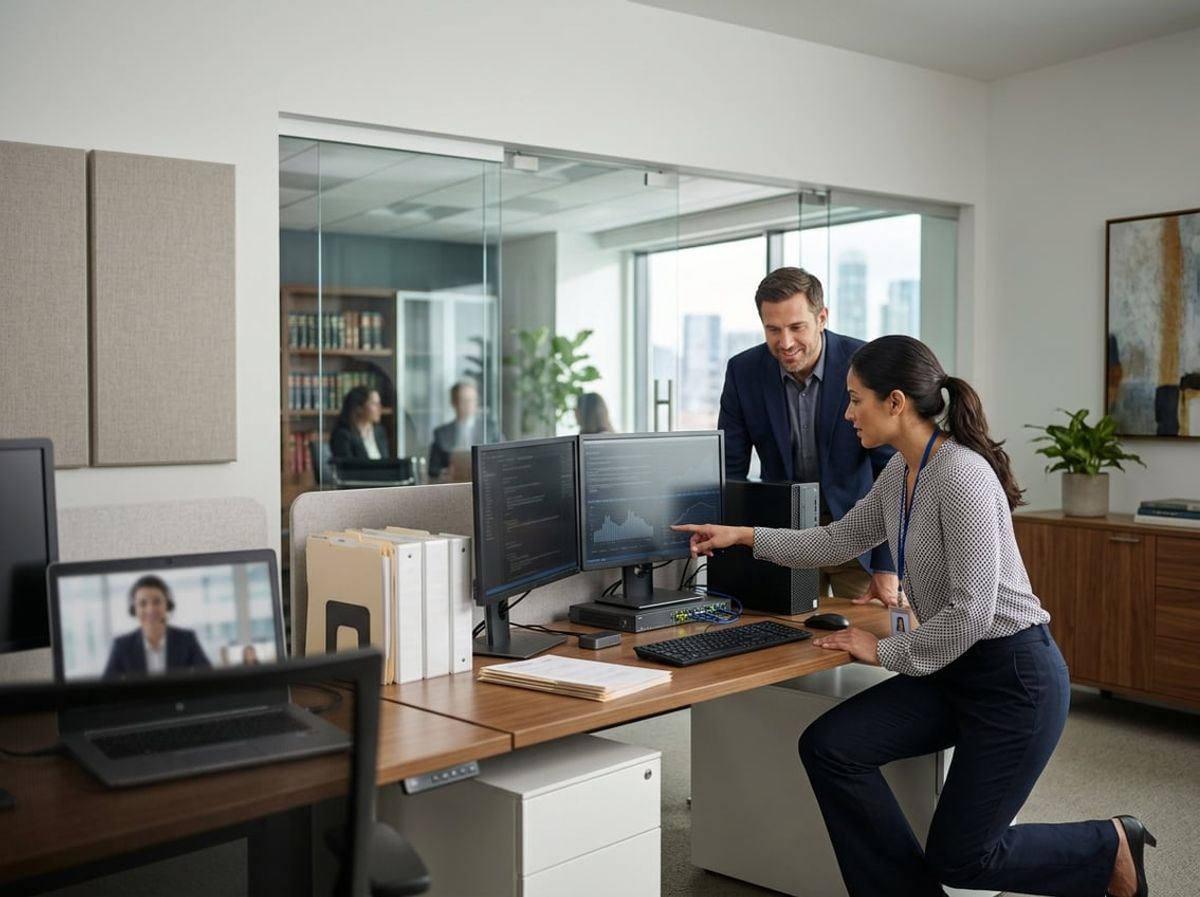
Onsite IT support delivers physical access to your firm's infrastructure, enabling technicians to manage servers, diagnose hardware failures, and enforce physical security protocols directly at your office. This approach addresses the hands-on requirements of maintaining law firm servers and network equipment while meeting stringent confidentiality standards.
On-Premises Server and Network Management
Your law firm's on-premises network requires regular maintenance that remote technicians cannot perform. Onsite IT support technicians physically access your server room to configure rack-mounted equipment, replace failing hard drives, and maintain network switches that house privileged client communications.
Critical onsite network tasks include:
- Installing and configuring physical firewalls that protect client data under NYS SHIELD Act requirements
- Managing VLAN segmentation to separate guest WiFi from networks containing confidential case files
- Performing physical backups to encrypted drives stored in secure locations for e-discovery compliance
- Upgrading network infrastructure when bandwidth demands increase during large document productions
Law firm servers handling matter management systems and document repositories need direct oversight. Your technician verifies that server room environmental controls maintain proper temperature and humidity levels, preventing hardware failures that could disrupt case deadlines. They also implement physical access logs and surveillance for server rooms, creating audit trails that demonstrate your compliance with attorney-client privilege protections.
On-premises network management allows immediate response when switches fail or when you need emergency network reconfiguration before a critical filing deadline. Remote tools cannot replace the physical presence required to troubleshoot cabling issues, replace power supplies, or validate that your backup systems actually restore data correctly.
Hands-On Hardware Troubleshooting and Maintenance
Hardware failures demand immediate physical intervention that remote support cannot provide. Your onsite technician diagnoses failing workstations, replaces malfunctioning components, and ensures attorneys can access case files without interruption.
Printer and scanner maintenance is essential for legal practices. Your technician services multifunction devices that handle confidential documents, replacing worn parts and clearing paper jams that could expose privileged materials. They configure secure print release features that prevent opposing counsel or court visitors from viewing documents left in output trays.
Desktop hardware troubleshooting includes:
- Replacing failed hard drives while maintaining chain of custody for drives containing client data
- Upgrading RAM and processors when document review software demands more resources
- Configuring dual-monitor setups for attorneys reviewing depositions alongside case notes
- Installing encrypted USB drives for secure file transfers to court or client meetings
Your technician also maintains specialized legal technology. They install dictation equipment for attorneys who draft motions, configure courtroom presentation systems, and ensure litigation support hardware integrates with case management databases. When discovery deadlines approach, they verify that your scanning equipment operates correctly and that OCR software produces searchable PDFs meeting court requirements.
Physical presence enables your technician to identify hardware issues before they cause data loss. They spot warning signs like unusual fan noise or overheating components, replacing them proactively rather than waiting for failures that could compromise client files.
Physical Security Considerations for Onsite Technicians
Physical security protocols protect your clients' confidential information when technicians access your infrastructure. You must verify that onsite IT support personnel undergo background checks and sign confidentiality agreements that acknowledge their exposure to privileged communications.
Security requirements for onsite technicians:
Your onsite technician must understand legal practice confidentiality requirements. They should avoid reading documents on screens, discussing case details, or accessing files unrelated to their technical work. Many law firms require technicians to work during specific hours when fewer attorneys are present, minimizing exposure to client conversations.
Physical security extends to hardware disposal. When your technician replaces failed hard drives or decommissions old servers, they must use certified data destruction methods. You need documentation proving that drives were wiped or physically destroyed, protecting you from data breach liability if equipment falls into unauthorized hands.
Screen privacy filters and physical locks on workstations add layers of protection when technicians perform maintenance. Your IT support provider should document their physical security procedures in writing, giving you evidence of reasonable safeguards if you ever face a disciplinary inquiry about data protection practices.
How Remote IT Support Works for Legal Practices
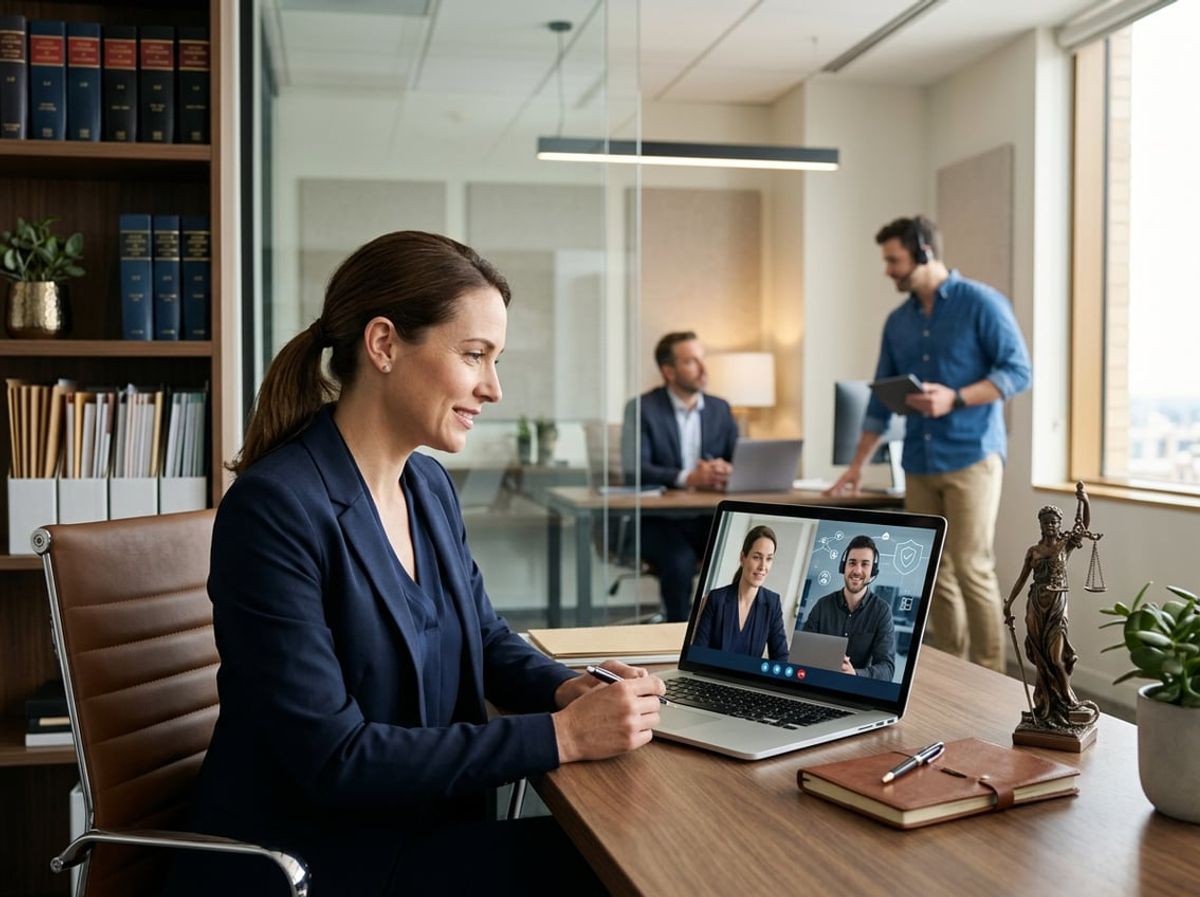
Remote IT support enables technicians to monitor, troubleshoot, and maintain your firm's systems without physical presence at your office. This approach relies on encrypted connections, automated monitoring platforms, and cloud infrastructure designed to protect attorney-client privilege while ensuring continuity across your practice.
Remote Monitoring and Management Tools
Remote monitoring and management (RMM) platforms continuously track your servers, workstations, and network devices for performance issues, security vulnerabilities, and compliance gaps. These tools alert technicians to potential threats before they disrupt court filings or compromise confidential case files.
For legal practices handling privileged communications, RMM software must encrypt all transmitted data and maintain detailed audit logs that satisfy NYS SHIELD Act requirements. Your provider should configure these tools to monitor specific compliance indicators such as failed login attempts, unauthorized access to client folders, and outdated software that could expose vulnerabilities during e-discovery.
Automated patch management through RMM ensures your systems receive critical security updates without manual intervention. This capability is essential when your attorneys work across multiple locations or handle sensitive matters remotely. The platform should also track software licenses and document retention policies to prevent accidental violations of ethical obligations.
Secure Remote Access Protocols
Secure remote access requires multi-layered authentication and end-to-end encryption that meets attorney work product protection standards. Technicians connect to your systems through virtual private networks (VPNs) or zero-trust access controls that verify identity before granting permissions.
Your remote support provider must implement role-based access restrictions that prevent technicians from viewing client data during troubleshooting sessions. This separation protects privilege and aligns with ABA Model Rule 1.6 regarding confidentiality. Session recordings and access logs should be maintained for compliance audits.
Two-factor authentication should be mandatory for any remote connection to your network. This requirement applies equally to support staff and attorneys accessing case management systems from outside your office. Your provider should also establish clear protocols for emergency access that balance urgent technical needs with your obligation to safeguard client information.
Cloud-Based Support for Distributed Legal Teams
Cloud-based IT support enables your attorneys to access practice management software, document repositories, and communication tools from any location while maintaining security controls. This infrastructure supports remote depositions, client consultations, and collaborative case preparation without compromising data protection.
Your cloud environment must include geographic redundancy to ensure availability during system failures that could jeopardize court deadlines. Data should be encrypted both in transit and at rest, with encryption keys managed according to your firm's confidentiality policies. Regular backups with tested recovery procedures prevent data loss that could constitute malpractice.
Distributed legal teams benefit from centralized identity management and single sign-on capabilities that reduce password vulnerabilities. Your remote support provider should configure access policies based on matter-specific permissions rather than broad administrative rights. This granular control ensures associates only access files relevant to their assigned cases while maintaining audit trails for conflict checks and ethical compliance reviews.
Security and Compliance Implications of Onsite vs Remote IT Support
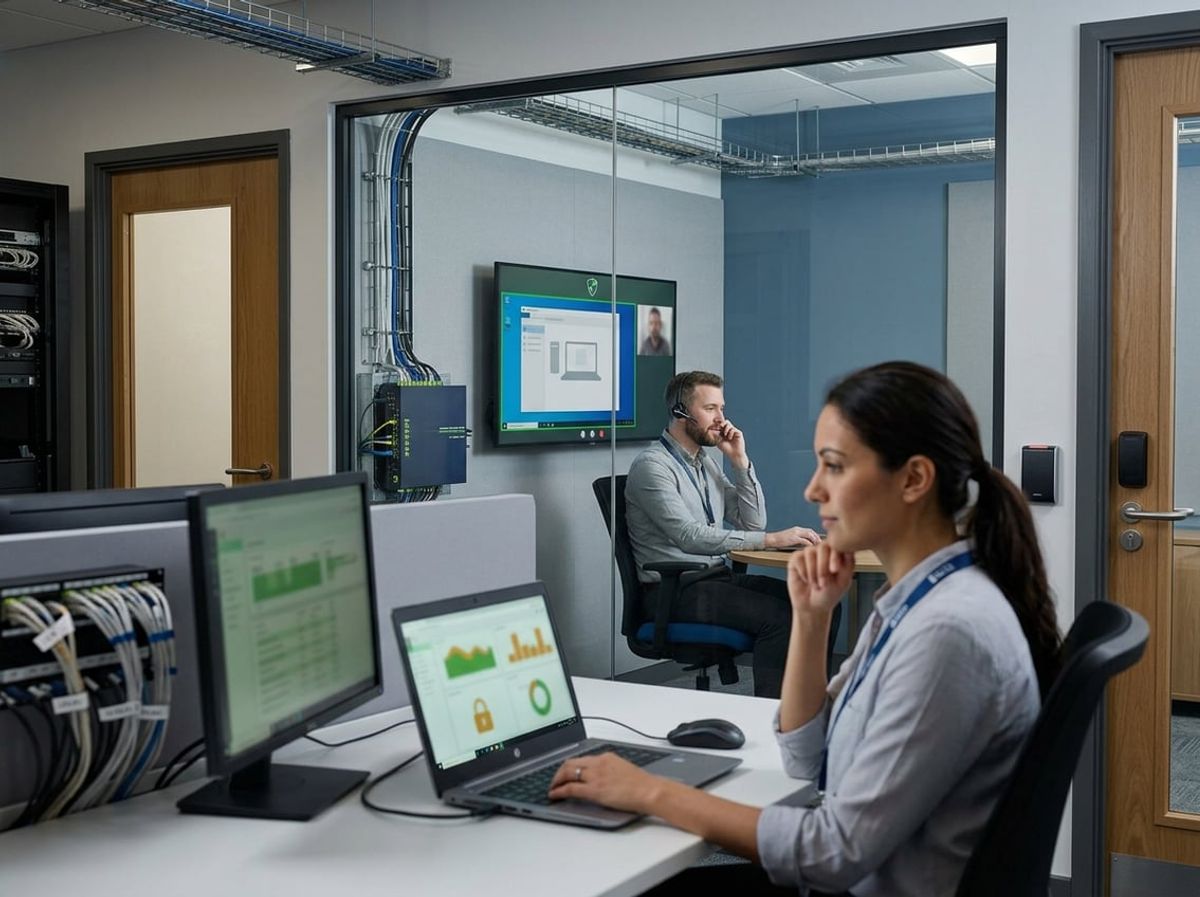
Both support models create distinct security surfaces that require different controls. Remote support introduces network access points and session logging requirements, while onsite technicians gain physical access to servers and workstations containing privileged communications.
Data Access Controls in Each Model
Remote IT support requires technicians to authenticate through external connections, typically using VPNs or remote desktop protocols that create encrypted tunnels into your network. You must ensure these connections employ multi-factor authentication and role-based access controls that limit which systems and files remote staff can view during support sessions. Screen sharing tools and remote access software become potential entry points for unauthorized data exposure if not properly configured with session timeouts and connection monitoring.
Onsite technicians operate within your physical network perimeter but still require strict access controls. When your technician arrives to repair a server or troubleshoot a workstation, they may encounter open case files, client emails, or confidential documents on screens and storage devices. You need clear protocols that restrict access to only the systems necessary for the repair task and require supervision when working near sensitive client data.
The critical difference lies in authentication layers. Remote access adds network-level authentication requirements, while physical presence shifts your focus to facility access controls and visual privacy measures like privacy screens or locked server rooms.
Meeting SHIELD Act and ABA Compliance Requirements
The NYS SHIELD Act mandates reasonable administrative, technical, and physical safeguards for private information, which includes attorney-client communications and case-related data. Your choice between remote and onsite support affects how you satisfy each safeguard category.
Remote support satisfies technical safeguards through encrypted connections and access logging but requires you to verify that your IT provider maintains current security certifications and encrypts data both in transit and at rest. You must document which remote technicians accessed your systems, when they connected, and what actions they performed to demonstrate administrative controls during regulatory reviews.
Onsite support addresses physical safeguard requirements more directly since technicians work within your controlled facility. However, you still need visitor logs, escort policies for technicians working in areas containing client files, and documented evidence that onsite staff signed confidentiality agreements aligned with ABA Model Rule 1.6 obligations.
ABA guidance requires you to make reasonable efforts to prevent inadvertent disclosure of client information. This means evaluating whether your support model includes adequate incident response procedures, vendor background checks, and contractual data protection clauses regardless of whether technicians work remotely or onsite.
Audit Trails and Accountability for Remote Sessions
Remote support platforms generate detailed session logs that record connection times, accessed systems, and actions performed during each support ticket. You should require your IT provider to maintain these logs for at least the statute of limitations period relevant to malpractice claims in New York, typically six years.
Essential audit trail elements include:
- Technician identity and authentication method
- Session start and end timestamps
- Systems and applications accessed
- Files viewed, modified, or transferred
- Administrative commands executed
- Screenshot or video recordings of sensitive sessions
These logs serve as your evidence that only authorized personnel accessed client data and that access occurred only during legitimate support activities. During e-discovery or regulatory audits, you can produce these records to demonstrate your compliance with data protection obligations.
Onsite visits generate less granular technical logs but require compensating controls. You need sign-in sheets, work order documentation, and written records of which systems the technician touched and what repairs they completed. Many law firms photograph server room conditions before and after onsite visits to maintain visual accountability records.
The accountability gap appears when onsite technicians work without supervision or documentation. Unlike remote sessions where software captures every action, physical access leaves fewer automatic traces unless you implement badge readers, security cameras in server areas, or mandatory shadowing policies for vendor technicians.
Data Protection Considerations for Each Support Model
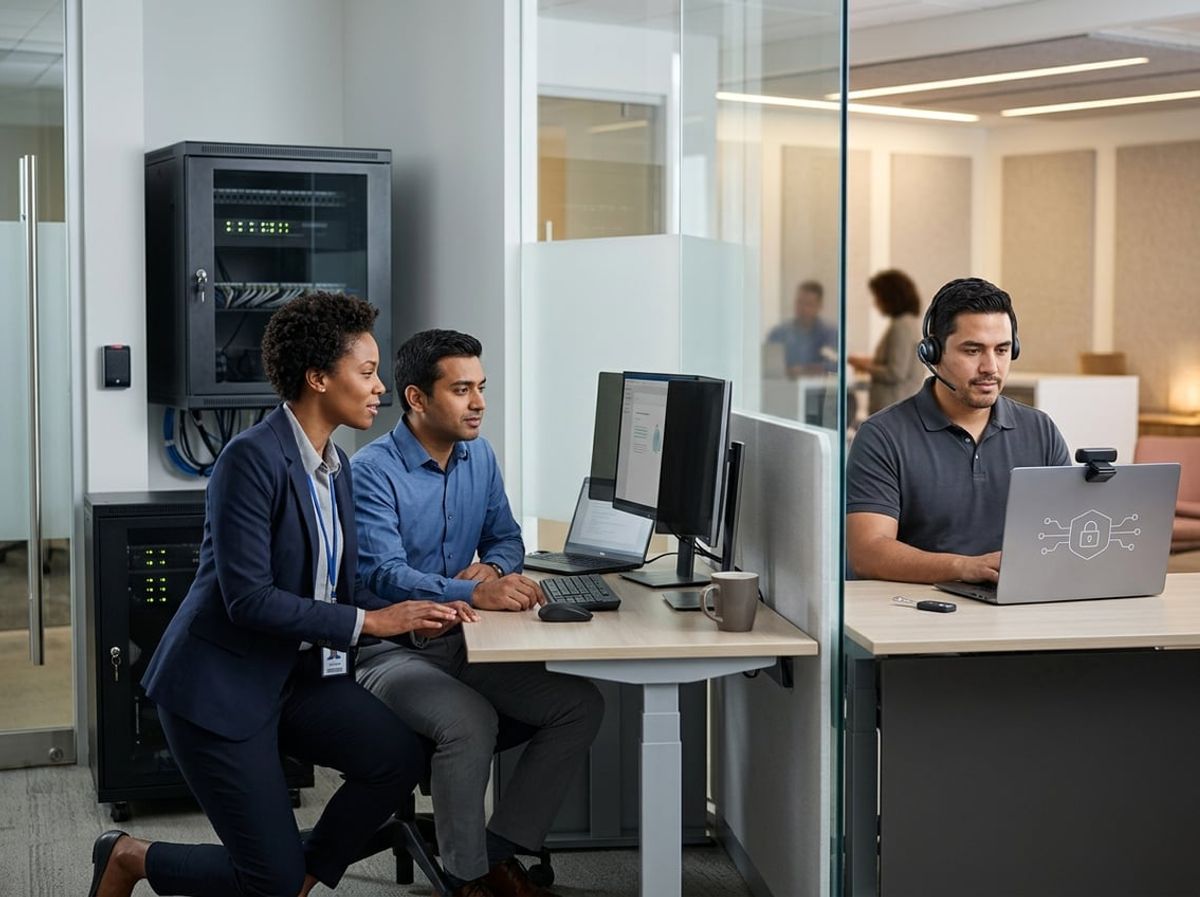
Remote IT support and onsite IT support create fundamentally different data protection environments for law firms handling privileged client information. Encryption standards, physical access controls, and confidentiality risks vary significantly between these models, requiring careful evaluation against your obligations under the NYS SHIELD Act and ABA Model Rules.
Encryption Standards for Remote Connections
Remote IT support depends entirely on encrypted connections to access your firm's systems and client data. Your IT provider must use AES-256 encryption for all remote sessions, with multi-factor authentication required before any technician connects to your network.
The NYS SHIELD Act mandates encryption of private client information during transmission. Remote support tools must meet this standard, particularly when technicians access case files, e-discovery platforms, or document management systems containing privileged communications. Your services agreement should specify TLS 1.3 or higher for all remote connections.
Screen-sharing and remote desktop protocols create additional vulnerabilities if not properly secured. Unencrypted remote sessions expose client data to interception, which violates your ethical obligations under ABA Model Rule 1.6. Request documentation of your provider's encryption protocols and verify they maintain audit logs of all remote access sessions.
Consider that remote connections introduce third-party access points to your network. Each connection represents a potential breach vector if encryption fails or credentials are compromised. Your firm remains liable for any data exposure, regardless of whether the breach originates from your provider's remote access tools.
Physical Safeguards for Onsite Data Handling
Onsite IT support allows you to implement direct physical controls over who accesses sensitive client data and hardware. Technicians working in your office can be supervised, required to sign confidentiality agreements specific to legal practice, and restricted from removing devices or media containing client files.
Physical presence enables immediate verification of data handling practices. You can require onsite technicians to work only in secured areas, use firm-owned devices rather than personal laptops, and avoid connecting removable storage that could copy privileged documents. This control is particularly critical when servicing servers, backup systems, or workstations used for litigation support.
Background checks and vetting become more feasible with onsite providers who maintain long-term relationships with your firm. You can establish protocols requiring technicians to log physical access, work under attorney supervision when touching case-related systems, and immediately report any inadvertent exposure to client information.
However, onsite support still requires written policies addressing data protection. Your services agreement must prohibit technicians from photographing screens, copying files for diagnostic purposes without authorization, or discussing client matters. Physical access alone does not guarantee compliance without formal safeguards documented in your IT support contract.
Client Confidentiality Risks Unique to Each Approach
Remote support creates visibility risks when technicians access your systems from external locations. Even with encryption, your provider's employees may view confidential client communications, case strategies, or financial records during troubleshooting. This exposure can violate attorney-client privilege if not managed through proper access controls and confidentiality protocols.
Your NYDFS cybersecurity obligations require limiting access to nonpublic information to authorized personnel only. Remote technicians working from home offices or shared workspaces may inadvertently display your client data on screens visible to others. This risk increases when support sessions occur during active litigation or e-discovery projects where timing and confidentiality are critical.
Onsite support concentrates confidentiality risk within your physical office, where you maintain better oversight. However, in-person technicians still interact with attorneys' workstations, potentially viewing open documents, emails, or case management systems containing privileged information. Without clear protocols, onsite staff may overhear confidential conversations or observe sensitive materials left on desks.
Both models require specific contractual language addressing confidentiality breaches and notification obligations. Your agreement must classify all client data as confidential, require immediate disclosure of any unauthorized access, and establish liability for breaches caused by inadequate data protection measures during support activities.
Response Time and Availability: Onsite vs Remote IT Support in Practice

When a critical system fails during a client deposition or before a court filing deadline, the delivery model you've chosen directly determines how quickly your firm regains access to case files and communications. Remote technicians can resolve software lockouts and network authentication issues in minutes, while physical hardware failures require dispatched personnel regardless of your service agreement.
Immediate Remote Resolution for Common Issues
Remote IT support resolves the majority of law firm technology problems without requiring anyone to enter your office. Password resets, email configuration errors, document management system access issues, and VPN connectivity failures can be diagnosed and fixed within minutes through secure remote access tools.
This speed matters when an attorney loses access to their case management platform 30 minutes before a client meeting or when encryption software prevents file access during e-discovery preparation. Remote technicians connect through encrypted channels that comply with attorney-client privilege requirements, allowing them to troubleshoot access control issues, restore cloud-based backup files, and reconfigure security settings without physical presence.
Common remotely-resolved issues:
- Multi-factor authentication lockouts
- Microsoft 365 and cloud application errors
- Network drive mapping and file permissions
- Printer configuration for secure document handling
- Software updates and patch deployment
The response time advantage of remote support becomes critical when your firm operates across multiple office locations or supports attorneys working from court, home, or client sites. A single remote team can assist all users simultaneously without travel delays between Manhattan, Brooklyn, and Long Island offices.
When Onsite Presence Is Non-Negotiable
Hardware failures, physical security installations, and compliance-mandated infrastructure work require onsite technician dispatch regardless of how urgent the situation becomes. Server malfunctions that prevent access to your document management system cannot be resolved remotely when the issue involves failed hard drives, damaged network switches, or physical security breaches.
Law firms face specific situations where remote access creates unacceptable risk exposure. Installing new workstations that will handle privileged client communications requires in-person verification of encryption, secure disposal of replaced equipment containing case data, and physical confirmation that security protocols meet your professional responsibility obligations. Similarly, compliance audits under the NYS SHIELD Act may require onsite documentation of your physical security controls and data handling procedures.
Onsite response times depend entirely on technician availability and travel logistics within New York City. A Brooklyn-based provider might reach your Midtown office in 45 minutes during off-peak hours but require two hours during morning rush. This delay becomes problematic when a server crash prevents access to files needed for an imminent court deadline.
Firms relying exclusively on onsite support accept these travel-dependent response times for every issue, even simple problems that remote technicians could resolve immediately.
Balancing Speed With Security Protocols
The fastest resolution method isn't always the most appropriate when client confidentiality and regulatory compliance govern every technology decision. Remote access tools require strict security controls including multi-factor authentication, session logging, and encrypted connections that meet attorney-client privilege standards.
Your remote IT provider must demonstrate that their access methods comply with your ethical obligations under ABA Model Rule 1.6 regarding confidentiality. This means documented security protocols, background-checked technicians with signed confidentiality agreements, and audit trails showing exactly what systems were accessed during each support session.
Some firms implement tiered protocols where routine issues receive immediate remote attention while sensitive matters involving privileged documents or client data require onsite verification. For example, your provider might remotely resolve general network problems but dispatch a technician for any work involving case files, client databases, or litigation hold systems.
Security considerations that affect response protocols:
- Classification of data involved in the technical issue
- Whether privileged material might be exposed during troubleshooting
- Compliance requirements for the specific system experiencing problems
- Your firm's insurance and professional liability coverage terms
The delivery model affects not just how quickly help arrives but whether the fastest option satisfies your professional obligations to protect client information.
Cost Differences Between Onsite and Remote IT Support
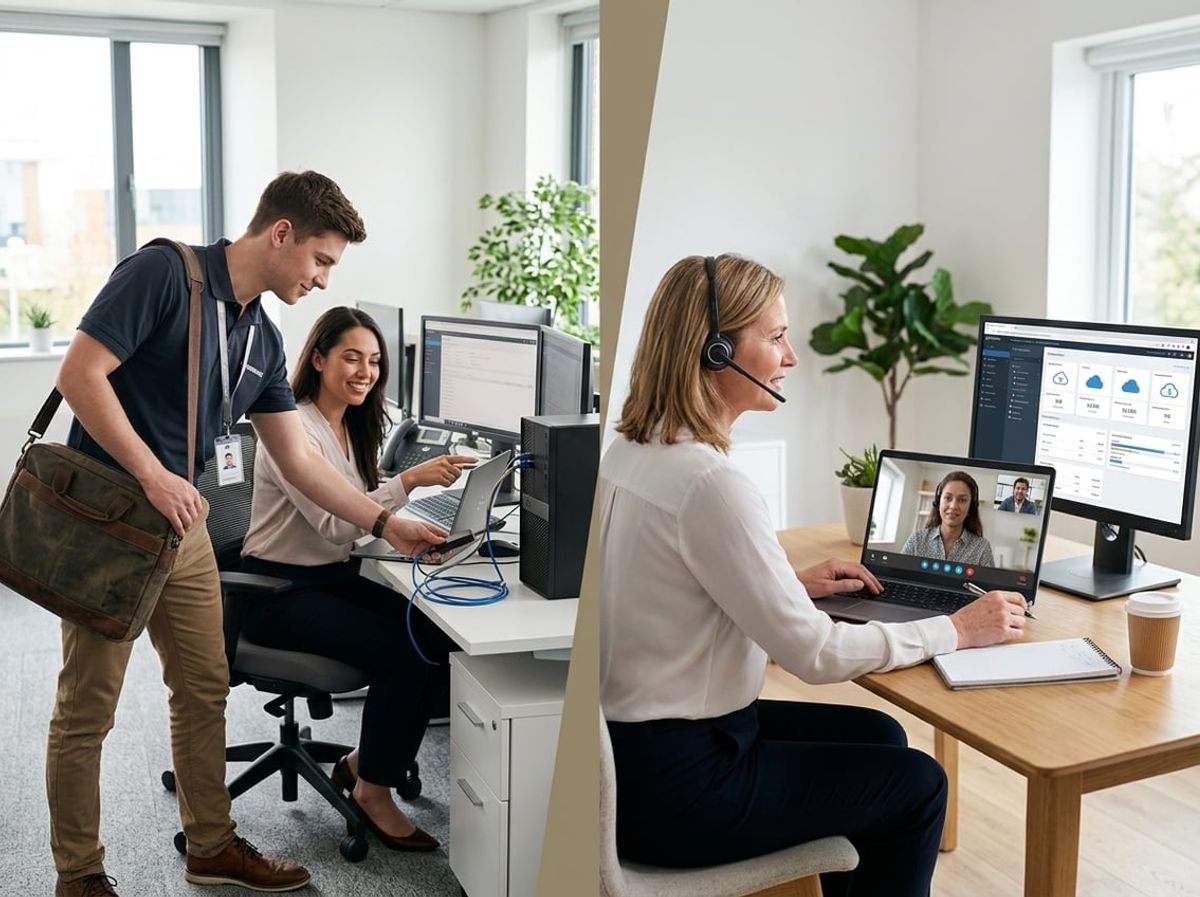
Onsite IT support typically carries higher labor and travel expenses, while remote support scales more efficiently for routine work. The real cost concern for law firms is choosing a model that doesn't adequately protect client data or comply with regulatory requirements, which can lead to breach notifications, malpractice claims, and ethics violations.
Labor and Travel Costs for Onsite Visits
When you bring a technician to your Manhattan or Brooklyn office, you're paying for their time from the moment they leave their previous location. Travel costs in NYC add up quickly: parking fees, transit time, and geographic constraints all factor into your invoice. Hourly rates for onsite visits typically run 30–50% higher than remote support because of these logistics.
Law firms often need onsite support for tasks that can't be handled remotely: replacing failed servers storing case files, installing workstations for new associates, securing physical network equipment in your server room, or addressing hardware issues with document scanners used for e-discovery. These are legitimate expenses.
The challenge with onsite-only models is inefficiency. If your IT provider must dispatch a technician for a simple password reset or software configuration that could be resolved remotely in minutes, you're paying premium rates for routine work. That inflates your law firm IT budget without improving security or uptime.
Most firms find that reserving onsite visits for hands-on tasks, while handling software troubleshooting, security patches, and user support remotely, reduces IT support costs by 40–60% compared to exclusively onsite models.
Scalability Advantages of Remote Support
Remote IT support scales with your firm's growth without proportional cost increases. When you hire two new attorneys, your remote support provider can onboard them, configure their systems, and grant access to practice management software without scheduling site visits or adding headcount.
Scalability benefits include:
- Immediate response to ticket requests across multiple office locations
- After-hours support for attorneys working on time-sensitive filings
- Continuous monitoring of systems handling privileged communications
- Centralized management of security updates across all devices
Remote models also support compliance obligations more efficiently. If the NYS SHIELD Act requires you to patch a vulnerability within a specific timeframe, remote technicians can deploy updates to all workstations simultaneously. That's faster and more reliable than coordinating onsite visits.
The cost advantage grows as your firm expands. Adding users to a remote support plan typically costs $75–150 per user monthly, while hiring or contracting additional onsite staff becomes exponentially more expensive.
Hidden Costs of Choosing the Wrong Model
Choosing a support model based solely on hourly rates ignores the larger financial and regulatory risks specific to legal practice. The most expensive IT decision is one that fails to protect client confidentiality or maintain compliance with ethics rules.
If you rely exclusively on remote support, you may lack adequate coverage for physical security controls: locked server rooms, secure equipment disposal, or proper cabling for networked case management systems. ABA Model Rule 1.6 requires reasonable measures to prevent unauthorized access to client information, and purely remote teams can't inspect or maintain those physical safeguards.
Conversely, onsite-only models often lack the continuous monitoring and rapid response needed to detect security incidents affecting privileged data. A breach that goes undetected for hours because your onsite technician works limited hours can trigger mandatory disclosure obligations under the NYS SHIELD Act, along with client notification costs and potential malpractice exposure.
Hidden IT costs from the wrong model include:
- Regulatory penalties for failing to implement required safeguards
- E-discovery sanctions if IT failures compromise evidence preservation
- Malpractice insurance premium increases following a data breach
- Lost billable hours when court filing deadlines are missed due to IT downtime
The optimal approach addresses both physical and digital security requirements while controlling labor and travel costs through strategic use of each model.
Hybrid IT Support Models for Law Firms
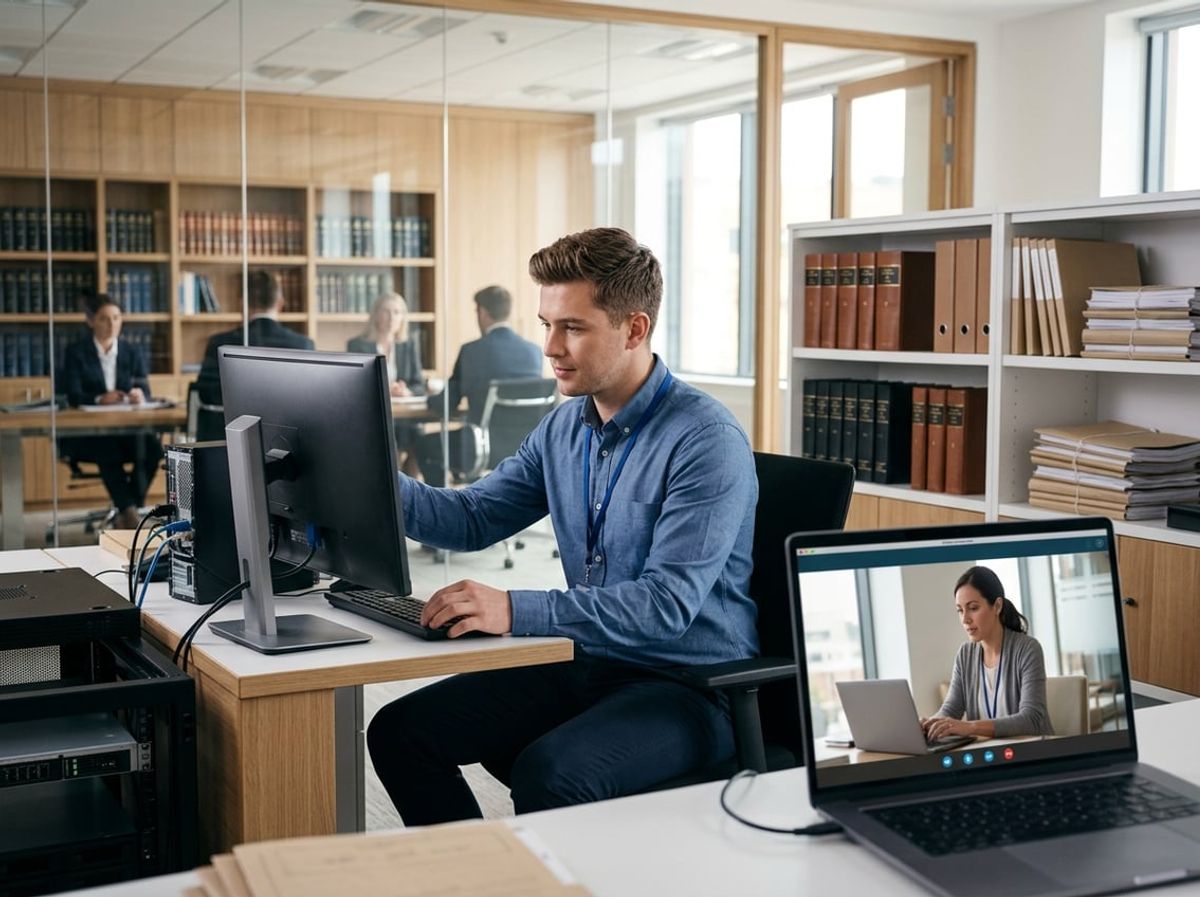
Hybrid IT support combines remote monitoring with scheduled in-person visits to balance cost efficiency with the hands-on intervention legal practices require. For law firms handling privileged communications and client data, this approach provides continuous security oversight while ensuring critical hardware and compliance requirements receive direct attention.
Combining Remote Monitoring With Scheduled Onsite Visits
Remote monitoring tools track your firm's network security, backup integrity, and system performance in real time without disrupting your attorneys' workflow. Your IT provider watches for unauthorized access attempts, encryption failures, and vulnerabilities that could compromise client confidentiality under the NYS SHIELD Act.
Scheduled onsite visits complement this surveillance by addressing physical security gaps remote technicians cannot resolve. Your provider inspects server room access controls, verifies that decommissioned hard drives containing case files are properly destroyed, and ensures workstations in conference rooms don't leak privileged information through unsecured Wi-Fi connections.
This structure works well when your remote team detects anomalies, such as unusual login patterns or failed backup jobs, and dispatches an onsite technician within your agreed response window. You maintain compliance documentation more effectively because both remote logs and onsite inspection reports create an audit trail for malpractice insurers and bar authorities.
The model also supports routine maintenance that requires physical presence, such as replacing aging equipment before failure disrupts court deadlines or updating firmware on network devices that store attorney-client communications.
When Hybrid Support Fits Multi-Office Firms
Multi-office law firms across Manhattan, Brooklyn, and Queens face unique challenges securing client data when staff access case management systems from multiple locations. Hybrid support addresses this by deploying remote monitoring across all sites while rotating onsite technicians based on each office's risk profile and compliance needs.
Your IT provider can prioritize in-person visits to offices handling sensitive practice areas like immigration or family law, where unauthorized data access carries severe ethical consequences under ABA Model Rule 1.6. Smaller satellite offices receive remote support for routine issues, with onsite dispatch reserved for hardware failures or security incidents.
This approach reduces travel costs compared to full onsite coverage while maintaining the physical security checks required for NYDFS cybersecurity regulation compliance. Your provider ensures each location implements consistent encryption standards, access controls, and incident response procedures, even when attorneys work across multiple offices throughout the week.
Structuring Service Level Agreements for a Hybrid Approach
Your SLA must specify which issues receive remote resolution and which trigger onsite dispatch to avoid disputes during critical situations. Define remote-first scenarios like password resets, software troubleshooting, and security patch deployment separately from onsite-required tasks such as physical server maintenance, evidence preservation for litigation holds, or equipment disposal witnessed by your managing partner.
Response commitments should account for legal practice urgency:
- Remote acknowledgment within 15 minutes for security alerts affecting client data
- Onsite arrival within 2 hours for hardware failures blocking court filing deadlines
- Scheduled monthly visits for compliance audits and physical security reviews
Your agreement must address how your provider escalates from remote to onsite support when remote troubleshooting fails. Include guaranteed onsite response times for emergencies involving data breaches, ransomware detection, or system failures during trial preparation.
Document which compliance tasks require physical presence, such as verifying that your document management system's encryption meets client confidentiality standards or inspecting backup systems storing privileged communications. Your SLA should also specify how your provider coordinates scheduled visits around your firm's calendar to minimize disruption during depositions or client meetings.
Choosing the Right Model Based on Firm Size and Practice Area
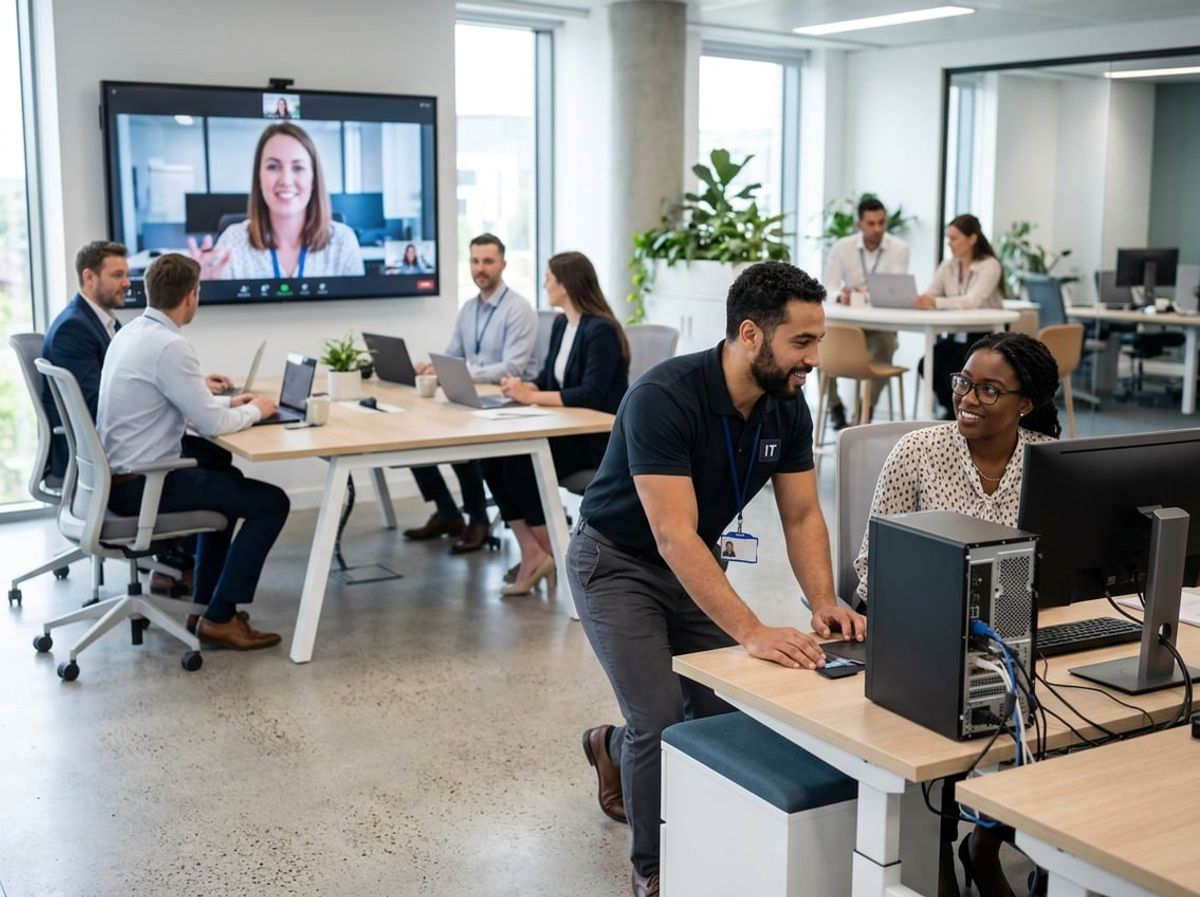
Your firm's size and practice focus directly influence which IT support model protects client data while maintaining operational efficiency. A three-attorney estate planning practice has different infrastructure requirements and compliance obligations than a 25-lawyer litigation firm handling sensitive discovery materials.
Solo and Small Firm Considerations
Solo practitioners and firms with fewer than five attorneys typically operate with limited IT budgets and minimal on-premises infrastructure. Remote IT support often provides the most cost-effective access to specialized legal technology expertise, including secure document management systems and client portal configurations that meet attorney-client privilege requirements.
Your primary concern should be response time for critical issues that could compromise client confidentiality or missed court deadlines. Remote technicians can address most software problems, email security configurations, and cloud-based practice management issues without physical access. However, you need a clear service level agreement that guarantees support availability during business hours when you're preparing time-sensitive filings.
Solo law firm IT decisions must account for hardware failures that remote technicians cannot resolve. Consider establishing a relationship with an IT provider that offers both remote monitoring and on-demand onsite visits for equipment replacement, network setup, or situations requiring physical access to servers or workstations containing privileged materials.
Mid-Sized Firm Infrastructure Needs
Firms with 10-50 attorneys typically maintain hybrid infrastructure combining cloud services and on-premises systems for document storage, case management, and client databases. Mid-sized law firm infrastructure creates more complex security requirements under the NYS SHIELD Act, particularly when handling personal client information across multiple practice areas.
Your support model should include regular on-site security assessments and infrastructure maintenance alongside remote monitoring. Physical network security, proper firewall configuration, and secure backup systems often require hands-on technical work that remote support cannot provide. This is especially critical if you maintain on-premises file servers containing years of client matter files subject to confidentiality obligations.
Remote support handles day-to-day user issues efficiently: password resets, application troubleshooting, and minor connectivity problems. But you need periodic on-site visits to verify physical security controls, test backup restoration procedures, and ensure workstation encryption compliance across all devices accessing client data.
Practice-Specific Technology Demands
Litigation practices managing e-discovery and large document productions face different practice-specific technology challenges than transactional or matrimonial practices. If your firm handles discovery in complex commercial cases, you need IT support staff familiar with litigation support software, data preservation requirements, and the technical aspects of producing electronically stored information without compromising metadata or privilege logs.
Law firm IT strategy for regulatory practices, including securities, healthcare, and financial services, must prioritize compliance-specific technology requirements. Your IT support provider needs direct experience with the technical controls required under regulations like NYDFS cybersecurity requirements if you represent financial institutions, or HIPAA-compliant systems for healthcare clients.
Immigration and family law practices maintaining sensitive personal documentation need IT support that understands document retention obligations and secure client communication channels. Criminal defense practices require absolute assurance that attorney-client communications remain confidential, making the physical security of devices and networks a primary consideration when choosing between remote and on-site support models.
Common Mistakes Law Firms Make When Choosing IT Support
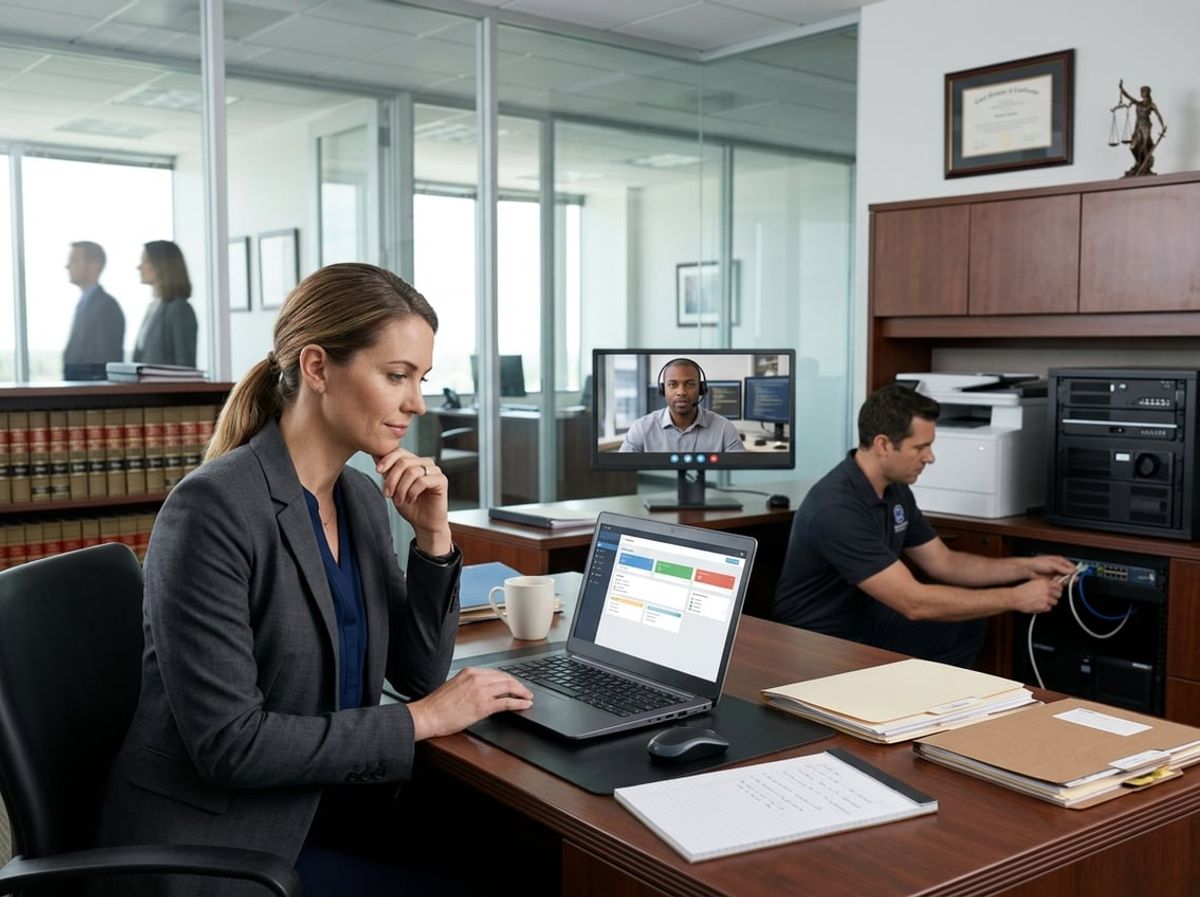
Law firms frequently underestimate how IT support decisions directly affect their ability to protect privileged client communications and meet regulatory obligations under the NYS SHIELD Act and ABA Model Rules. The most critical errors involve treating IT as a commodity expense rather than a compliance function and failing to establish clear protocols for when remote assistance becomes insufficient.
Prioritizing Cost Over Compliance
Selecting an IT support provider based primarily on monthly fees creates significant compliance risk for your practice. When you choose generic managed service providers without legal industry expertise, you expose client data to technicians unfamiliar with attorney-client privilege, work product doctrine, and the specific data handling requirements outlined in the NYS SHIELD Act.
Remote-only support plans often appear less expensive than hybrid models that include onsite visits. However, these budget-focused arrangements typically lack the necessary safeguards for handling privileged information during system maintenance or troubleshooting. Your provider must understand that accessing case files, email servers, or document management systems requires the same confidentiality standards you apply to client communications.
The financial impact of a single data breach far exceeds any savings from choosing lower-cost support. NYDFS cybersecurity regulations and the NYS SHIELD Act impose specific breach notification timelines and security requirements that generic IT providers may not monitor or implement correctly.
Ignoring Data Residency and Access Requirements
Many law firms fail to verify where their data residency sits when technicians provide remote support or where backup systems store client information. The ABA Model Rules require you to make reasonable efforts to prevent unauthorized disclosure of client information, which includes knowing the physical and virtual locations of your data at all times.
Remote IT support often involves technicians accessing your systems from multiple locations, potentially crossing state or international boundaries. You must confirm whether support staff can access privileged documents from home offices, offshore locations, or unsecured networks. This becomes particularly critical during e-discovery processes or when handling matters subject to specific jurisdictional requirements.
Your IT support agreement should explicitly define data residency parameters, including where backups are stored, which personnel can access what systems, and whether any data processing occurs outside your direct oversight. Remote desktop tools and screen-sharing applications create additional access points that require strict authentication protocols and audit trails.
Failing to Define Onsite Escalation Triggers
Most IT support mistakes stem from unclear policies about when remote assistance must escalate to in-person intervention. Without predetermined escalation triggers, you risk extended downtime during court deadlines or compromised evidence handling during technical failures.
Establish specific scenarios that require onsite response rather than remote troubleshooting:
- Hardware failures affecting servers storing privileged communications
- Network breaches or suspected unauthorized access to case management systems
- Physical security concerns with workstations or server rooms
- Issues preventing access to time-sensitive filings or court submissions
- Problems with encrypted backup systems or disaster recovery infrastructure
Court filing deadlines and client confidentiality obligations do not accommodate delayed responses. Your support agreement must specify maximum response times for onsite visits based on issue severity, not just remote acknowledgment of your ticket. Law firm cybersecurity gaps often widen during the delay between identifying a problem remotely and physically securing the affected systems.
Define clear authority levels for remote versus onsite technicians. Certain tasks, such as physically removing compromised hard drives, verifying server room access logs, or installing hardware for air-gapped backup systems, cannot be performed remotely and should trigger immediate onsite dispatch.
How to Evaluate a Provider's Onsite and Remote Capabilities
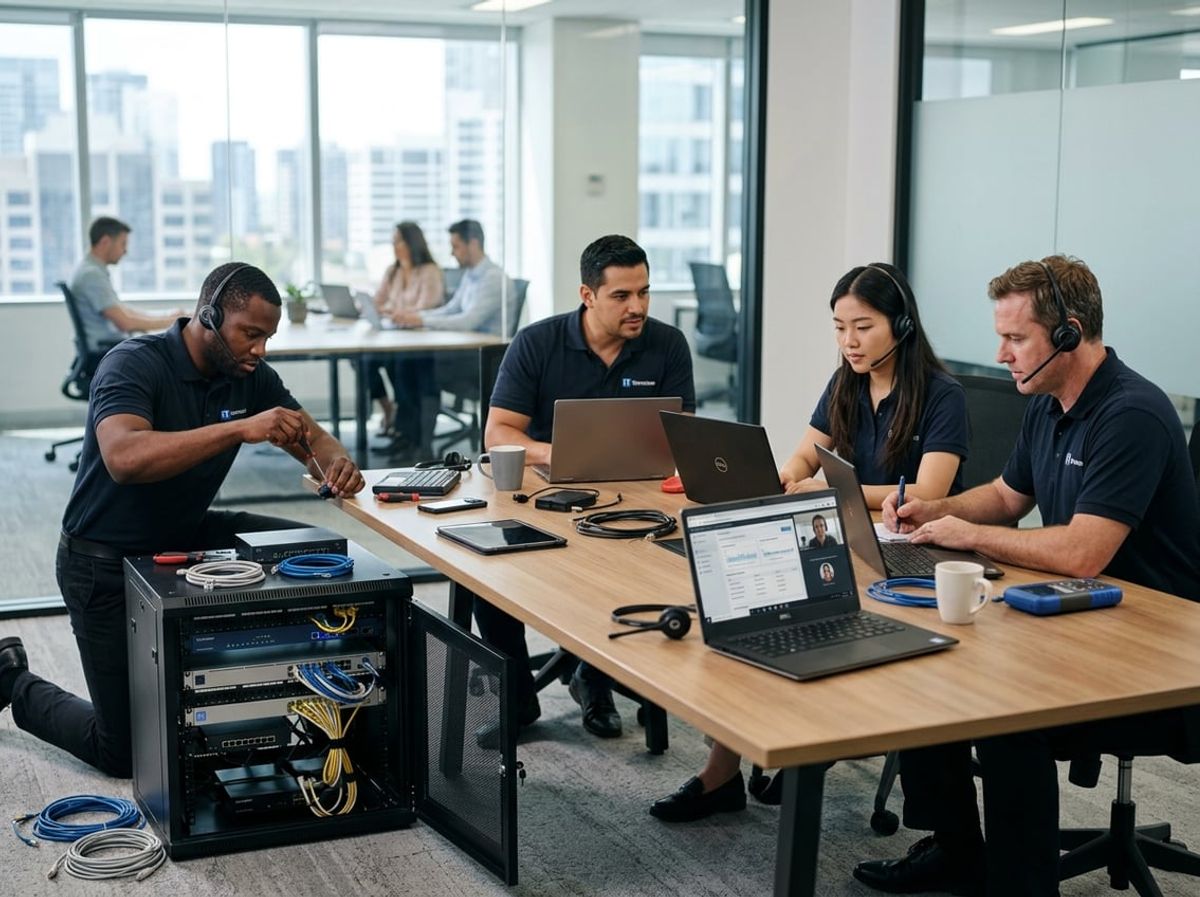
Selecting an IT provider requires examining their specific capabilities for both in-person and remote support, particularly around technician response patterns, verified security standards, and contractual guarantees that protect your firm's confidentiality obligations. Law firms handling privileged client data need providers who demonstrate compliance-ready infrastructure and clear accountability measures.
Questions to Ask About Technician Availability
When evaluating IT providers, ask whether technicians are available during your firm's operating hours, including evenings when attorneys work on court deadlines. You need to know if the same technician handles both your onsite IT support and remote sessions, which matters for privilege and access control.
Request details about their escalation process when your primary contact is unavailable. Find out how many clients each technician supports simultaneously, as overextended staff cannot respond appropriately during critical situations like ransomware incidents or e-discovery deadlines.
Ask whether remote IT support technicians are W-2 employees or third-party contractors, since contractors may not have the same security training or background checks required for handling client matter data. Confirm that all technicians sign NDAs and understand attorney-client privilege requirements under the ABA Model Rules.
Verify their policy for emergency onsite visits outside business hours. Your provider should specify maximum response times for both remote and in-person support, with faster guarantees for situations affecting client confidentiality or court filing deadlines.
Verifying Security Certifications and Protocols
Demand proof of current security certifications relevant to legal IT operations, including SOC 2 Type II compliance, which demonstrates audited security controls for handling sensitive data. Your provider must show certifications that address NYS SHIELD Act requirements and data encryption standards.
Ask for documentation of their remote access security protocols, including multi-factor authentication, session recording, and encryption standards for all remote connections to your network. Remote IT support tools must meet or exceed AES 256-bit encryption to protect privileged communications.
Review their cybersecurity insurance coverage and confirm they carry both general liability and cyber liability policies with limits appropriate for law firm data breaches. Request their incident response plan and verify it includes notification procedures that comply with New York attorney ethics rules.
Required certifications to verify:
- SOC 2 Type II (audited security controls)
- Cyber liability insurance ($1M+ recommended)
- Documented compliance with NYS SHIELD Act
- Encryption standards for remote access tools
- Staff background check policies
Confirm that technicians receive ongoing security training and that the provider conducts regular vulnerability assessments on their own systems before accessing yours.
Reviewing Sample SLAs and Response Commitments
Request sample service level agreements before signing anything, focusing on specific response times rather than vague "business hours" language. Your SLA should distinguish between remote and onsite IT support response times, with clear definitions of what constitutes a critical issue.
Look for guaranteed maximum response times for emergencies affecting client data security, such as suspected breaches or ransomware. The SLA should specify penalties or credits when the provider fails to meet response commitments, giving you leverage during vendor assessment.
Examine exclusions carefully, as some providers exclude certain software, limit onsite visits, or restrict after-hours support without additional fees. Your SLA must address data handling procedures that protect attorney-client privilege during both remote sessions and onsite visits.
Verify that the agreement includes clear termination rights and data return procedures, ensuring you can retrieve all firm data in usable formats if you change providers. The SLA should specify ownership of all documentation, passwords, and system configurations created during the engagement.
Making the Final Decision: A Compliance-First Framework
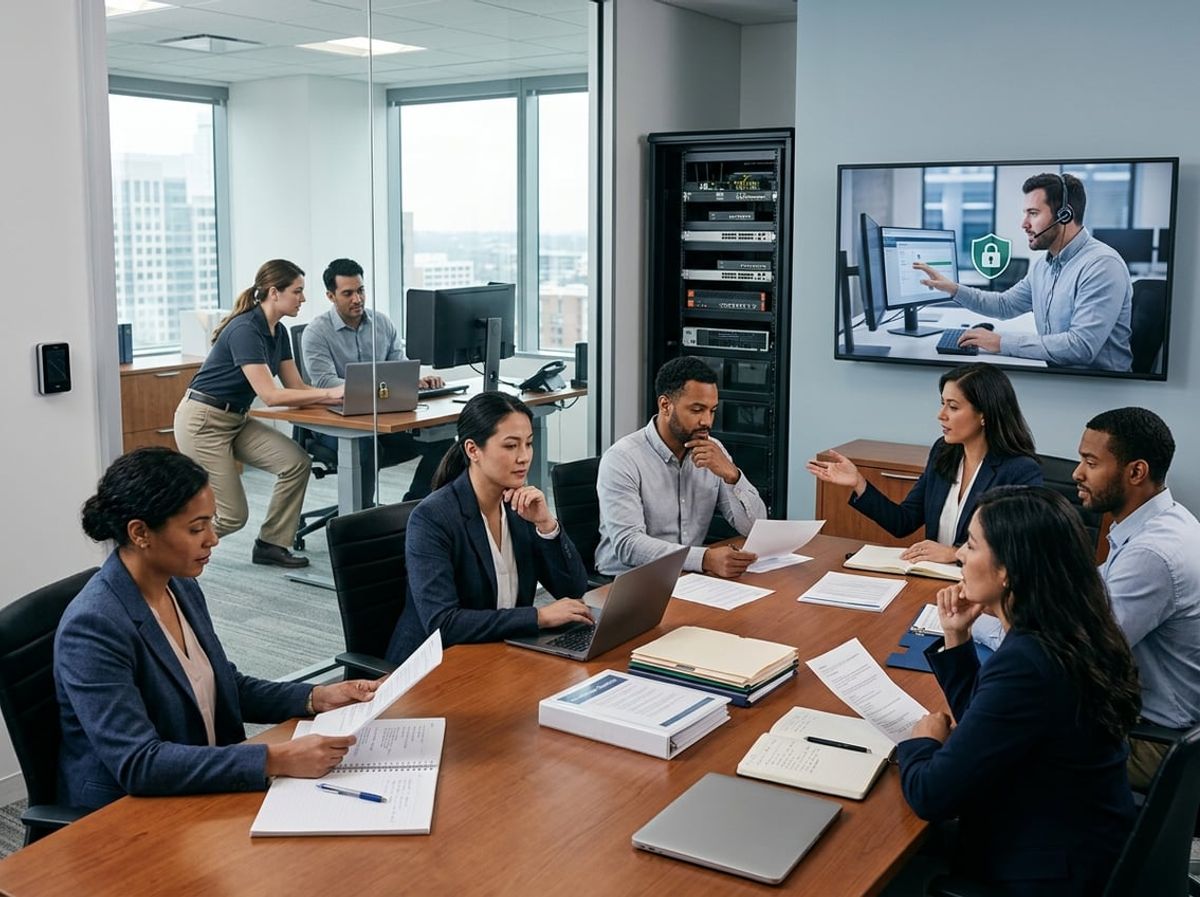
Selecting between onsite and remote IT support requires a structured approach that places regulatory compliance and risk management at the center of your decision. The framework you adopt should reflect your firm's specific risk tolerance, maintain detailed compliance documentation, and adapt as your practice evolves.
Aligning Support Model With Risk Tolerance
Your firm's risk tolerance directly determines which support model meets your compliance obligations. Law firms handling high-stakes litigation, trusts and estates, or corporate transactions face elevated confidentiality risks that may necessitate onsite support for sensitive tasks.
Remote support introduces additional access points to your network, which increases exposure to potential breaches of privileged communications. The NYS SHIELD Act mandates reasonable safeguards for private information, and your choice of support model must demonstrate that you've implemented appropriate controls.
Consider whether your practice areas involve data subject to heightened protection standards. Immigration law, family law, and criminal defense all involve particularly sensitive client information that requires strict access controls.
Factors to assess:
- Volume and sensitivity of privileged client data stored digitally
- Frequency of court deadlines requiring immediate technical resolution
- Geographic location of data storage and backup systems
- Third-party vendor access requirements under client agreements
A compliance-first approach means selecting the model that minimizes unauthorized access risks while maintaining operational efficiency.
Documenting the Decision for Compliance Records
Comprehensive documentation of your IT support selection process serves as evidence of due diligence under ABA Model Rule 1.6. Your compliance records should demonstrate that you evaluated security risks, considered alternative approaches, and selected a model aligned with your confidentiality obligations.
Maintain written records that detail the specific factors you weighed, including security protocols offered by potential providers, response time commitments, and physical access controls. This documentation becomes critical if you face a disciplinary inquiry or malpractice claim related to data security.
Your compliance file should include service level agreements specifying security requirements, background check confirmations for any technicians with system access, and written procedures for emergency support scenarios. These records demonstrate your adherence to reasonable care standards expected of legal practitioners safeguarding client information.
Document any deviations from your standard support model, such as temporary remote access granted during urgent situations. This creates an audit trail showing your firm maintains consistent security practices.
Revisiting the Model as the Firm Grows
Your IT support requirements change as your firm adds attorneys, expands practice areas, or adopts new technologies for e-discovery and case management. A model that satisfied compliance requirements at five attorneys may prove inadequate at fifteen.
Conduct annual reviews of your support arrangement to verify it still meets regulatory standards and operational needs. Growth often increases your attack surface, making previously acceptable remote support arrangements insufficient for your expanded digital footprint.
New practice areas may introduce different compliance obligations. A firm adding healthcare law clients becomes subject to HIPAA considerations that demand stricter access controls than your existing support model provides.
Schedule formal reassessments when you reach specific growth milestones: doubling your attorney count, opening a second office location, or implementing cloud-based practice management systems. Each threshold may justify shifting from remote to onsite support, or vice versa, based on your evolving risk profile and compliance requirements.
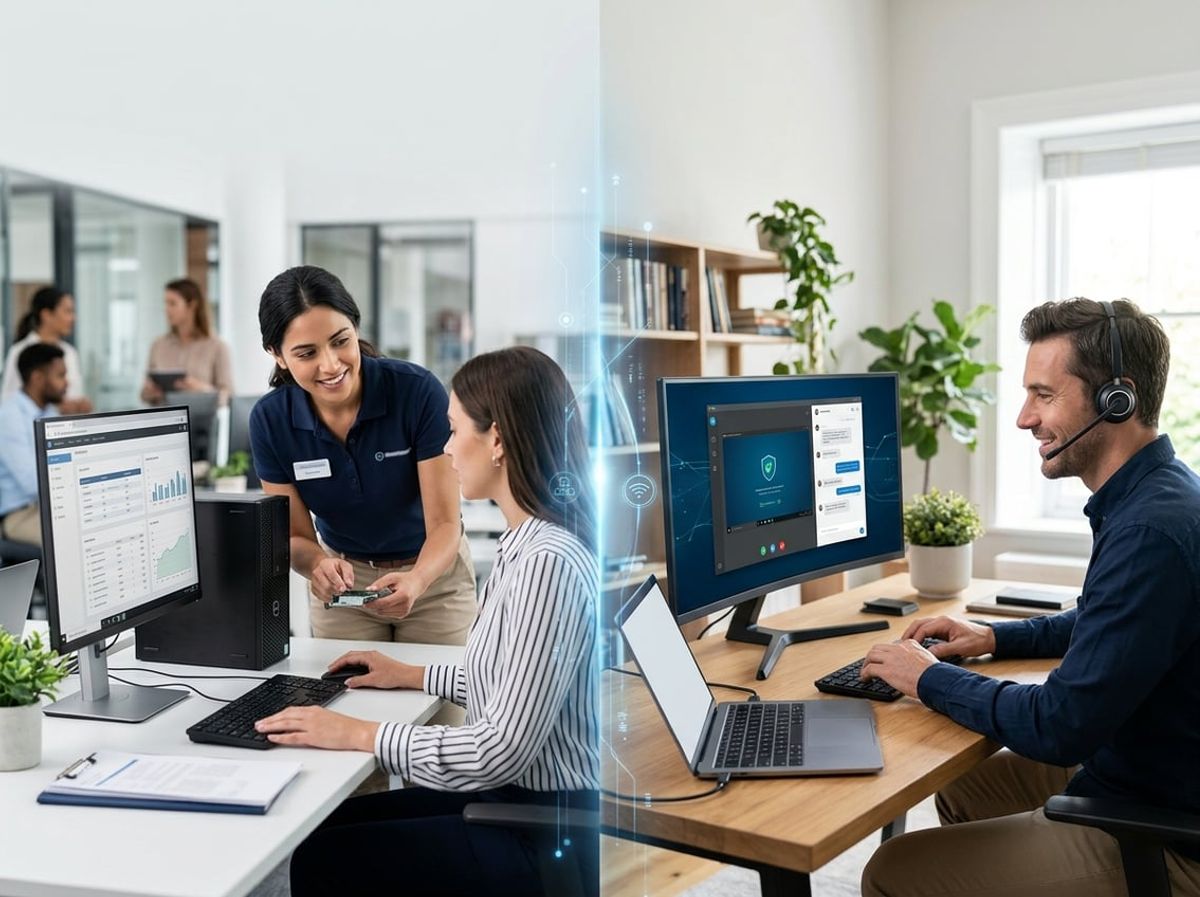
Law firms evaluating IT support models need answers specific to legal practice requirements, from privileged data handling to compliance obligations under New York regulations. The following addresses common questions about remote and onsite support as they apply to client confidentiality, attorney work product, and regulatory frameworks governing legal practice.