
Law Firm Remote Work Security: Protecting Client Data in Hybrid Legal Environments
Learn how NYC law firms can strengthen law firm remote work security to protect client data, meet SHIELD Act rules, and maintain ethics compliance.
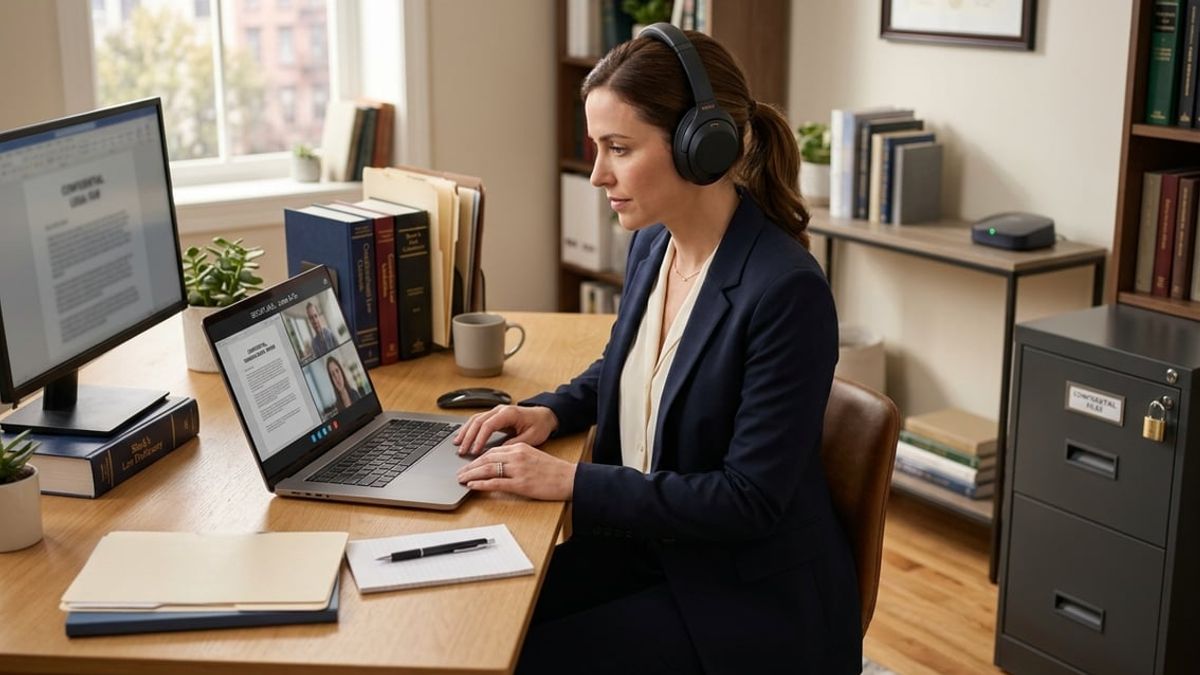
Remote work has fundamentally changed how law firms operate, but it has also introduced serious vulnerabilities to client confidentiality and regulatory compliance. When attorneys review case files from home networks, access documents on personal devices, or communicate with clients from coffee shops, the traditional security perimeter of your office no longer exists. For NYC law firms handling privileged information, law firm remote work security is not about convenience but about maintaining the ethical and legal obligations you owe to every client.
The risks are specific to legal practice. A breach involving client files can trigger bar ethics investigations, malpractice claims, mandatory breach notifications under the SHIELD Act, and loss of client trust. Unlike general businesses, your firm holds attorney-client privileged information that must be protected not just from hackers but from accidental disclosure through weak access controls or unsecured collaboration tools.
This article provides a compliance-first roadmap for securing hybrid legal work in your firm. You will learn how to implement endpoint protection, enforce access controls, secure remote communications, meet New York regulatory requirements, and build a defensible remote work security policy that protects both your clients and your practice.
Key Takeaways
- Hybrid work expands your firm's attack surface and creates new risks to client confidentiality that require technical and policy controls
- NYC law firms must meet SHIELD Act requirements, ABA ethics guidance, and state bar rules when attorneys work remotely
- A strong remote work security strategy includes endpoint protection, access controls, secure collaboration tools, and a documented policy tied to compliance obligations
The Growing Need For Law Firm Remote Work Security

Remote and hybrid work models have expanded the attack surface for law firms beyond the controlled perimeter of a traditional office, creating new vulnerabilities around client data, attorney-client privilege, and regulatory compliance obligations that office-based security controls were never designed to address.
How Hybrid Work Has Changed the Legal Threat Landscape
Hybrid legal work fundamentally alters where and how attorneys access confidential client information. Your team now connects from home networks, coffee shops, and co-working spaces, each with different security postures and potential exposure points.
This distributed access model increases the attack surface exponentially. Each remote endpoint becomes a potential entry point for threat actors targeting law firms, particularly those handling high-value cases or sensitive corporate matters.
Law firm cyberattacks NYC have risen significantly since 2020, with cybercriminals recognizing that remote workers often operate on less secure networks than firm-owned infrastructure. Attackers exploit weak home Wi-Fi encryption, unpatched personal devices, and shared family computers to gain initial access to firm systems.
The shift also introduces new categories of threats. Shoulder surfing on public transportation, unsecured document printing at home, and accidental exposure during video calls all represent risks that didn't exist when legal work stayed within office walls.
Client Confidentiality Risks Beyond the Office Walls
Your confidentiality obligations under state bar ethics rules don't change based on work location. You remain responsible for protecting client information whether you're at your desk or working remotely, yet remote environments introduce variables you cannot fully control.
Home networks often lack enterprise-grade firewalls, network segmentation, or intrusion detection systems. Family members may share devices or networks, creating pathways for unauthorized access to privileged communications.
Public Wi-Fi networks present particularly acute risks. Unencrypted connections allow threat actors to intercept data in transit, potentially exposing client communications, case strategies, or settlement negotiations. Even encrypted sessions can be compromised through man-in-the-middle attacks on poorly configured networks.
Physical security also deteriorates outside the office. Documents left visible during video calls, conversations overheard by household members, and unsecured devices in shared spaces all create potential breaches of attorney-client privilege that could jeopardize cases or trigger bar complaints.
Why Traditional Office-Based IT Policies No Longer Work
Office-based security models assumed a defined network perimeter with controlled access points, centralized monitoring, and physical oversight. Remote access risk dismantles these assumptions entirely.
Your existing policies likely address USB drive usage, workstation locking, and visitor access, all irrelevant to attorneys working from kitchen tables. They probably don't cover home network security requirements, personal device usage boundaries, or secure video conferencing practices for sensitive client matters.
The SHIELD Act requires reasonable safeguards for private information, but "reasonable" looks different when data leaves your managed environment. What constitutes reasonable encryption, access controls, and monitoring for distributed workforces exceeds what most traditional policies anticipated.
Perimeter-based defenses like office firewalls and VPNs provide incomplete protection when employees access cloud applications directly from personal networks. You need identity-centric security models, zero-trust architectures, and endpoint protection that follows data wherever attorneys work, capabilities that legacy office-focused policies never addressed.
Understanding the Unique Confidentiality Risks of Hybrid Legal Work

Hybrid legal work creates exposure points for privileged communications and client data that traditional office environments naturally contain through physical security and network controls. Attorney-client privilege can be compromised when confidential information travels across family networks, shared personal devices, or public connections without adequate safeguards.
Attorney-Client Privilege and Data Exposure Risks
Attorney-client privilege loses its protection when confidential communications are disclosed to unauthorized third parties, even inadvertently. In hybrid work arrangements, privileged information moves across devices and networks where you may not control who can access or intercept it.
Email communications containing case strategy, settlement discussions, or client admissions become vulnerable when accessed through unsecured personal accounts or devices without encryption. Your client's reasonable expectation of confidentiality extends to every point where their information exists, including temporary cache files on home computers or cloud storage services that lack proper access controls.
New York's SHIELD Act requires reasonable safeguards for private information, which includes data created during legal representation. If privileged documents are exposed through inadequate remote work security measures, you face both ethical violations under Rules of Professional Conduct 1.6 and potential regulatory penalties. The ABA's Formal Opinion 477R explicitly requires lawyers to understand the nature of the threat, how client information is transmitted and stored, and the sensitivity of the information involved when working remotely.
Shared Devices and Family Network Vulnerabilities
Personal devices used by multiple family members create unauthorized access risks that violate your duty to maintain client confidentiality. When your spouse, children, or other household members use the same laptop or tablet you use for legal work, client files can be accessed through browser history, saved passwords, or documents left in download folders.
Home networks typically lack the segmentation and monitoring capabilities of law firm networks. Your devices connect to the same Wi-Fi network as smart TVs, gaming consoles, and IoT devices that may have outdated firmware or known security vulnerabilities. A compromised smart device on your home network can provide attackers lateral movement to access your work computer.
Common household device risks include:
- Shared user accounts without separate password-protected profiles
- Family members clicking phishing links that install malware network-wide
- Children downloading games or software containing spyware
- Smart home devices with default credentials serving as network entry points
Mobile Device Management (MDM) solutions allow you to create a secure partition on personal devices that separates firm data from personal applications. This approach maintains BYOD flexibility while ensuring client information remains isolated and subject to remote wipe capabilities if the device is lost or compromised.
Risks of Public Wi-Fi and Unsecured Locations
Public Wi-Fi networks in coffee shops, airports, and co-working spaces transmit data without encryption, allowing anyone on the same network to intercept your communications. Man-in-the-middle attacks on public networks can capture login credentials, read unencrypted emails, and access cloud-stored documents in real-time.
You cannot control who operates or monitors public networks. Attackers frequently set up fake Wi-Fi hotspots with names similar to legitimate venues to trick users into connecting. Once connected, every website you visit and every document you access passes through the attacker's system.
Beyond network interception, physical locations create visual privacy risks. Confidential client information displayed on your screen can be observed by others in shared spaces, a practice known as shoulder surfing. Attorney-client privileged communications discussed over phone calls in public areas can be overheard, constituting disclosure that may waive privilege.
VPN connections encrypt all data transmitted between your device and your firm's network, making intercepted traffic unreadable. However, VPNs only protect data in transit. They do not secure your device if malware is already installed or prevent visual observation of your screen. Law firm remote work security requires combining VPN use with endpoint protection and privacy screens when working outside controlled environments. A VPN is a baseline control, not a destination. Because it grants broad network access once a user authenticates, firms moving toward Zero Trust increasingly replace VPN tunnels with continuously verified, isolated sessions such as a managed Cloud PC.
Core Components of a Strong Law Firm Remote Work Security Strategy

Law firm remote work security requires coordinated technical controls, clearly defined policies that address bar ethics obligations, and operational frameworks that protect privileged communications without restricting attorney mobility. These three components must function together to meet both SHIELD Act requirements and professional responsibility standards.
Layered Security Controls for Distributed Teams
Layered security creates multiple defensive barriers between remote endpoints and sensitive client matter data. You need endpoint protection that monitors devices accessing case files, network controls that enforce encrypted tunnels for all data transmission, and access management that validates identity and device posture before granting system entry.
Device-level controls should include disk encryption, automatic screen locks after brief inactivity periods, and remote wipe capabilities for lost or stolen equipment. Network security requires virtual private networks or zero-trust network access solutions that authenticate every connection attempt. Application-layer protections must enforce role-based permissions so paralegals cannot access partner-level financial records and attorneys see only their assigned case files.
Monitor these controls through centralized logging platforms that flag anomalies like unusual login locations or bulk document downloads. Small and mid-sized firms often skip monitoring because it seems resource-intensive, but modern security information and event management tools designed for legal environments provide alerts without requiring full-time security analysts.
Aligning Remote Work Policy With Compliance Requirements
Your remote work policy must explicitly address ABA Model Rule 1.6 obligations and corresponding New York state bar rules regarding confidentiality. The policy should specify approved locations for accessing client data, prohibit work from public WiFi networks without VPN protection, and mandate immediate reporting of suspected breaches or device theft.
SHIELD Act compliance requires written policies covering administrative, technical, and physical safeguards for private information. Your remote work documentation should reference security awareness training frequency, acceptable use standards for firm-owned and personal devices, and procedures for secure disposal of printed client documents at home offices.
Include clear protocols for videoconference security when conducting client meetings or case discussions remotely. Specify which platforms meet encryption standards, require waiting room features to prevent unauthorized attendance, and mandate recording notifications to maintain privilege protections.
Balancing Attorney Flexibility With Data Protection
Attorneys expect the ability to work from court, client sites, and home offices without security friction that slows responsiveness. You can maintain this flexibility while protecting privileged information by implementing risk-based access controls that adjust authentication requirements based on context.
Low-risk actions like checking calendars or reviewing already-downloaded documents might require only standard login credentials. High-risk activities such as downloading complete case files, accessing financial systems, or sharing documents externally should trigger step-up authentication through mobile push notifications or hardware tokens.
Provide attorneys with approved mobile device configurations and clear guidance on distinguishing firm-managed devices from personal equipment. Containerization technology allows you to separate client data from personal apps on smartphones and tablets, giving attorneys device choice while maintaining data protection. Pre-configure secure remote desktop solutions that let attorneys access full case management systems without storing data locally on potentially vulnerable home computers.
Securing Home and Public Networks for Attorneys and Staff

Attorneys handling privileged case information outside the office face unique network-level risks that can compromise client confidentiality. Implementing VPN protocols, hardening home network configurations, and establishing clear guidelines for public network use are foundational elements of law firm remote work security.
VPN Requirements for Remote Case Access
A VPN for law firms creates an encrypted tunnel between an attorney's device and the firm's network, preventing unauthorized access to case files in transit. This is particularly critical under New York's SHIELD Act, which requires reasonable data security measures for any firm handling private information of New York residents.
Your firm should mandate VPN use for all remote case access, not just as an option. Configure always-on VPN policies that activate automatically when attorneys connect to any network outside the office. This ensures that even casual email checks or document reviews from home remain protected.
Choose enterprise-grade VPN solutions that support split tunneling carefully. While split tunneling can improve performance by routing only firm traffic through the VPN, it creates potential exposure if misconfigured. For firms handling particularly sensitive matters, full-tunnel VPNs are safer despite the performance trade-off.
Document your VPN requirements in writing as part of your remote work policy. ABA Model Rule 1.6(c) requires reasonable efforts to prevent unauthorized disclosure of client information, and a documented VPN mandate demonstrates compliance with this ethical obligation.
Securing Home Routers and Wi-Fi Configurations
Home router security often represents the weakest link in remote work security for law firms. Most attorneys use default router configurations that leave case files vulnerable to local network attacks.
Require attorneys to change default router admin credentials immediately. Default passwords like "admin" or "password" are publicly documented for every router model, making unauthorized access trivial for attackers within Wi-Fi range.
Essential home router security measures include:
- Enabling WPA3 encryption (or WPA2 if WPA3 is unavailable)
- Disabling WPS (Wi-Fi Protected Setup) to prevent brute-force attacks
- Changing the default SSID to avoid revealing router manufacturer details
- Enabling automatic firmware updates to patch security vulnerabilities
- Disabling remote administration features unless specifically needed
Network segmentation adds another layer of protection. Attorneys should place work devices on a separate guest network isolated from personal IoT devices like smart TVs or home assistants. This prevents a compromised smart device from accessing case files stored on a work laptop.
For attorneys in multi-unit buildings, be aware that home Wi-Fi signals often extend into neighboring apartments. Strong encryption and hidden SSIDs reduce the risk of unauthorized connection attempts from adjacent units.
Guidelines for Working From Courthouses and Client Sites
Courthouse Wi-Fi and client-site networks present elevated risks because they're shared, semi-public environments where opposing counsel or other parties may be present. Your firm needs explicit policies for these scenarios.
Never access privileged case documents over public courthouse Wi-Fi without VPN protection. Many courthouse networks are unencrypted or use shared passwords that anyone in the building can obtain. This creates opportunities for packet sniffing attacks that capture confidential communications.
When working at client sites, treat client-provided Wi-Fi with the same caution as public networks. Even trusted clients may have inadequate network security, and other visitors to their office could potentially intercept your communications.
Recommended practices for public and semi-public networks:
- Always connect via VPN before accessing any firm systems
- Disable file sharing and network discovery on your device
- Use cellular hotspot when VPN isn't available or feasible
- Avoid accessing highly sensitive documents unless absolutely necessary
- Log out of all firm systems before disconnecting
For courthouses without reliable Wi-Fi, cellular hotspots provide a more secure alternative for remote case access. While cellular networks aren't immune to interception, they're significantly harder to compromise than shared public Wi-Fi.
Document these location-specific guidelines in your remote work policy and include them in annual ethics training. State bar ethics opinions increasingly expect attorneys to understand the security implications of their work environment choices.
Endpoint Protection for Laptops, Tablets, and Mobile Devices
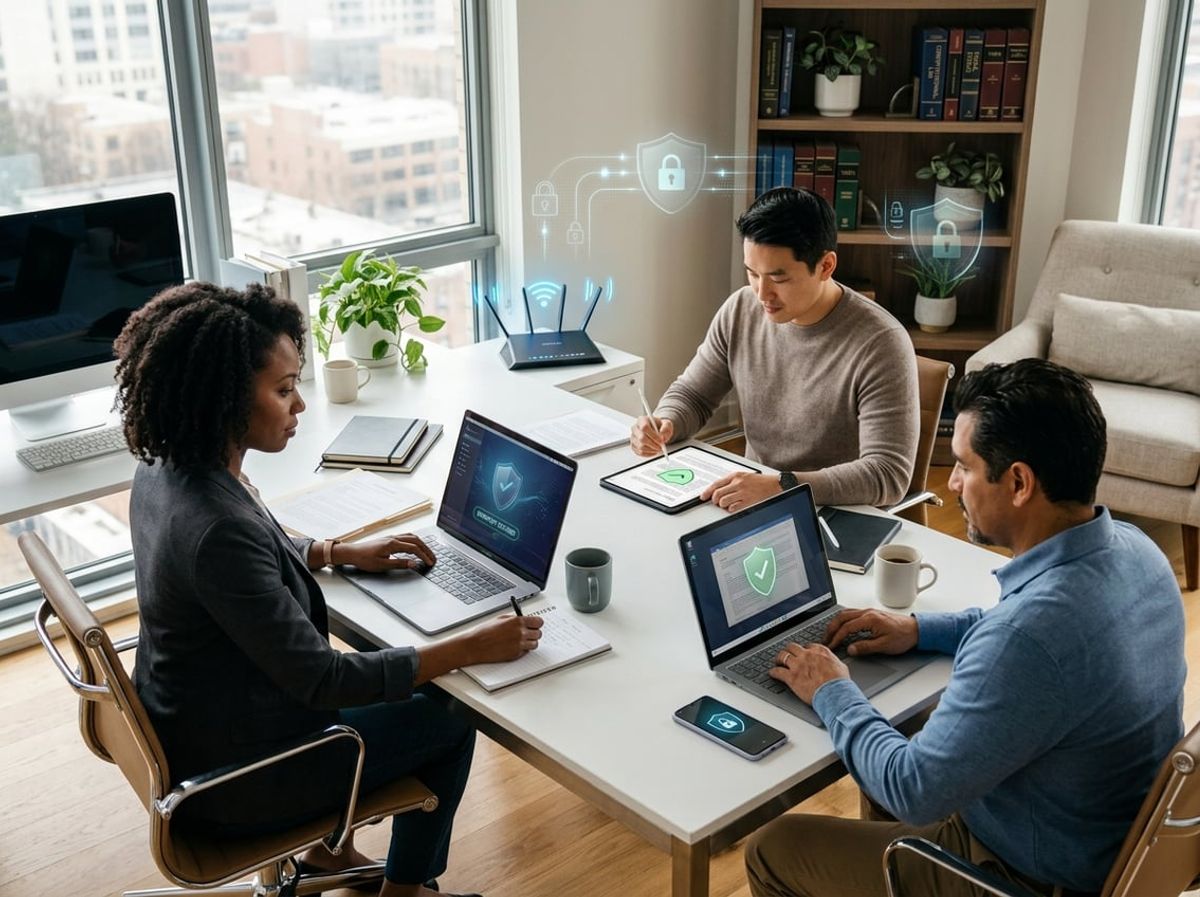
Law firm remote work security depends on controlling every device that touches client data. Personal devices introduce unpredictable risk, mobile device management provides centralized enforcement of bar ethics rules, and unpatched endpoints create direct entry points for privilege breaches.
Firm-Issued Devices vs Personal Device Use
Firm-issued devices give you complete control over encryption standards, access policies, and data residency requirements mandated by the New York SHIELD Act and ABA Formal Opinion 477R. You can enforce full-disk encryption, configure automatic screen locks, and ensure devices never store unencrypted client communications locally.
BYOD law firm arrangements are different. When attorneys access client files from personal tablets or smartphones, you inherit unknown security configurations, shared family access, unvetted apps, and devices that may connect to unsecured networks outside your visibility. The New York Rules of Professional Conduct require reasonable efforts to prevent unauthorized disclosure, and personal devices make that standard harder to meet.
If you allow personal devices, you must implement strict BYOD policies that require enrollment in your management system before any firm resource access. This includes email, document management systems, and client portals. The device owner accepts monitoring of work data and remote wipe capability as a condition of access.
Many NYC firms now issue laptops for all attorneys and tablets for partners who work from court or client sites, then prohibit personal device access entirely except through secure virtual desktop sessions that never cache data locally.
Mobile Device Management for Legal Staff
Mobile device management software enforces your security policies across every enrolled device regardless of physical location or network connection. You can require passcode complexity that meets bar ethics standards, enforce encryption, block jailbroken or rooted devices, and remotely wipe firm data when an attorney leaves or a device is reported lost.
For law firms, MDM serves compliance documentation as much as technical protection. When you face a data breach inquiry from your malpractice carrier or a state bar ethics investigation, MDM logs prove you enforced reasonable safeguards on devices accessing privileged communications.
Essential MDM capabilities for legal practices:
- Conditional access policies that block unmanaged devices from email and document systems
- Application whitelisting to prevent installation of unapproved file-sharing or messaging apps
- Network restriction rules that prevent connections to public Wi-Fi without VPN activation
- Remote wipe that removes only firm data while preserving personal content on BYOD devices
- Compliance reporting that identifies devices missing patches or running outdated operating systems
You should also configure MDM to require certificate-based authentication for any device accessing case management systems or client portals, creating a second verification layer beyond username and password.
Patch Management and Antivirus for Remote Endpoints
Operating system vulnerabilities and outdated software create the most common entry points for ransomware targeting law firms. Patch management automates the installation of security updates on remote endpoints before attackers can exploit known flaws.
Configure automatic patching for critical security updates on all firm-issued devices, with enforcement through your MDM system that blocks network access for devices more than 14 days behind on patches. For attorney laptops that stay powered off for extended periods, mandate patch checks at each startup before allowing access to client data.
Endpoint antivirus must go beyond signature-based detection. You need endpoint detection and response capabilities that identify behavioral indicators of compromise, such as unusual file encryption patterns that signal ransomware or abnormal data exfiltration that suggests credential theft.
Your antivirus deployment should include:
Schedule weekly scans during off-hours and configure alerts for any detection events to your IT support provider, not just the attorney using the affected device. Attorneys working from home may dismiss or defer security warnings without understanding the privilege implications of a compromised endpoint.
Cloud Access and Data Protection in Hybrid Legal Environments
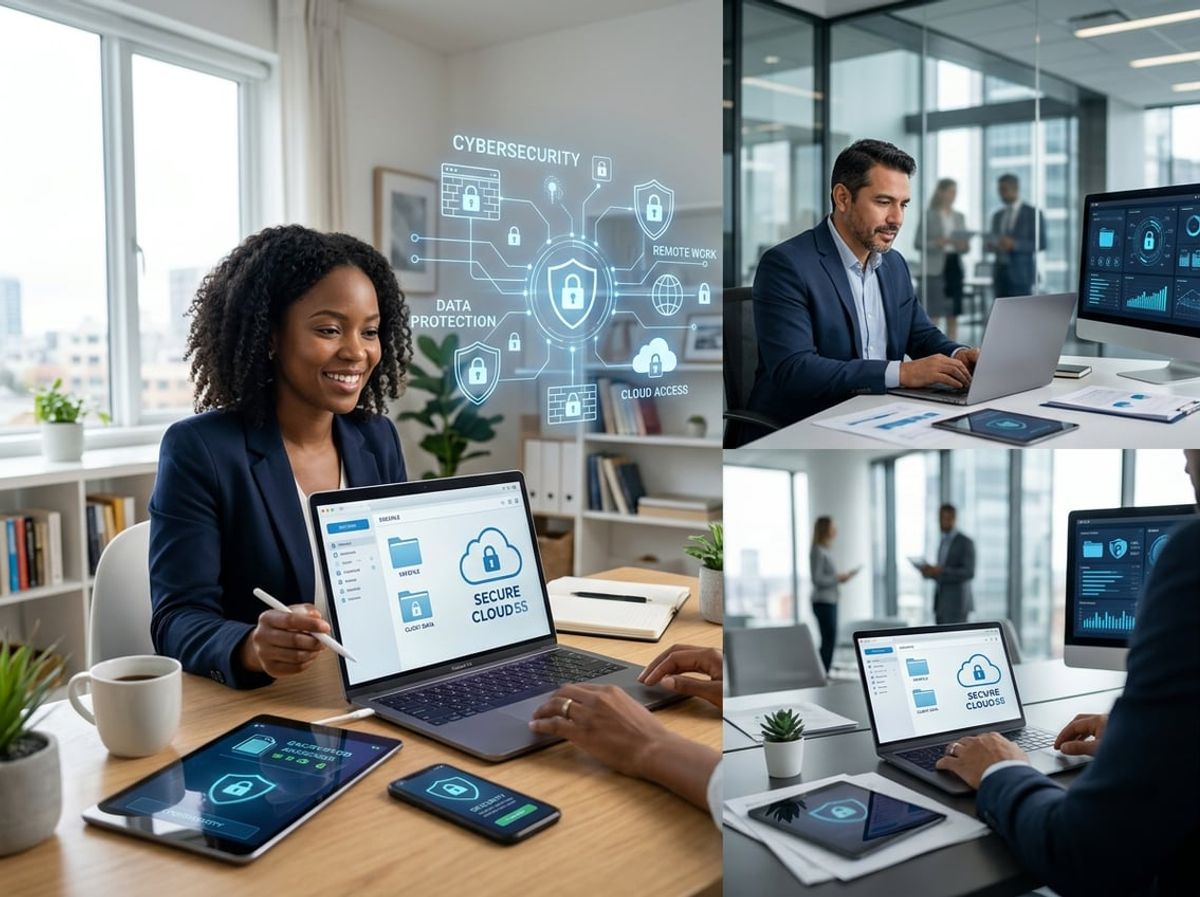
Cloud platforms such as Microsoft 365 have become central to hybrid legal operations, but their default configurations rarely meet the access controls and data protection standards required for client confidentiality and privilege. Encryption protocols and data loss prevention tools must be tuned specifically for remote document workflows to prevent unauthorized disclosure.
Securing Microsoft 365 and Cloud Case Files
Your firm likely stores pleadings, discovery materials, and privileged communications in SharePoint, OneDrive, or Teams. Default sharing permissions in Microsoft 365 can expose these files to accidental external access or internal oversharing. You need to enforce role-based access controls that limit document visibility to specific matters and attorneys.
Conditional access policies should block sign-ins from unmanaged devices or suspicious locations. Multi-factor authentication must be mandatory for all accounts, especially those with access to case files or billing records. External sharing should be disabled firm-wide unless explicitly required for client portals, and even then, expiration dates and password protection should be enforced.
Audit logs must be enabled and reviewed regularly. Under the New York SHIELD Act and ABA guidance, you are expected to know who accessed what data and when. Cloud case files demand the same confidentiality safeguards as on-premise systems, which means your Microsoft 365 security posture must be configured with legal workflows in mind, not generic business use.
Data Loss Prevention for Remote Document Access
Data loss prevention (DLP) tools scan for sensitive content and block unauthorized copying, downloading, or forwarding. For law firms, DLP policies should flag Social Security numbers, credit card numbers, attorney-client privilege markers, and case-specific identifiers. These policies can prevent a paralegal working from home from accidentally emailing discovery documents to the wrong recipient.
You should configure DLP rules to restrict downloads of privileged files to managed devices only. This keeps sensitive documents out of uncontrolled environments such as personal tablets or home computers. Policy tips can alert users in real time when they attempt to share restricted content, reducing accidental disclosures without blocking legitimate workflows.
DLP works best when paired with device management, which ensures that remote endpoints meet security baselines before accessing firm data. Remote work security for law firms requires that every device connecting to case files is inventoried, encrypted, and monitored.
Encryption Standards for Data in Transit and at Rest
Encryption at rest protects files stored in the cloud, while encryption in transit safeguards data moving between remote users and your cloud environment. Microsoft 365 uses AES-256 encryption for data at rest and TLS 1.2 or higher for data in transit, but these protections are only effective if properly enabled and configured.
You should verify that encryption is active across all repositories where case files are stored. For especially sensitive matters, consider customer-managed encryption keys, which give you control over key rotation and access. This approach aligns with ethical obligations around client confidentiality and can be critical during litigation holds or regulatory inquiries.
Remote document access must occur over encrypted connections only. Avoid unencrypted protocols such as FTP or HTTP for any file transfer. Your hybrid work security model should include endpoint encryption policies that require full-disk encryption on all laptops and mobile devices used to access firm data, ensuring that lost or stolen devices do not compromise client records.
Access Control and Identity Verification for Remote Legal Teams
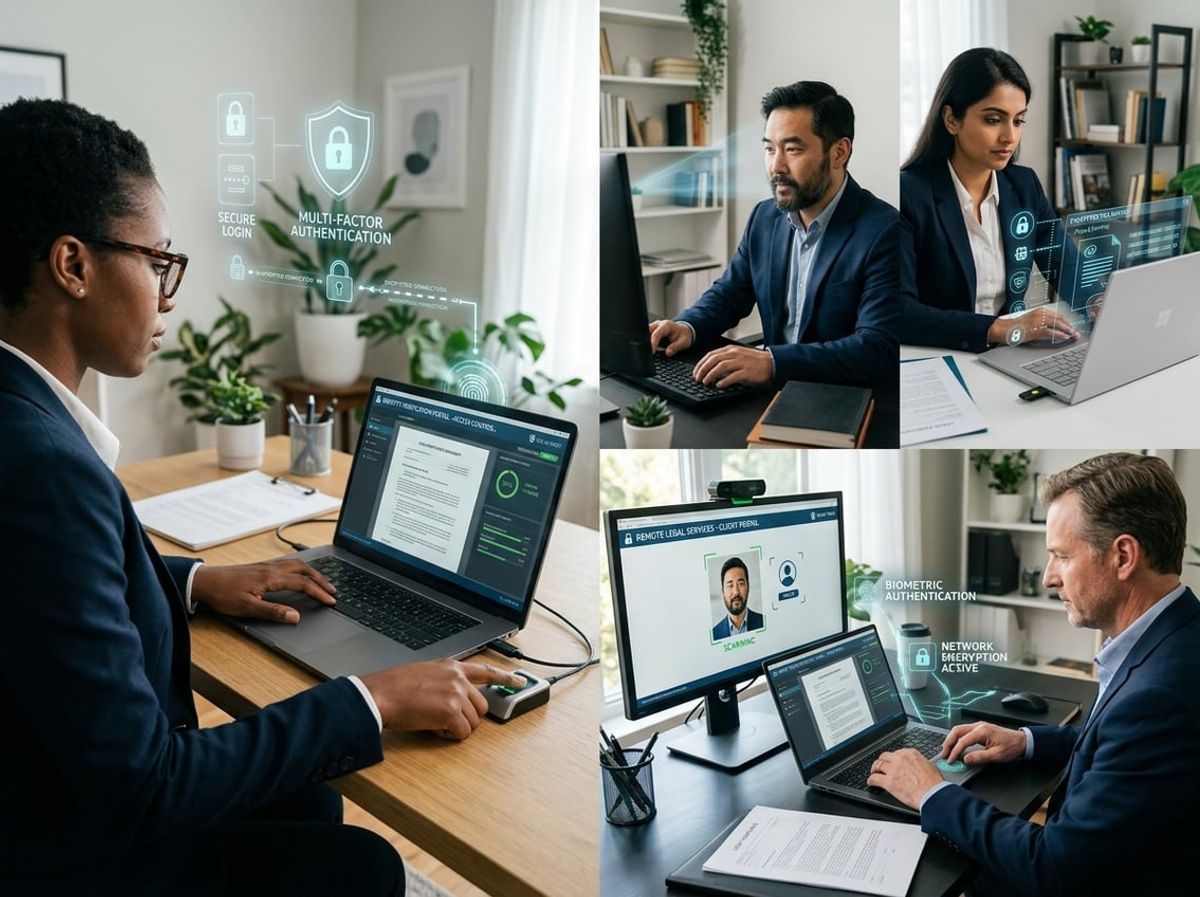
Access control determines who can view case files, matter documents, and client communications when attorneys and staff work outside your firm's physical office. For law firm remote work security, you need granular permission systems that enforce least privilege while meeting your obligations under the SHIELD Act and ABA Model Rule 1.6(c) to protect client confidentiality from unauthorized access.
Role-Based Access for Case Files and Client Data
Role-based access assigns permissions based on job function rather than individual user requests. An associate working on personal injury litigation receives access only to PI case files, while your family law paralegal cannot open employment discrimination matter folders.
This approach reduces insider risk and limits exposure if credentials are compromised. You should map roles to practice areas and case types, then assign document library permissions accordingly in your document management system. Each role receives the minimum access needed to perform assigned tasks.
For hybrid teams, role-based access prevents unauthorized viewing when staff connect from home networks or shared devices. Your document management platform logs every file access attempt, creating an audit trail that demonstrates compliance with attorney-client privilege protections if a breach occurs or a bar complaint is filed.
Review role assignments quarterly as attorneys move between practice groups or take on new matters. Contract attorneys and temporary staff should receive time-limited roles that expire automatically when their engagement ends.
Conditional Access Policies for Remote Logins
Conditional access evaluates device health, location, and login context before granting entry to your firm's systems. You can require managed devices for accessing privileged client data while allowing unmanaged personal devices only for email and calendaring.
Policies should block logins from high-risk countries where your firm has no legitimate business presence. You can also require additional verification steps when users connect from new locations or devices not previously registered with your firm.
For remote work security in law firms, conditional access enforces encryption requirements and checks for active endpoint protection before allowing document downloads. If an attorney's laptop lacks current antivirus definitions or disk encryption, the system denies access until the device meets your security baseline.
Geographic restrictions help satisfy SHIELD Act requirements by preventing data access from jurisdictions with weak privacy protections. Session timeouts force re-authentication after periods of inactivity, reducing risk when attorneys leave devices unattended at home.
Managing Access for Contract Attorneys and Paralegals
Contract attorneys and temporary paralegals require immediate access to specific case files without receiving blanket permissions to your entire document repository. Create a provisional access tier that limits visibility to assigned matters and expires on the contract end date.
Use guest accounts or time-bound credentials rather than full employee accounts for contractors. These accounts should not have access to firm financial records, attorney personnel files, or matters outside their scope of work. Your access control system should flag any attempt to view non-assigned files.
Contractor Access Controls:
Require contract staff to sign confidentiality agreements that reference specific access restrictions before provisioning credentials. Monitor their access logs for lateral movement attempts or bulk downloads that fall outside normal work patterns. When the engagement ends, immediately revoke all access and verify no local copies remain on contractor devices.
Secure Collaboration and Communication Tools for Distributed Law Firms
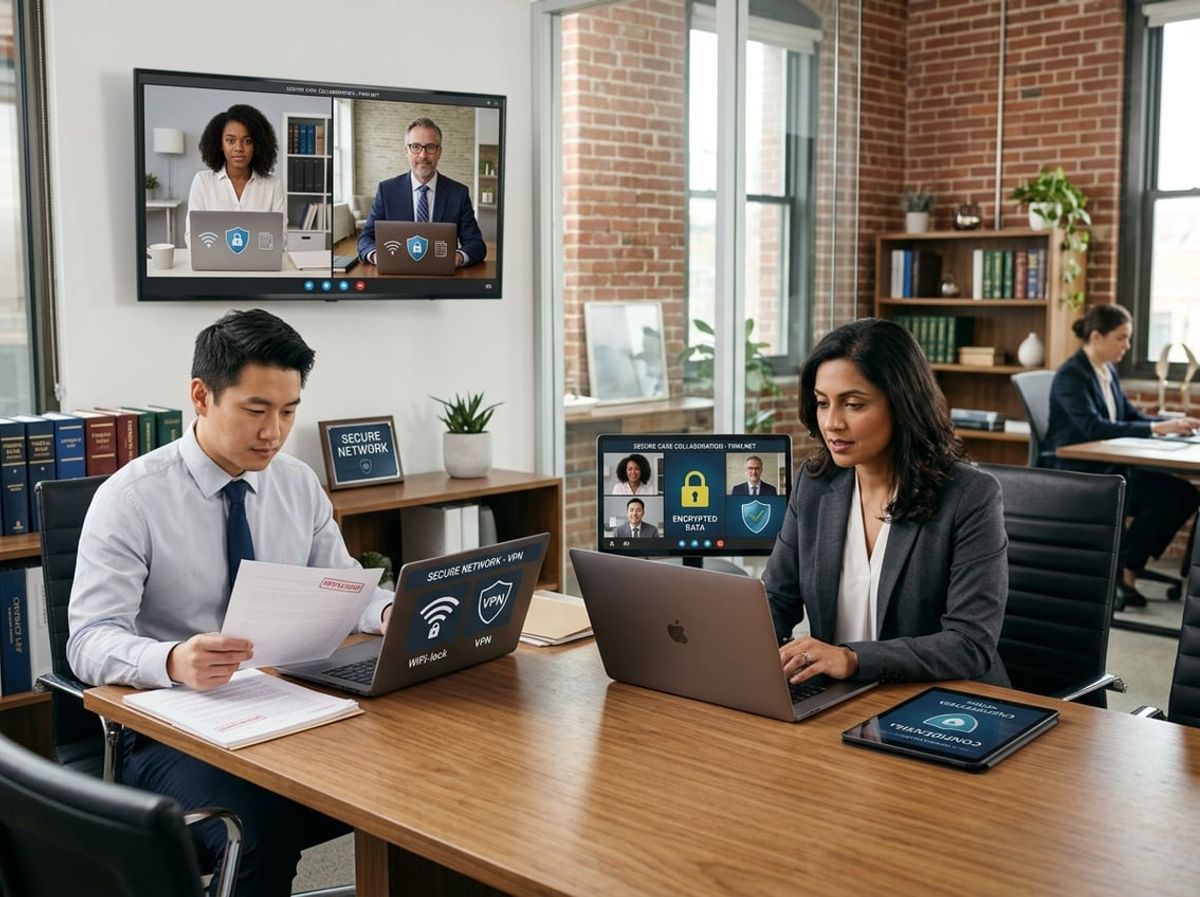
Remote work security for law firms depends on protecting real-time collaboration across messaging, document review, and client meetings. Attorney-client privilege and New York SHIELD Act obligations extend to every digital interaction, making tool selection a compliance decision rather than a convenience choice.
Encrypted Communication for Client Correspondence
Your firm's messaging and communication platforms must meet the same confidentiality standards as email under ABA Model Rule 1.6 and New York Rules of Professional Conduct. End-to-end encryption protects communications from interception during transmission and prevents unauthorized access if devices are compromised or lost.
Standard business chat applications often lack adequate encryption or store conversation logs in ways that violate attorney-client privilege protections. Look for platforms that encrypt messages at rest and in transit, allow you to control data retention policies, and provide audit trails for compliance documentation.
Client correspondence through insecure channels creates discoverable evidence of security lapses. Your collaboration tools should support secure external communication with clients through permission-controlled access rather than open messaging apps. Role-based access ensures paralegals, associates, and partners see only conversations relevant to their matters.
New York's cybersecurity requirements under 23 NYCRR 500 apply to DFS-regulated entities such as banks and insurers, not to law firms directly, though a firm serving those clients often inherits comparable obligations through its engagement terms. Your messaging platform should maintain activity logs showing who accessed which conversations and when, supporting both internal governance and any client or regulatory examination it feeds into. These logs become critical evidence if you face a bar complaint or data breach investigation.
Secure Document Sharing and E-Signature Practices
Document collaboration in hybrid work environments introduces risk when attorneys share files through personal email accounts or consumer cloud storage. Law firm remote work security requires centralized document repositories with granular permission controls that distinguish between view, comment, edit, and download rights.
E-signature workflows must preserve document integrity and create tamper-evident audit trails. Your platform should generate certificates of completion showing signature timestamps, IP addresses, and authentication methods used. These records prove chain of custody if a contract's validity is challenged.
External document sharing with clients and opposing counsel requires expiring access links and watermarking to prevent unauthorized redistribution. View-only permissions let clients review agreements without creating uncontrolled copies that could expose privileged information. Password protection and multi-factor authentication should be mandatory for any document containing confidential client data.
Version control prevents the chaos of multiple drafts circulating simultaneously. Look for systems that automatically track changes, maintain complete revision histories, and clearly indicate which version represents the executed document. This becomes essential during litigation when you need to reconstruct exactly what language was shared and when.
Video Conferencing Security for Client Meetings
Virtual consultations, depositions, and mediations require video platforms that support waiting rooms, password protection, and host controls over recording and screen sharing. Meeting links should be unique per session rather than permanent room URLs that unauthorized parties could access.
End-to-end encryption for video conferences protects against eavesdropping but may conflict with cloud recording features. Understand whether your platform encrypts recordings at rest and where that data is stored geographically, as some jurisdictions impose data residency requirements on client information.
Client confidentiality extends to who can join meetings and what appears on screen. Disable features that show participant lists to external attendees, prevent file transfers that bypass your document security controls, and require authentication before joining sensitive discussions. Your firm should maintain logs of meeting participants, start and end times, and any recordings created.
Virtual backgrounds and proper physical workspace configuration prevent inadvertent disclosure of confidential information visible behind participants. Train attorneys to position cameras away from whiteboards, case files, and monitors displaying client data. These operational security measures complement technical controls in protecting attorney-client privilege during remote client meetings.
Compliance Obligations for Remote Work in New York Law Firms

New York law firms managing remote workforces must navigate overlapping state data breach notification requirements, professional conduct rules mandating competence and confidentiality, and documentation standards that satisfy both regulators and clients scrutinizing your security posture.
NY SHIELD Act Requirements for Remote Data Handling
The NY SHIELD Act imposes specific data security obligations on any business that handles New York residents' private information, including Social Security numbers, financial account details, and biometric data commonly found in client files. Your firm must implement reasonable administrative, technical, and physical safeguards proportionate to the size of your practice and the sensitivity of the data you handle.
For remote work environments, the Act requires you to assess risks introduced by home offices and unsecured networks. You need written policies covering data disposal, access controls, and encryption for data in transit and at rest. When lawyers access case files from residential Wi-Fi or shared household devices, you must enforce protocols such as virtual private networks and multi-factor authentication to meet the Act's encryption and access control standards.
The Act also mandates timely breach notification to affected individuals and the New York Attorney General within specific timeframes. Your remote work compliance documentation must demonstrate that you've evaluated vulnerabilities unique to distributed workforces and implemented controls that prevent unauthorized access when employees work outside your physical office.
ABA Guidance on Remote Practice and Confidentiality
ABA Model Rule 1.6 and New York Rules of Professional Conduct Rule 1.6 require you to make reasonable efforts to prevent inadvertent or unauthorized disclosure of client information. The ABA has clarified that competence under Rule 1.1 includes understanding the risks and benefits of technology you use in practice, directly impacting law firm remote work security.
You must evaluate whether remote communication platforms, video conferencing tools, and file-sharing systems provide adequate confidentiality protections. This includes confirming that vendors offering legal technology services implement encryption, access logging, and business associate agreements where applicable.
Remote work introduces supervision obligations under Rules 5.1 and 5.3. You're responsible for ensuring that both attorneys and non-lawyer staff working from home follow your firm's confidentiality protocols. This means verifying that remote workspaces minimize the risk of inadvertent disclosure, that devices storing client data are secured with strong passwords, and that employees don't transmit confidential information over unsecured public networks.
Documenting Remote Work Compliance for Audits and Clients
Sophisticated clients and professional liability carriers increasingly request evidence of your remote work security controls before engagement or policy renewal. Your documentation should include written remote work policies that specify acceptable use of firm networks, device security requirements, and procedures for handling confidential information outside the office.
Maintain records showing that you've trained employees on security protocols and data privacy obligations specific to remote environments. Training logs, acknowledgment forms, and periodic security assessments demonstrate reasonable efforts to comply with both the NY SHIELD Act's administrative safeguard requirements and professional conduct rules.
Your audit trail should document technology vetting decisions, including how you evaluated the security features of cloud storage providers, video conferencing platforms, and collaboration tools. Keep records of software updates, patch management schedules, and data backup procedures that protect client information stored on remote devices. This documentation proves you've implemented safeguards proportionate to the risks inherent in your distributed workforce model, satisfying both regulatory audits and client due diligence inquiries.
Building a Law Firm Remote Work Security Policy

A comprehensive remote work policy establishes technical controls, defines acceptable use standards, and creates accountability mechanisms that protect client data while enabling flexible work arrangements. Policy documentation must address access management throughout the employee lifecycle and ongoing security awareness training tailored to legal practice requirements.
Key Elements of an Effective Remote Work Policy
Your remote work policy must explicitly reference New York SHIELD Act requirements and ABA Model Rule 1.6(c), which obligates you to make reasonable efforts to prevent unauthorized access to client information. The policy should define which systems and data remote staff can access, mandate VPN use for all connections to firm resources, and prohibit storage of client files on personal devices or non-approved cloud services.
An acceptable use policy forms the foundation of your governance framework. This document should specify that all remote devices must have endpoint protection installed, automatic updates enabled, and encryption activated. Include provisions requiring immediate reporting of lost devices, suspected breaches, or phishing attempts.
Required policy components:
- Approved remote access methods (VPN, remote desktop, secure portals)
- Device security standards (encryption, antivirus, patching)
- Data handling rules (no client files on personal email or consumer cloud storage)
- Network security requirements (no public WiFi for confidential work without VPN)
- Incident reporting procedures with specific escalation contacts
- Sanctions for non-compliance, ranging from access suspension to termination
Document who approves exceptions to these standards and under what circumstances. Your professional liability carrier may require specific controls, so coordinate policy language with your insurance broker to maintain coverage during remote work.
Employee Onboarding and Offboarding for Remote Access
Onboarding procedures for remote staff must include access provisioning tied to role-based permissions that limit exposure to confidential client data. Before issuing credentials, verify the employee has completed security training and signed acknowledgment of your acceptable use policy. Provision accounts with the minimum access necessary for their role, following privilege principles that protect attorney-client communications.
Create a standardized checklist that covers VPN account creation, multi-factor authentication enrollment, secure email configuration, and installation of endpoint protection on any device that will access firm systems. Document which systems each remote employee can access and review these permissions quarterly.
Offboarding carries heightened risk for law firm remote work security. Disable all remote access within hours of separation, not days. Your checklist must include immediate VPN account deletion, password resets for any shared resources the departing employee accessed, revocation of MFA tokens, and remote wipe of firm data from any personal devices used under bring-your-own-device arrangements.
Critical offboarding steps:
- Disable remote access credentials before or during exit interview
- Retrieve or remotely wipe all firm-issued devices
- Remove access to practice management software, document management systems, and client portals
- Reset passwords for any shared accounts the employee knew
- Review access logs for unusual activity in final employment weeks
Training Staff on Remote Security Expectations
Security training must address threats specific to legal practice, emphasizing how remote work creates exposure points for client confidentiality breaches. Conduct initial training before granting remote access and mandatory refresher sessions at least annually. Focus on recognizing phishing attempts that impersonate clients, courts, or opposing counsel, which represent the most common attack vector against law firms.
Training should cover practical scenarios your attorneys and staff encounter daily. Explain why they cannot discuss privileged matters in public spaces, even when working remotely. Demonstrate proper VPN connection before accessing case files. Show how to identify suspicious login alerts that might indicate credential compromise.
Essential training topics:
- Phishing recognition specific to legal communications
- Proper handling of privileged documents in home office settings
- Physical security for remote workspaces (locking screens, securing paper files)
- Approved methods for sharing confidential client information
- Reporting procedures for security incidents or suspicious activity
Document training completion for each staff member. New York ethics opinions suggest that inadequate security training can constitute failure to competently represent clients under Rule 1.1. Maintain records showing who completed training, when they completed it, and what topics were covered in case of future regulatory inquiry or malpractice claims involving data security.
Incident Response and Monitoring for Remote and Hybrid Teams

When your attorneys work from home offices and coffee shops, security incidents can occur outside your firm's direct visibility. Effective remote work security for law firms requires continuous monitoring of distributed devices and a clear plan for containing breaches that may start on personal networks or unsecured endpoints.
Detecting Threats Across Distributed Endpoints
Remote devices operate beyond your office firewall, making traditional perimeter-based detection ineffective. You need endpoint detection and response (EDR) solutions that monitor each laptop, tablet, and workstation regardless of location.
EDR tools track suspicious behaviors like unauthorized file access, credential misuse, or malware execution directly on each device. This matters for attorney-client privilege because a compromised home laptop can expose privileged communications before you notice the breach.
Your detection strategy must cover:
- File access anomalies: unusual access to client matter files outside normal working hours
- Credential abuse: login attempts from unexpected locations or multiple simultaneous sessions
- Data exfiltration patterns: large file transfers to external storage or email accounts
- Malware indicators: ransomware behaviors, keyloggers, or remote access trojans
Under the SHIELD Act, you must implement reasonable safeguards for private information. Remote breach detection fulfills this requirement by identifying threats before they result in unauthorized disclosure of client data.
Responding to a Breach in a Remote Environment
Your incident response plan must address scenarios where the affected device sits in an attorney's home, not your office. Standard procedures like physically isolating a compromised machine don't work when the device is 30 miles away.
Build remote response protocols that include immediate remote lockdown capabilities and clear communication channels. When you detect a potential breach, you need to remotely disable network access, preserve forensic evidence, and assess what client data may have been exposed.
Critical response steps include:
- Remote device isolation: cut network access without wiping the device to preserve evidence
- Privilege assessment: identify which client matters the affected user accessed recently
- Notification timeline: determine bar association and client notification obligations based on data exposed
- Credential rotation: force password changes for all accounts accessed from the compromised device
ABA Formal Opinion 483 requires reasonable efforts to prevent inadvertent disclosure. Your incident response plan demonstrates these reasonable efforts when staff work remotely, protecting you from ethics violations even if a breach occurs.
24/7 Monitoring for Off-Network Devices
Hybrid work security demands continuous monitoring because threats don't respect business hours. An attorney logging in from home at 9 PM to review a motion faces the same risks as daytime office work.
24/7 monitoring through a managed detection and response (MDR) provider or security operations center gives you around-the-clock visibility. These services alert you to threats in real-time and can initiate immediate containment, even when your staff is off duty.
For law firm remote work security, continuous monitoring addresses specific legal industry risks. If an attorney's credentials are compromised during evening hours, prompt detection prevents unauthorized access to case files, depositions, or settlement agreements. This protection directly supports your duty to maintain client confidentiality under state bar ethics rules.
Many small to mid-sized NYC firms lack the resources for internal security teams. Third-party 24/7 monitoring provides enterprise-level threat detection without hiring dedicated security staff, making it a practical solution for protecting distributed endpoints while maintaining SHIELD Act compliance.
Choosing an MSP Partner to Support Secure Hybrid Legal Work
Selecting the right managed IT services partner determines whether your firm's remote work model strengthens or compromises client confidentiality. The difference between a compliance-first provider and a general business IT vendor often surfaces during a breach or regulatory inquiry, when documentation, response protocols, and security architecture face scrutiny.
What to Look for in a Compliance-First IT Partner
A compliance-first MSP understands that attorney-client privilege drives your security requirements, not just general data protection standards. Your law firm IT partner should demonstrate specific experience with New York SHIELD Act obligations, ABA Model Rule 1.6(c) on reasonable cybersecurity measures, and state bar ethics opinions on technology competence.
Look for providers who document their security controls in writing and align them with legal industry standards. This includes enforced multi-factor authentication across all remote access points, endpoint detection and response on attorney devices, encrypted file sharing that maintains chain of custody, and backup systems with verified recovery procedures. Generic managed IT services designed for retail or manufacturing operations lack the privilege-aware architecture legal work demands.
Request evidence of cyber insurance coverage and ask whether their policies acknowledge law firm clients. Providers who work primarily with legal practices typically carry errors and omissions insurance that covers breach notification costs and regulatory penalties, which matters when your firm's name appears alongside theirs in incident reports.
Evaluating Remote Security Support and Response Times
Remote support response time directly affects your ability to meet court deadlines and client obligations during technical failures. Ask prospective vendors for their average response time to critical security incidents and system outages, not just business-hour help desk tickets.
Your remote workforce needs access to case management systems, document repositories, and communication platforms regardless of location or time. A vendor evaluation should include documented service level agreements specifying maximum response windows for privilege-threatening incidents like suspected email compromise, ransomware detection, or unauthorized access attempts.
Test their after-hours support before committing. Call their emergency line at 8 PM or on a Saturday to assess actual response capability versus marketing claims. Law firm remote work security depends on real-time human expertise when alerts trigger, not automated ticketing systems that defer action until the next business day.
Questions to Ask Before Signing an IT Services Agreement
Critical vendor evaluation questions include:
- How do you protect attorney-client communications during remote work sessions?
- What monitoring do you perform on our systems, and how is that activity logged and disclosed?
- Who has administrative access to our data, and where are they located?
- How quickly can you restore systems after a ransomware attack, and what is your tested recovery time?
- Do you maintain documentation that satisfies New York SHIELD Act reasonable security requirements?
Request references from other law firms in your size range and practice areas. General client lists that include legal alongside retail and hospitality suggest the provider lacks specialized legal compliance expertise.
Review the services agreement for specific language addressing privilege protection, breach notification procedures, data handling restrictions, and termination data return protocols. Vague contracts that treat your case files like ordinary business records indicate misalignment with hybrid work security requirements for law firms.

Remote and hybrid work environments create distinct security and compliance challenges that general IT guidance doesn't address. The following questions clarify how New York law firms should approach remote access, device management, privilege protection, and regulatory obligations specific to legal practice.