
Remote Law Firm Security Setup: The Complete Checklist for New Practices
A complete remote law firm security setup checklist covering endpoint protection, MFA, zero trust access, and compliance documentation for NYC firms.
When you launch a remote law firm or transition your existing practice to remote operations, the technology decisions you make in the first weeks determine whether your firm can protect client data under the scrutiny of bar associations, malpractice insurers, and cybersecurity auditors. A remote law firm security setup is not an IT preference or a productivity enhancement; it is the foundation that allows you to meet your professional conduct obligations when client files, privileged communications, and case strategy documents leave the physical security of a traditional office environment. Every remote access point, personal device, and home network your attorneys use creates potential exposure to confidentiality breaches, unauthorized access, and compliance violations that can trigger malpractice claims and ethics complaints.
The remote law firm security setup you need is not the same infrastructure that works for general small businesses. Law firms operate under confidentiality obligations that exceed standard data protection requirements, and those obligations do not change when attorneys work from home. You need endpoint protection that prevents unauthorized access to case files on personal laptops, identity verification that ensures only authorized users can access client data remotely, and data controls that prevent sensitive documents from being stored on unmanaged devices or transmitted over insecure connections.
Your firm's security posture must be compliance-first from day one, not retrofitted after attorneys are already accessing matters remotely through unsecured home Wi-Fi and unmanaged personal devices. This guide provides the technical requirements, configuration steps, and documentation practices you need to build a defensible remote practice that protects client confidentiality, satisfies regulatory requirements, and gives you a documented security foundation before the first client file is accessed outside your office.
Key Takeaways
- Remote law firm security setup must address client confidentiality obligations, not just general remote access convenience
- Endpoint protection, multi-factor authentication, and zero-trust network design are essential before attorneys access client data remotely
- Compliance documentation and ongoing monitoring ensure your security posture remains defensible as your remote practice grows
Why Remote Law Firms Face Unique Cybersecurity Risks
When your firm operates outside a traditional office environment, you inherit vulnerabilities that brick-and-mortar practices never encounter. Remote setups expose client files to unsecured networks, multiply the number of access points hackers can exploit, and complicate your ability to demonstrate compliance with professional responsibility rules.
The Expanded Attack Surface of Home and Hybrid Work
Your law firm attack surface grows exponentially when attorneys access case files from personal residences or coffee shops. Each home router, personal laptop, and public Wi-Fi connection becomes a potential entry point for unauthorized access.
Traditional offices rely on centralized firewalls and controlled network perimeters. Remote work eliminates these boundaries entirely. Your associates may connect through spouses' home networks shared with smart TVs and gaming consoles, or through apartment building Wi-Fi with minimal encryption. Each connection represents a pathway that threat actors can exploit to reach privileged client communications.
Home network security rarely matches enterprise standards. Most residential routers ship with default passwords and outdated firmware. Without someone monitoring access logs or enforcing device hygiene policies, you cannot verify whether endpoints accessing your document management system have been compromised. This lack of visibility makes detecting intrusions significantly harder than in a physical office where IT staff can monitor traffic.
Client Confidentiality Risks Outside the Traditional Office
Your ethical obligation to protect client confidentiality under professional conduct rules intensifies when sensitive case files move beyond controlled office spaces. Client data exposure becomes difficult to prevent when attorneys handle privileged documents on kitchen tables, shared workspaces, or during video calls with family members nearby.
Screen privacy poses immediate risks. An attorney reviewing settlement negotiations on a laptop at home may not notice a spouse or roommate glimpsing confidential financial details. Video conferencing from bedrooms or living rooms can inadvertently reveal case files taped to walls or visible on secondary monitors.
Device theft and loss create additional exposure. Laptops containing unencrypted discovery materials left in vehicles or lost during commutes can result in immediate breaches of client confidentiality. Unlike office thefts where you control the physical premises and can review security footage, residential break-ins or misplaced devices may go unreported until after data has been accessed.
Regulatory Exposure for Firms Without a Physical IT Perimeter
Regulatory exposure intensifies when you cannot demonstrate reasonable security measures required by bar associations and data protection regulations. New York's Rules of Professional Conduct 1.6(c) mandates reasonable efforts to prevent unauthorized access to client information. Without documented policies for remote access controls, encryption, and incident response, you risk both malpractice claims and disciplinary actions.
Compliance becomes harder to prove without centralized infrastructure. You must document that every remote device meets minimum security standards, that attorneys use multi-factor authentication, and that client files remain encrypted both in transit and at rest. Auditors and opposing counsel can request evidence of these controls during discovery.
Data residency and breach notification laws add complexity. If your cloud storage provider maintains servers across multiple jurisdictions, you may face obligations under various state breach notification statutes. Remote work risks compound when attorneys travel across state lines with devices containing client files, potentially triggering additional regulatory requirements you never considered in a single-office setup.
Remote Law Firm Security Setup: Core Requirements Before Day One
Before any attorney accesses client files remotely, your firm must establish documented security controls that satisfy both bar association ethics rules and data protection regulations. Missing these foundational requirements exposes your practice to malpractice claims and disciplinary action from day one.
Defining a Minimum Security Baseline for New Practices
Your security baseline must include multi-factor authentication on all systems that touch client data. This means requiring at least two forms of verification, typically a password plus a code from an authentication app or SMS, before anyone accesses your case management system, email, or document storage.
Deploy endpoint protection software on every device that connects to firm resources. This includes antivirus, anti-malware, and firewall protection that updates automatically. Your baseline should mandate encryption for data at rest and in transit, meaning files stored on laptops or transmitted via email must be encrypted using AES-256 or equivalent standards.
Implement role-based access controls that restrict who can view specific client files. A paralegal working on personal injury cases should not have access to your corporate transactional files. Document these access policies in writing and review them quarterly.
VPN usage must be mandatory for all remote connections. Public Wi-Fi at coffee shops or home networks lack the security controls your office network provides, making VPNs non-negotiable for attorneys working outside your physical space.
Legal and Ethical Obligations That Shape Your Setup
New York's Rules of Professional Conduct require you to make reasonable efforts to prevent unauthorized access to client information. Rule 1.6(c) specifically addresses your duty to protect confidential information using reasonable security measures, and what counts as "reasonable" now explicitly includes cybersecurity protections.
The ABA's Model Rule 1.1 imposes a duty of technological competence, meaning you must understand the risks and benefits of the technology your firm uses. Your security setup must demonstrate documented policies for data handling, breach response procedures, and regular security training for all staff.
HIPAA compliance applies if you handle any health-related personal injury or medical malpractice cases. This adds requirements for Business Associate Agreements with vendors, specific data retention schedules, and breach notification procedures within 60 days of discovery.
Document every security control you implement. Written policies serve as evidence of reasonable care if a breach occurs or if a malpractice claim alleges negligent data handling.
Budgeting for Security as a Foundational Cost, Not an Add-On
Security infrastructure is a cost of doing business, not an optional upgrade. Budget 3-5% of gross revenue for security tools, training, and compliance in your first year. This percentage increases if you handle highly sensitive matters like criminal defense or intellectual property litigation.
Your budget must include cyber liability insurance that covers data breach response costs, regulatory fines, and client notification expenses. Policies typically start at $1 million in coverage and require documented security controls to qualify for reasonable premiums.
Allocate funds for annual security audits by qualified professionals. Even without an internal IT department, you need third-party validation that your controls meet professional standards and regulatory requirements.
Choosing Secure Devices and Endpoint Protection for Remote Attorneys
Devices that access client files remotely are the single most vulnerable point in a remote law firm's security posture. The choice between issuing firm laptops or allowing personal devices, the type of endpoint protection deployed, and the ability to enforce encryption and remote wipe policies all directly determine whether your firm can defend client confidentiality when attorneys work from home or travel.
Firm-Issued Laptops vs Personal Devices for Legal Work
Firm-issued devices give you complete control over the security baseline before any attorney accesses client data. You configure disk encryption, install endpoint detection software, enforce password policies, and maintain administrative access to apply patches and security updates on your timeline. When an attorney leaves the firm or reports a stolen laptop, you can remotely wipe the device without any negotiation over personal data.
Personal devices create a divided security responsibility that most small law firms cannot manage without mobile device management software. An attorney's home laptop may run outdated operating systems, lack encryption, or share network space with unsecured IoT devices. If you allow personal devices, you must enforce containerization through MDM to separate firm data from personal content, require encryption on any device storing client files, and maintain the ability to wipe firm data remotely without touching personal photos or applications.
The decision scales with your budget and your data sensitivity. If your firm handles sensitive litigation, corporate transactions, or regulated client information, firm-issued laptops with full endpoint protection are the only defensible choice. If budget constraints force a BYOD model, MDM enrollment and endpoint protection installation must be mandatory conditions of remote access, not optional recommendations.
Endpoint Detection and Response for Remote Machines
Consumer antivirus software does not meet the threat detection standard required for law firm endpoint protection. EDR platforms monitor device behavior in real time, identify suspicious process execution, detect lateral movement attempts, and provide forensic visibility when an incident occurs. For remote attorneys, EDR is the control that identifies compromise before client data is exfiltrated.
Key EDR capabilities for remote law firm security:
- Behavioral analysis that detects ransomware encryption activity before files are locked
- Threat intelligence integration that blocks known malicious IPs and file hashes automatically
- Tamper protection that prevents attackers from disabling the EDR agent remotely
- Centralized logging that feeds activity into a security information and event management system for compliance documentation
Your EDR deployment must cover every device with access to client files, including firm laptops, personal devices enrolled in MDM, and mobile phones used to access email or document management systems. Gaps in endpoint coverage create blind spots that attackers exploit during reconnaissance.
Device Encryption and Remote Wipe Capabilities
Encryption must be enabled on every device before the first client file is downloaded. Full-disk encryption protects data at rest when a laptop is stolen or left in a taxi. Without encryption, a lost device becomes an immediate breach notification obligation under state data protection laws.
BitLocker for Windows devices and FileVault for macOS should be enabled during device provisioning, with recovery keys stored in a secure, centralized location accessible to your IT support provider. For personal devices accessing firm data through MDM, encryption enforcement policies prevent access until the device owner enables encryption and the MDM agent verifies compliance.
Remote wipe capabilities protect client data when a device is lost, stolen, or when an attorney separates from the firm. Your MDM platform must support selective wipe for personal devices, removing only firm email, documents, and application data while leaving personal content intact. For firm-issued devices, full remote wipe returns the machine to factory settings and ensures no residual client data remains accessible.
Document your encryption and remote wipe procedures in writing. If you ever face a bar inquiry or a breach investigation, documented policies and proof of enforcement demonstrate that you took reasonable measures to protect client confidentiality on remote devices.
Building a Zero Trust Network Foundation for Remote Legal Teams
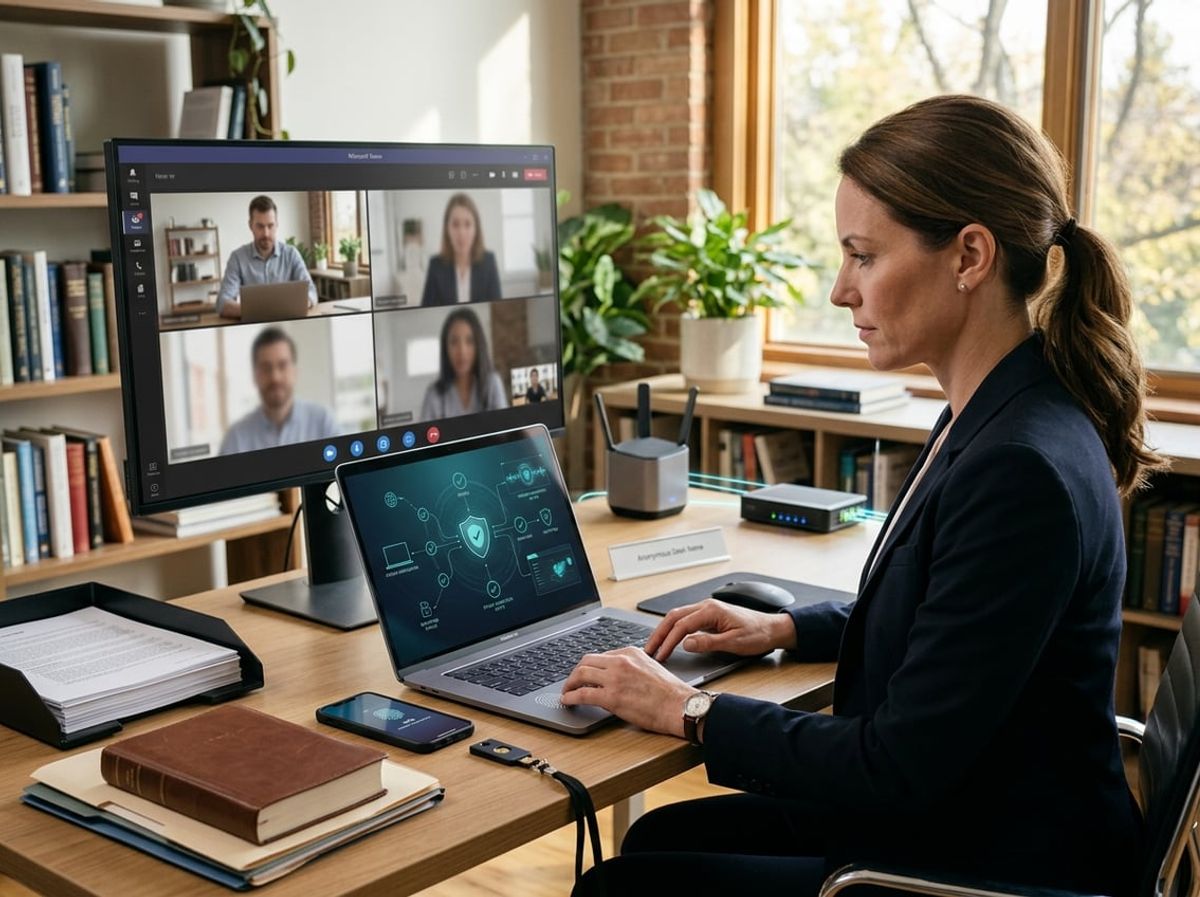
Zero trust security assumes no device or user is trustworthy by default, requiring continuous verification at every access point. For remote legal teams handling confidential client matters, this architecture protects against unauthorized access even when attorneys work from unsecured home networks or public Wi-Fi.
Business-Grade VPN and Secure Remote Access
A business-grade VPN creates an encrypted tunnel between remote devices and your firm's network resources. This prevents interception of privileged communications and case files when attorneys access documents outside the office.
Consumer VPN services lack the security controls required for attorney-client privilege protection. Business VPNs offer centralized management, allowing you to enforce which devices can connect and maintain logs that demonstrate reasonable security measures during regulatory review.
Configure your VPN to require multi-factor authentication before establishing any connection. This adds a second verification layer beyond passwords, which are frequently compromised through phishing attacks targeting legal professionals.
Split-tunnel configurations allow some traffic to bypass the VPN while protecting sensitive firm resources. However, for law firms, full-tunnel VPN ensures all remote activity passes through your security controls, preventing accidental exposure of client identifiers or matter details through unprotected connections.
Segmenting Access by Role and Case Sensitivity
Network segmentation divides your infrastructure into isolated zones based on data sensitivity and job function. A paralegal working on personal injury cases should not have automatic access to corporate litigation files or financial records.
Implement role-based access controls that grant the minimum permissions needed for each position. Associates access only their assigned matters, administrative staff reach billing and scheduling systems, and partners maintain broader visibility aligned with supervisory responsibilities.
Case-level segmentation adds another protection layer for high-stakes litigation or matters involving regulated industries. These files reside in separate network zones with enhanced logging and restricted access lists, creating an audit trail that demonstrates appropriate confidentiality safeguards.
Document your segmentation structure and access policies in writing. Bar associations expect firms to implement reasonable security measures, and a documented network architecture provides evidence of deliberate protection decisions rather than default configurations.
Eliminating Implicit Trust on Home Networks
Home networks present significant vulnerabilities because they lack enterprise security controls. Your attorney's home router may use outdated firmware, weak passwords, or allow connections from compromised smart devices that share the same network.
Zero trust architecture treats every connection as potentially hostile regardless of origin. Even when attorneys connect from their home office, your systems verify device health, user identity, and access permissions before allowing entry to client data.
Deploy endpoint detection and response software on all devices accessing firm resources. These tools verify that remote laptops maintain current security patches, active antivirus protection, and encryption before granting network access.
Consider issuing firm-managed devices rather than allowing personal computers to access case management systems. Managed devices enforce security configurations, prevent unauthorized software installation, and can be remotely wiped if lost or stolen, protecting client confidentiality even after a physical security breach.
Securing Microsoft 365 for a New Remote Practice
Remote practice requires security controls to be implemented before the first client file is uploaded or email sent. Missing or misconfigured permissions, sharing settings, and threat detection at launch can create compliance gaps that are difficult to remediate later.
Configuring Conditional Access Policies From Day One
Conditional Access policies enforce access requirements before allowing users into Microsoft 365, making them the first line of defense for client data protection. Enable multi-factor authentication (MFA) for all user accounts immediately, requiring a second form of verification beyond passwords.
Configure policies to block legacy authentication protocols that cannot enforce MFA. These older email protocols are common targets for credential theft attacks.
Create location-based restrictions if your firm requires access only from specific geographic regions or IP ranges. Set device compliance requirements that block unmanaged or non-compliant devices from accessing SharePoint, OneDrive, and email. This prevents attorneys from using personal computers that lack encryption or current security patches.
Apply stricter policies to administrative accounts and users handling high-risk matters. Require MFA on every login for these accounts, not just during risky sign-in attempts.
Document each policy's purpose and scope in your security procedures manual. Bar associations and cyber insurers frequently request evidence of access controls during compliance reviews or after security incidents.
Locking Down SharePoint and OneDrive Sharing Permissions
Default SharePoint and OneDrive settings allow sharing with anyone, including unauthenticated external users. Change the organization-wide sharing setting to "Only people in your organization" before creating any document libraries or uploading files.
Disable anonymous access links entirely to prevent accidental exposure of privileged documents. If client collaboration requires external sharing, restrict it to specific verified domains and require recipient authentication.
Set default file permissions to prevent editing by external recipients. Enable expiration dates on all external sharing links, with 30 days as a maximum for confidential materials.
Disable "Anyone" links at the tenant level through the SharePoint admin center. Configure alerts to notify administrators whenever external sharing occurs on sensitive document libraries.
Review and document your information barriers and data classification policies. Apply sensitivity labels to matter folders that automatically restrict sharing based on content classification. Create retention policies that align with your state's file retention requirements for client records.
Enabling Advanced Threat Protection for Email and Files
Microsoft Defender for Office 365 provides protection against phishing, malware, and zero-day threats in email attachments and links. Enable Safe Attachments to detonate suspicious files in a sandbox environment before delivery to mailboxes.
Activate Safe Links to rewrite and scan URLs in real-time when users click them. This protects against credential harvesting sites and malicious domains that appear legitimate.
Configure anti-phishing policies with user impersonation protection for partners and frequent external contacts. Enable mailbox intelligence to detect unusual sender patterns that may indicate compromised accounts.
Turn on Safe Attachments for SharePoint, OneDrive, and Teams to scan files as they are uploaded. This prevents malware from entering your document repositories through file sharing.
Set up alerts for detected threats and configure automatic remediation where appropriate. Review threat detection reports weekly during the first 90 days to identify patterns and adjust policies.
Enable audit logging to track file access, sharing changes, and email forwarding rules. These logs are essential for breach investigations and demonstrating compliance during regulatory inquiries.
Building Your Remote Law Firm Security Setup Checklist Step by Step
A remote law firm security setup requires a structured approach to ensure every control is in place, tested, and assigned before attorneys access client data. This means defining exactly what needs to be implemented before launch, assigning clear responsibility for each security measure, and validating your entire environment under real-world conditions.
Pre-Launch Security Checklist for New Remote Practices
Your pre-launch security checklist must address every layer of your remote infrastructure before attorneys handle confidential client information. Start with multi-factor authentication on all systems including email, practice management software, cloud storage, and VPN access. This single control prevents the vast majority of unauthorized access attempts.
Configure encryption for data at rest and in transit. Your client files must be encrypted on every device and during every transmission.
Deploy endpoint detection and response software on all laptops and workstations. Remote devices operate outside traditional network perimeters, making endpoint protection essential for detecting threats before they compromise client data.
Core pre-launch security controls:
- Multi-factor authentication across all platforms
- End-to-end encryption for email and file sharing
- Endpoint detection and response on every device
- Secure remote access through managed VPN or zero-trust solutions
- Role-based access controls limiting file access by case and attorney
- Encrypted backup systems with tested recovery procedures
- Secure client portal for document exchange
- Email security filtering for phishing and impersonation attacks
Document your incident response plan before you need it. Define who responds to suspected breaches, how you contain incidents, and your notification procedures for clients and regulators.
Assigning Ownership for Each Security Control
Every security control in your remote law firm setup needs a designated owner responsible for implementation, maintenance, and monitoring. Without clear ownership, controls fail during routine updates or configuration changes.
Assign your managed IT provider as the technical owner for system-level controls like MFA, encryption, endpoint protection, and network monitoring. They must provide documentation confirming each control is active and configured according to your security requirements.
Designate an internal point person, typically your managing attorney or office administrator, as the administrative owner. This person approves access requests, tracks security training completion, reviews audit logs, and coordinates with your IT provider on policy enforcement.
Security control ownership matrix:
Document who receives security alerts, who has authority to modify permissions, and who reviews monthly security reports. Clear ownership ensures accountability when audit questions arise.
Testing the Setup Before Attorneys Go Live
Pre-launch testing validates that your security controls function correctly under actual working conditions. Schedule a full-day simulation where attorneys access files, communicate with mock clients, and perform typical workflows using only your remote infrastructure.
Test every authentication method. Verify that MFA prompts appear correctly and that attorneys can authenticate from home networks and mobile devices. Confirm that failed login attempts trigger alerts to your designated security contact.
Conduct a simulated phishing exercise before go-live. Send test phishing emails to all staff and document who clicks versus who reports the attempt. This baseline measurement identifies training gaps before real attacks occur.
Go-live readiness validation checklist:
- Test file access from remote locations with proper permissions enforced
- Verify encrypted email functions correctly with external recipients
- Confirm backup systems capture new data and support file recovery
- Validate VPN connections from multiple networks and devices
- Test client portal access and document sharing workflows
- Review access logs to confirm monitoring captures all authentication events
- Execute password reset and account lockout procedures
- Document all test results with timestamps and responsible parties
Schedule testing at least one week before attorneys begin remote work. This allows time to address any failures without disrupting client service or delaying your launch timeline.
Data Backup and Disaster Recovery Planning for Remote Firms
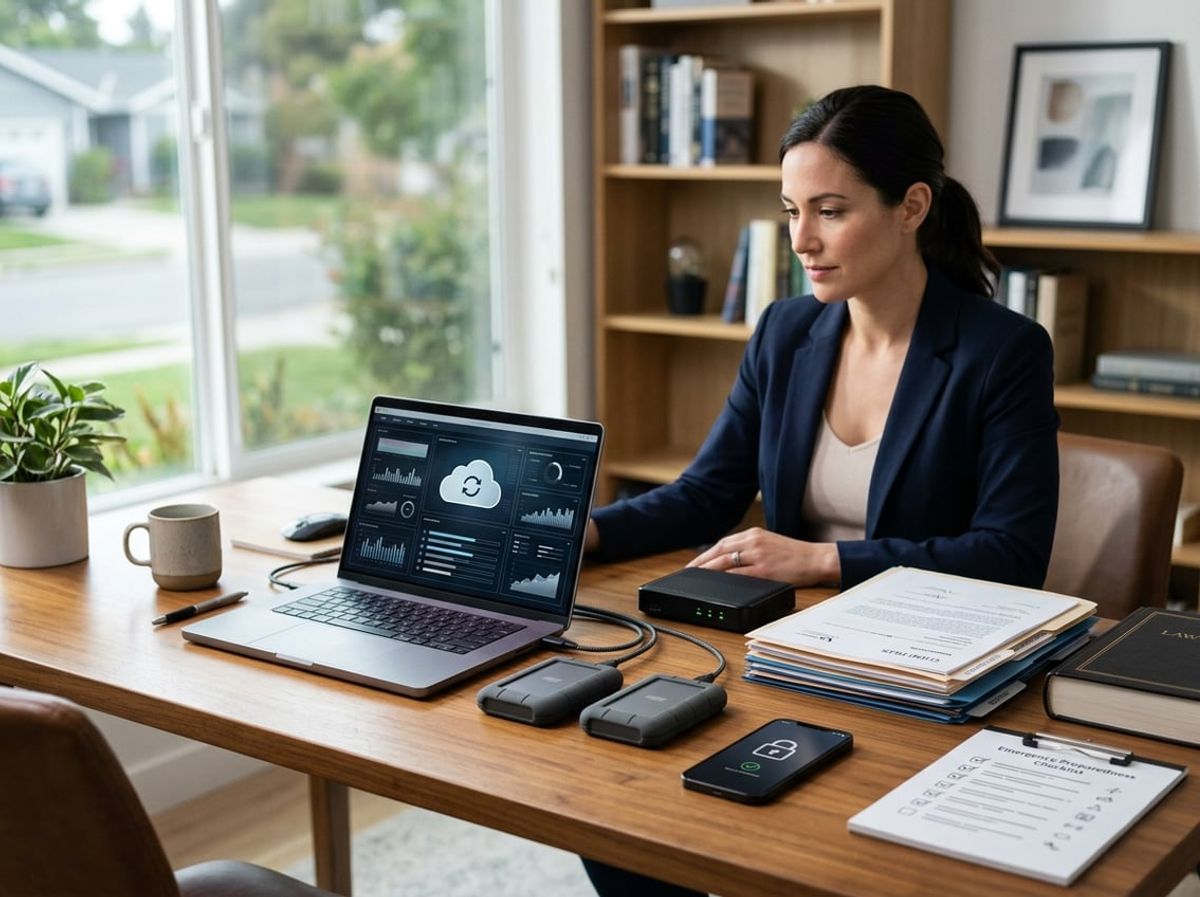
Remote law firms face unique backup challenges because client data lives on laptops, home workstations, and personal devices rather than centralized office servers. Your backup strategy must account for scattered endpoints while meeting your professional obligations to protect confidential client information and maintain access to case files under deadline pressure.
Backing Up Client Files Across Distributed Devices
You cannot rely on attorneys remembering to manually back up their devices. Each laptop, tablet, or home computer storing client files represents a potential data loss event if the device fails, gets stolen, or becomes infected with ransomware.
Implement endpoint backup software that runs automatically on every device containing client data. These solutions should back up continuously or at scheduled intervals without requiring user intervention. Your backup agent must encrypt data before transmission and store encrypted copies in your backup repository.
Define clear policies about where client files can be stored. If attorneys save documents only to local hard drives instead of your document management system, those files will not appear in your central backups. Require that all work product be saved to cloud-based systems or network shares that your backup solution monitors.
Test restoration from individual devices quarterly. Your backup system should allow you to restore a single attorney's files to a replacement device within hours if their laptop fails the morning before a court filing deadline.
Recovery Time Objective for a Fully Remote Practice
Your Recovery Time Objective (RTO) defines how quickly you must restore access to systems after a disruption. For remote firms, this calculation differs from traditional offices because you lack physical infrastructure to rebuild.
Most remote practices should target an RTO of 4-8 hours for critical systems like email, document management, and practice management software. This timeframe reflects your ethical duty to meet court deadlines and respond to client emergencies. Cloud-based systems typically support faster recovery than on-premise solutions because you restore access rather than rebuilding hardware.
Your Recovery Point Objective (RPO) determines how much data loss you can tolerate, measured in time. An RPO of one hour means backups must occur at least hourly. Email systems handling time-sensitive client communications warrant tighter RPOs than archived closed files.
Document your RTOs and RPOs for each system in writing. Your malpractice carrier and professional conduct obligations may require you to demonstrate that your recovery capabilities align with client service commitments. Different practice areas carry different risks: a litigation firm facing same-day filing deadlines requires faster recovery than an estate planning practice.
Avoiding Single Points of Failure in Cloud Storage
Storing all client data in a single cloud service creates vulnerability if that provider experiences outages, security breaches, or sudden service termination. Your disaster recovery plan must include redundancy across different storage platforms and geographic regions.
Implement the 3-2-1 backup rule adapted for remote operations: maintain three copies of data, on two different storage platforms, with one copy offline or immutable. For example, your primary data resides in your document management system, a second copy in a cloud backup service, and a third in immutable storage that ransomware cannot encrypt or delete.
Choose backup services that store data in multiple geographic regions automatically. If your primary cloud provider hosts data only in one data center, a regional disaster could prevent recovery. Services offering multi-region replication provide geographic redundancy without additional configuration.
Enable immutable or write-once-read-many (WORM) storage for your most critical backup copies. This feature prevents anyone, including attackers with administrator credentials, from deleting or encrypting your backups for a defined retention period. Many ransomware attacks specifically target backup repositories before encrypting production data.
Verify that your cloud storage providers maintain their own disaster recovery capabilities and publish service level agreements. Review their security certifications and data handling practices to confirm they meet your confidentiality obligations to clients.
Client Confidentiality and Compliance Requirements for Remote Practices

Remote work introduces new risks to privileged client information, and your firm must meet the same confidentiality standards whether your team works from home offices or a central location. This means implementing documented security controls that satisfy both bar association ethical obligations and client due diligence requests.
Meeting Bar Association Confidentiality Standards Remotely
ABA Model Rule 1.6 requires you to make "reasonable efforts" to prevent unauthorized access to client information, regardless of where your attorneys and staff work. Comment 18 explicitly addresses technology competence, requiring you to understand the security risks of every platform, device, and network connection your firm uses. State bars have reinforced these obligations through formal ethics opinions on cloud computing, email security, and remote work arrangements.
When your team accesses client files from home networks, coffee shops, or coworking spaces, you must ensure that access occurs through encrypted connections. This means requiring VPN or zero-trust network access for all remote connections to your document management system, email, and case files. You also need full-disk encryption on every laptop and mobile device that stores or accesses client data.
Physical security matters even in home offices. Client files, whether paper or digital, must be secured from family members, visitors, and cleaning staff. Your remote work policy should address physical workspace requirements, screen privacy filters for shared spaces, and secure disposal procedures for confidential documents.
Documenting Security Controls for Client Due Diligence
Large corporate clients and insurance carriers increasingly require outside counsel to demonstrate specific cybersecurity controls before engagement. You need documentation showing what protections you have in place, not just verbal assurances. This documentation should include your data encryption methods, access control policies, backup procedures, and incident response plan.
Your security documentation serves multiple purposes. It satisfies client questionnaires, supports cyber insurance applications, and provides evidence of reasonable efforts if you face a bar complaint or malpractice claim. Many clients now require SOC 2 reports or similar third-party attestations, particularly for firms handling sensitive financial, healthcare, or intellectual property matters.
Document your user access provisioning and deprovisioning procedures, showing how you grant access to new matters and revoke access when attorneys leave the firm. Maintain audit logs that track who accessed what client data, when, and from where. These logs become critical evidence if you need to investigate a potential breach or respond to a client's security inquiry.
Aligning With Recognized Cybersecurity Frameworks
The NIST Cybersecurity Framework provides a structured approach to identifying, protecting, detecting, responding to, and recovering from security incidents. While not legally required for most law firms, following NIST guidelines demonstrates reasonable security efforts and provides a roadmap for building your remote security posture.
NIST's five core functions translate directly to remote law firm operations:
Identify your client data locations, access points, and technology vulnerabilities. Protect that data through encryption, access controls, and security awareness training. Detect unauthorized access attempts through monitoring and logging. Respond to incidents with a documented plan. Recover through tested backups and disaster recovery procedures.
You don't need to implement every NIST control, but you should be able to map your security measures to recognized standards. This alignment helps when clients ask about your cybersecurity program or when cyber insurers evaluate your application. It also provides a benchmark for continuous improvement as threats evolve and your practice grows.
Multi-Factor Authentication and Identity Management for Remote Attorneys
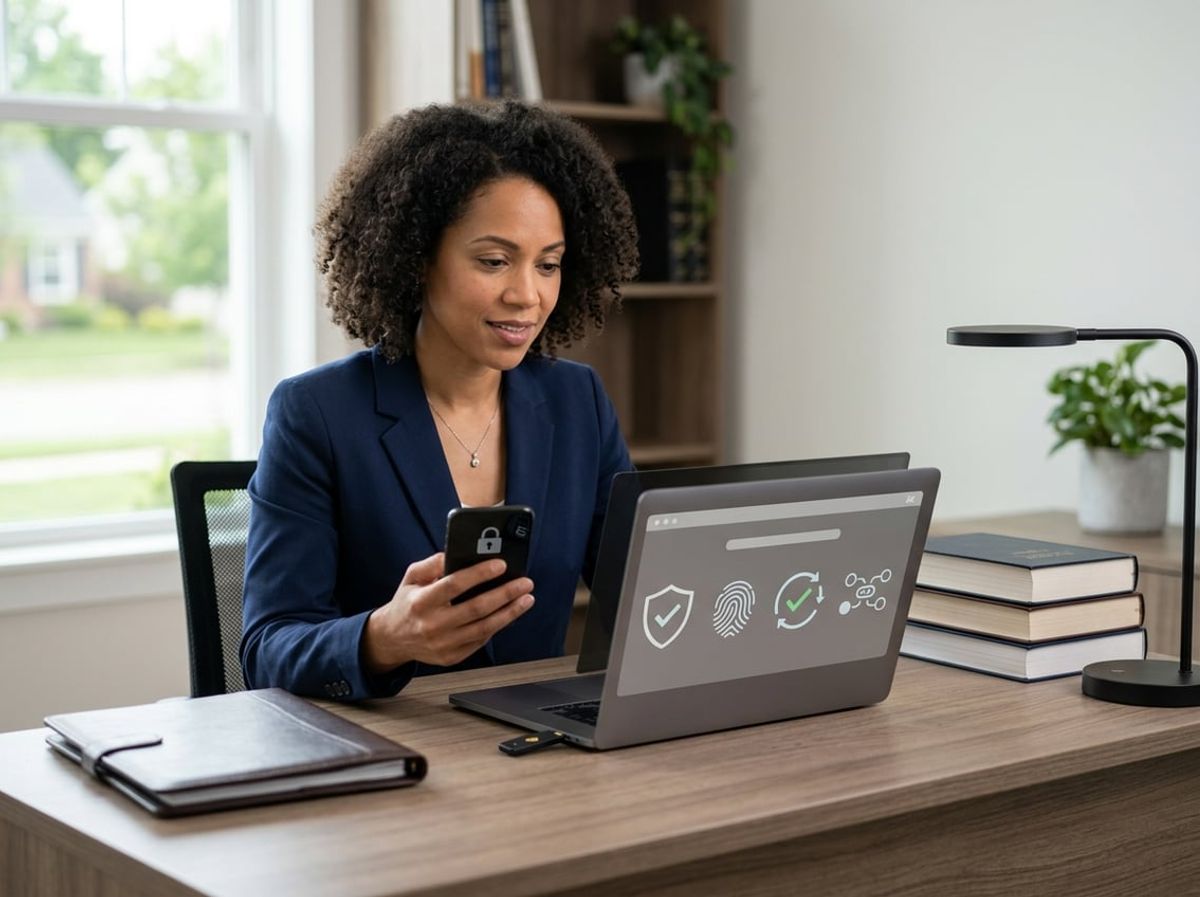
Multi-factor authentication and identity management form the foundation of secure remote access for law firms handling client data outside a traditional office. Enforcing MFA across all applications, implementing single sign-on to balance security with usability, and managing identity for contractors and support staff are essential steps for protecting attorney-client privilege when your team works remotely.
Enforcing MFA Across All Firm Applications
Your remote law firm needs MFA enforced on every system that touches client data, not just email. Attackers don't need every account. They need one unprotected path into your document management system, practice management software, or remote desktop connection.
Your MFA enforcement should cover:
- Email and Microsoft 365 (client communications and password resets)
- VPN and remote desktop access (entry points to your network)
- Document management systems (client files and correspondence)
- Practice management platforms (matter data and deadlines)
- Billing and accounting software (financial records and trust accounts)
- Cloud storage and file sharing (SharePoint, OneDrive, client portals)
- Administrative accounts (privileged access that can change settings)
Use authenticator apps as your default MFA method for attorneys and staff. Hardware security keys should protect administrative accounts and any user with broad access to sensitive systems. SMS codes are weaker due to SIM swapping risks and should only serve as a fallback when stronger methods aren't immediately available.
Enforce MFA through conditional access policies that verify user identity, device status, and location before granting access. Available MFA means some users enrolled. Enforced MFA means it's required, and exceptions are documented and reviewed regularly.
Single Sign-On for Simplified Secure Access
Single sign-on lets your attorneys authenticate once through MFA and access multiple firm applications without repeatedly entering passwords. This reduces password fatigue while maintaining strong authentication at the entry point.
SSO works by centralizing authentication through an identity provider like Microsoft Entra ID (formerly Azure AD) or a dedicated SSO platform. Your attorneys log in once with MFA, and the identity provider securely connects them to approved applications.
For remote law firms, SSO reduces the number of passwords your team needs to manage and decreases the risk of weak or reused passwords across different systems. It also gives you centralized visibility into who accessed which applications and when.
SSO implementation for your firm should:
- Connect your core applications (email, document management, practice management, billing) to a single identity provider
- Require MFA at the SSO login, not at each individual application
- Use conditional access to block access from unmanaged devices or unusual locations
- Maintain audit logs that track attorney access to client data systems
SSO doesn't eliminate the need for strong identity management. You still need documented offboarding procedures, regular access reviews, and clear policies for which applications require which level of authentication.
Managing Identity for Contractors and Support Staff
Contractors, IT vendors, bookkeepers, and temporary staff need access to firm systems, but their access should be limited, documented, and regularly reviewed. Many law firm breaches start through third-party access that wasn't properly controlled or removed.
Create separate identity accounts for contractors that clearly distinguish them from full-time attorneys and staff. Use time-limited access that expires automatically after a project ends. Require MFA for all contractor accounts, especially those accessing client data or administrative systems.
Your contractor identity management should include:
- Just-in-time access: Grant access only when needed and remove it immediately after the engagement ends
- Least privilege: Limit contractors to the specific systems and data they need for their role
- Separate credentials: Never share attorney credentials with contractors or support staff
- Activity monitoring: Log and review contractor access to sensitive systems
- Written agreements: Document security requirements and data handling obligations before granting access
Managed service providers and IT support vendors should use privileged access management (PAM) solutions that provide temporary, monitored access to administrative systems. This creates an audit trail and prevents permanent backdoor access that outlives the service relationship.
Review all contractor and vendor access quarterly. Remove accounts for anyone who no longer needs access, and verify that current contractors still require the level of access they were originally granted.
Common Mistakes That Undermine a Remote Law Firm Security Setup

Many firms transition to remote work by patching together whatever tools are most convenient, then skip formal documentation under the assumption that a small team doesn't need written rules. This approach leaves client data exposed and creates compliance gaps that bar associations and malpractice insurers scrutinize closely.
Relying on Consumer-Grade Tools for Client Data
Using free Gmail accounts, personal Dropbox folders, or standard Zoom licenses for client communications creates immediate ethical and security problems. Consumer-grade tools lack enterprise encryption, granular access controls, and audit logging that bar associations expect when you handle privileged information.
When you store case files in a personal Google Drive or share documents through WeTransfer, you forfeit control over who accesses that data and where it resides. Most consumer platforms include terms of service that permit the provider to scan content for advertising or other purposes, which directly conflicts with attorney-client privilege protections.
Your remote law firm security setup must include business-tier services with BAAs (Business Associate Agreements), end-to-end encryption, and compliance certifications specific to legal data. This means paying for Microsoft 365 for Business rather than Home, choosing Zoom for Business with encryption enabled, and using practice management software designed for attorneys rather than generic project management apps.
Skipping Written Security Policies for Remote Staff
Operating without documented security policies creates liability when a breach occurs or when you face a bar complaint. You cannot enforce expectations you haven't clearly defined in writing, and "we all know to be careful" is not a defensible position during a disciplinary investigation.
Your written policies should specify acceptable device types, mandatory VPN usage when accessing firm systems, requirements for screen locks and automatic timeouts, and protocols for reporting lost devices or suspicious emails. Include clear restrictions on where and how employees can work with client files, prohibiting work on public Wi-Fi without VPN protection, for example.
These policies also need version control and employee acknowledgment records. When you onboard remote staff, require signed acceptance of your security policy and retain that documentation. Update policies annually and whenever you add new tools or change workflows, then redistribute and collect fresh acknowledgments to maintain a defensible audit trail.
Underestimating Insider Risk in a Distributed Team
Remote environments amplify insider risk because you lose physical oversight of how employees handle sensitive files. A paralegal working from home can forward client emails to a personal account, download case files to an unencrypted USB drive, or share login credentials with family members without anyone noticing until damage occurs.
Implement role-based access controls so staff only see the data their position requires. A contract attorney reviewing discovery documents doesn't need access to billing records or intake forms for unrelated matters. Use monitoring tools that log file downloads, email forwarding, and login locations to identify unusual activity patterns before they become breaches.
Conduct exit procedures that immediately revoke system access when someone leaves the firm, including disabling cloud storage permissions and remotely wiping firm data from personal devices enrolled in your mobile device management system. Insider risk management in your remote law firm security setup requires technical controls combined with clear accountability measures that you enforce consistently.
Vendor and Cloud Provider Vetting for New Remote Firms
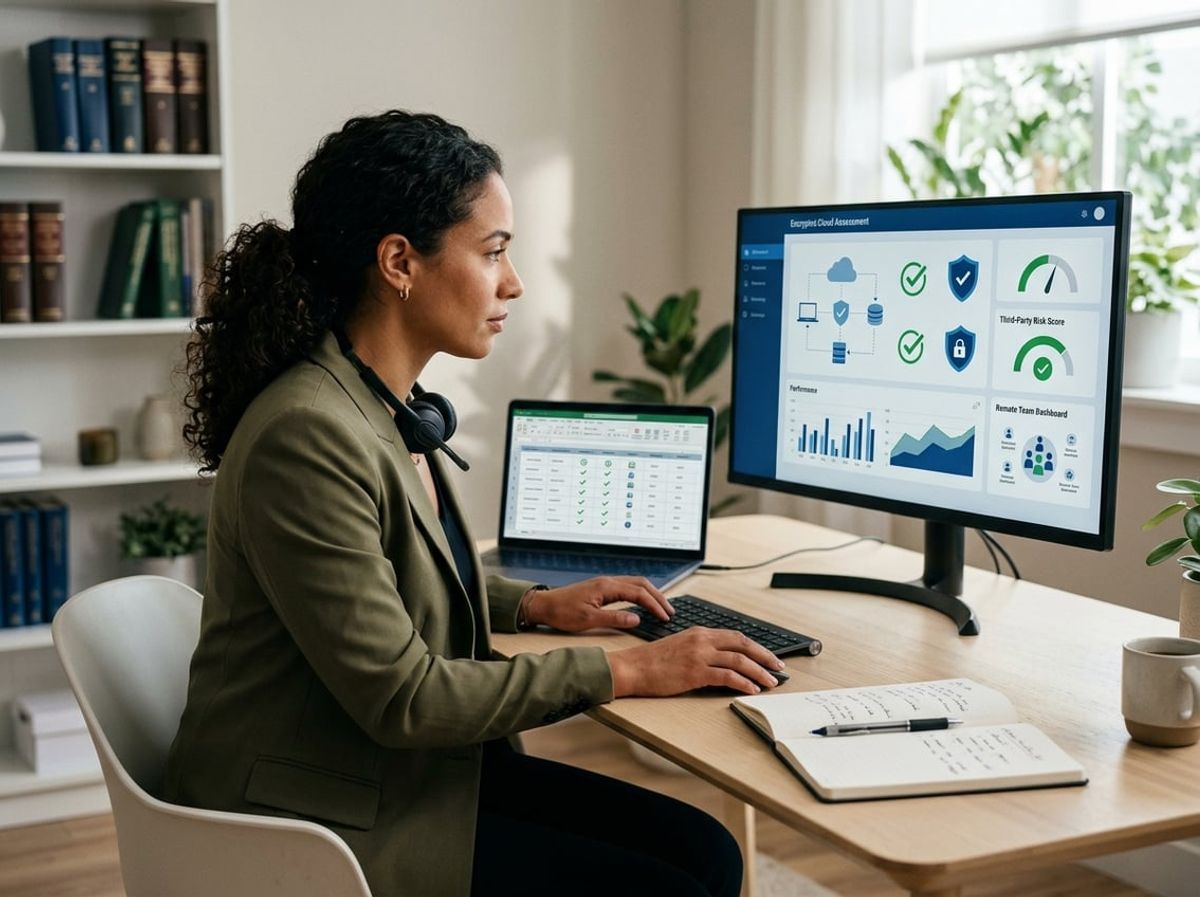
Selecting vendors during your initial remote setup creates security dependencies that determine your firm's ability to protect client confidentiality and meet bar obligations. Every cloud provider and third-party tool you adopt becomes part of your security perimeter and your compliance responsibility.
Evaluating Cloud Providers for Legal-Grade Security
You need enterprise-grade protections from day one, not consumer tools repurposed for legal work. Start by requesting a SOC 2 Type II report from any cloud provider you consider. Type I reports only verify controls on a single day, while Type II demonstrates sustained compliance over months.
Check for encryption at rest and in transit. Your client data must be encrypted while stored on their servers and while moving between your devices and their infrastructure. Ask whether the provider enforces multi-factor authentication for both your users and their own administrative staff.
Review their penetration testing schedule. Reputable providers hire third parties to attempt breaches regularly and should share sanitized summaries of those findings. Confirm their uptime guarantee in the Service Level Agreement reaches at least 99.9%. Downtime in a remote environment means you cannot access client files or meet court deadlines.
Verify their backup frequency and recovery time objectives. If their systems fail, you need to know exactly how long it takes to restore your data and resume operations.
Reviewing Data Processing Agreements and Data Residency
Your data processing agreement defines who owns your client data and what the vendor can do with it. The contract must explicitly state that your firm retains ownership and that the vendor acts only as a processor under your instruction.
Data residency matters for compliance and jurisdiction. Some insurance policies, client contracts, or industry regulations require data to remain on U.S. soil. Ask vendors for the physical location of every data center where your files might be stored or processed, including disaster recovery sites.
Review breach notification terms carefully. You need written guarantees that the vendor will notify you within 24 hours of discovering any unauthorized access to your data. Delayed notification can trigger ethics violations and malpractice exposure.
Check termination and data destruction clauses. When you leave a vendor, the agreement should guarantee complete data export in a usable format and certified destruction of all copies from their systems.
Avoiding Vendor Sprawl in a New Firm's Tech Stack
Each new vendor you add increases your attack surface and multiplies your due diligence obligations. Start with a minimal set of tools that cover core functions rather than adopting specialized software for every task.
Create a vendor approval checklist before you sign any contracts. Your checklist should include security certification requirements, data residency confirmation, breach notification terms, and exit procedures. Apply this checklist uniformly to avoid creating security gaps.
Document every vendor relationship in a central register that includes contract dates, security certifications, data types they access, and renewal schedules. You need this documentation to demonstrate reasonable care if regulators or clients question your security practices.
Audit your vendor access quarterly. Remove credentials and integrations for any services you no longer use actively. Dormant vendor accounts create entry points for attackers who target abandoned third-party tools.
Ongoing Monitoring and Maintenance After Initial Setup
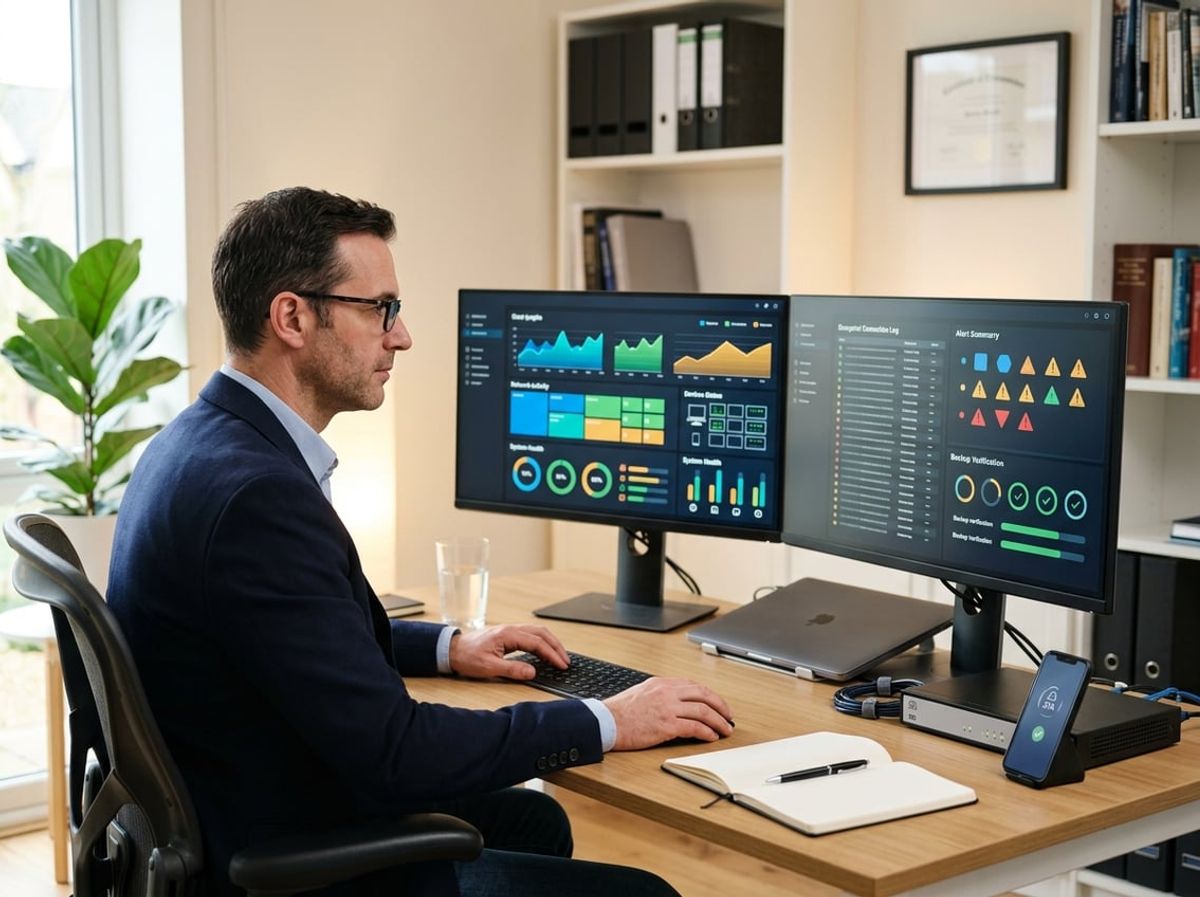
Remote security for law firms is not a one-time implementation. Your firm needs continuous oversight of devices, cloud access, backup integrity, and security tools to maintain client confidentiality and meet regulatory obligations as your team works outside the office.
Continuous Monitoring for a Distributed Legal Workforce
Your remote workforce introduces devices, networks, and access points that are harder to oversee than a single office environment. Continuous monitoring tracks the health and security of laptops, mobile devices, cloud applications, and user access across multiple locations.
This includes monitoring endpoint security tools to confirm they are active and updated, reviewing failed login attempts or suspicious access patterns in Microsoft 365, and checking that backups complete successfully each night. A failed backup may go unnoticed for weeks if no one is actively reviewing job status. Monitoring should also flag devices that fall out of compliance, such as laptops missing critical patches or security software that has stopped reporting.
For law firms handling confidential client matters, monitoring must extend to document access and file sharing activity. You need visibility into who accessed which files, whether sensitive documents were shared externally, and if access controls are functioning as intended. Without this ongoing oversight, your firm cannot confidently assert that client data remains protected in a distributed environment.
Scheduling Regular Security Reviews as the Firm Grows
Your security posture should be reviewed at regular intervals as your firm adds attorneys, staff, clients, or practice areas. A security review examines access controls, user permissions, authentication methods, backup coverage, and compliance with current regulatory expectations.
Schedule reviews quarterly or semi-annually depending on your firm's size and complexity. Each review should confirm that former employees no longer have access, new hires are provisioned correctly, multi-factor authentication is enforced across all accounts, and sensitive data is appropriately classified and protected.
Growing firms often accumulate security gaps over time. A paralegal may retain admin-level access long after their role changed. Cloud storage folders may be shared more broadly than necessary. Device encryption may be inconsistent across newer laptops. Regular reviews identify these drift points before they become compliance issues or security incidents.
Planning for Incident Response From the Start
Incident response planning defines how your firm will respond when a security event occurs, whether that is a compromised email account, a ransomware infection, or a lost laptop containing client files. Waiting until an incident occurs to determine next steps increases confusion, delays containment, and complicates reporting obligations.
Your incident response plan should document who is responsible for initial triage, how to isolate affected systems, when to engage outside legal or forensic support, and how to notify clients or regulators if required. The plan should include contact information for your IT provider, cyber insurance carrier, and any breach counsel your firm has identified in advance.
Test your plan periodically with tabletop exercises that simulate realistic scenarios. A mock phishing incident or ransomware exercise reveals whether your team knows how to escalate issues, whether backups can actually be restored under pressure, and whether your documentation is sufficient for a real event.

Remote law firms face specific security and compliance challenges that require clear answers before attorneys begin working outside a traditional office. These questions address the practical steps, timelines, costs, and regulatory obligations that apply to New York law firms handling confidential client matters from distributed locations.