
Why a Slow Law Firm File Server Is a Warning Sign, Not Just an Inconvenience
A slow law firm file server can mask serious security and compliance risks. Learn what the lag really means for your NYC practice.

Attorneys and staff waiting on documents to load, missed deadlines, and delayed client responses aren't just productivity problems: they're symptoms of a deeper issue when you're dealing with a slow law firm file server. That lag between clicking a file and accessing it may feel like a minor annoyance, but it often signals serious gaps in your firm's cybersecurity posture and regulatory compliance framework.
A slow law firm file server frequently masks security misconfigurations, unauthorized access attempts, or compliance vulnerabilities that put client confidentiality at direct risk. When your file server struggles to keep pace with daily operations, the underlying causes often include outdated hardware running without security patches, permission structures that expose privileged documents, or malware quietly extracting data in the background. These aren't IT inconveniences, they're ethical violations waiting to happen.
Law firms face unique obligations around data protection that most businesses don't encounter. Your file server performance directly impacts your ability to maintain attorney-client privilege, meet bar association data security requirements, and protect sensitive case materials from unauthorized disclosure. Ignoring sluggish file access means ignoring the compliance risks and security threats that created the slowdown in the first place.
Key Takeaways
- Slow file servers in law firms typically indicate underlying cybersecurity vulnerabilities and compliance gaps beyond simple performance issues
- File server slowdowns compromise client confidentiality through security misconfigurations, permission errors, and potential unauthorized access
- Addressing law firm file server performance requires a compliance-first approach that treats technology infrastructure as a regulatory and ethical obligation
Understanding Why Your Slow Law Firm File Server Signals Bigger Problems
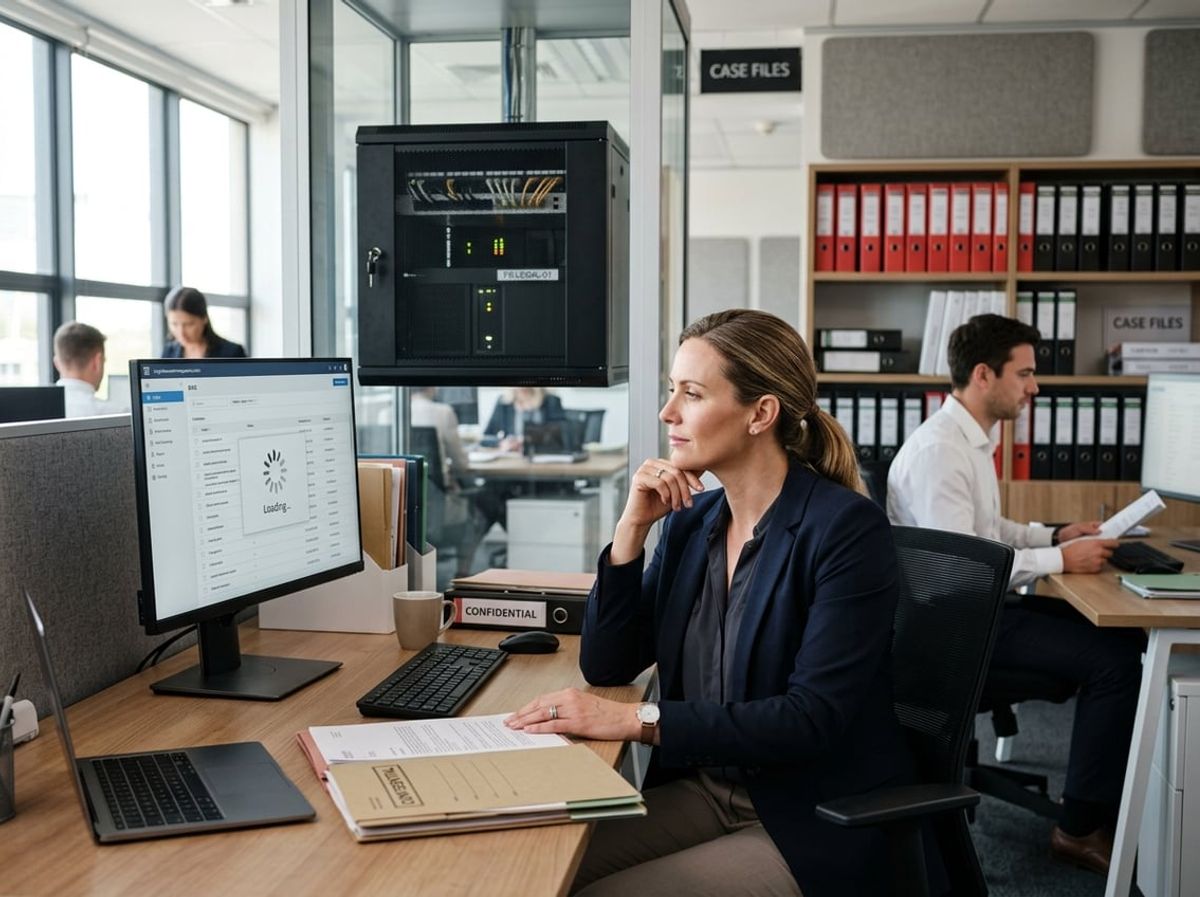
File server slowdowns in legal practices rarely exist in isolation, they typically indicate systemic vulnerabilities in infrastructure that handles privileged client communications, case materials, and trust account records. Abnormal delays often point to failing hardware, permission misconfigurations, or active security threats that directly compromise your firm's ability to protect confidential information.
What Counts as Abnormal File Server Slowness in a Legal Practice
Normal file access in a properly configured law firm environment should take under three seconds for typical Word documents, PDFs, and case files. When you regularly experience 10-second delays opening client matter folders, 30-second lags accessing discovery documents, or timeouts when searching network drives, your slow law firm file server has crossed into the abnormal range.
Specific warning signs include:
- Document open times exceeding 8-10 seconds for files under 5MB
- Folder browsing delays where directory listings take more than 5 seconds to populate
- Search failures where Windows Search or network search tools time out or return incomplete results
- Intermittent disconnections from mapped network drives during active work sessions
- Copy/paste operations that hang or show unexpectedly low transfer speeds (below 10MB/s on gigabit networks)
These delays compound quickly across your team. If five attorneys each lose eight minutes per day to slow file server performance, that represents over 170 lost billable hours annually per attorney, time you cannot recover or invoice.
Law firm file server performance benchmarks differ from general business standards because legal work involves constant access to large document sets, email archives, and version-controlled pleadings. A server that performs adequately for a consulting firm may be dangerously slow for a litigation practice managing hundreds of exhibits and deposition transcripts.
Why Law Firms Cannot Treat Slow Performance as a Minor IT Issue
Your slow law firm file server directly threatens your ethical obligations under Model Rules 1.1 (competence), 1.4 (communication), and 1.6 (confidentiality). When file server slowdowns prevent timely access to client materials, you risk missed deadlines, incomplete case preparation, and delayed client responses that constitute professional negligence.
Performance degradation often signals hardware failure modes that precede complete data loss. Failing hard drives, degraded RAID arrays, and overheating controllers all manifest as gradual slowdowns before catastrophic failure. By the time you notice consistent delays, you may be operating on borrowed time with client data at immediate risk.
File server slowdowns also mask active security compromises. Ransomware often announces itself through performance problems days or weeks before encryption begins, as malware scans network shares cataloging files. Cryptomining malware consumes server CPU cycles, creating slowdowns that look like aging hardware but represent ongoing data breach risk.
Network saturation from unauthorized data exfiltration produces similar symptoms. If threat actors are slowly transferring case files or client lists off your network, you'll experience exactly the same lag, timeout, and disconnection patterns as you would from a failing disk, but the underlying problem is a confidentiality breach that triggers bar reporting obligations.
The Link Between Server Performance and Data Security Posture
Your data security posture depends on access controls, encryption, and logging systems that all rely on adequate server performance. When file servers slow down, firms often disable security features, turning off real-time antivirus scanning, pausing backup verification, or relaxing permission auditing, to regain speed, which directly weakens protection of privileged client information.
Security systems compromised by performance issues:
A slow file server also delays your ability to detect and respond to security incidents. When log queries take minutes instead of seconds, threat hunting becomes impractical. When pulling user access reports requires waiting for server availability, you cannot quickly verify whether terminated employees still have file access or whether client matter folders have appropriate confidentiality restrictions.
File server slowdowns compound during backup windows, causing incomplete backups that fail to capture recent client communications or case updates. If your backup system consistently times out or marks folders as "in use" due to slow server response, you're operating without the disaster recovery capability you believe exists, a gap you'll only discover after a ransomware attack or hardware failure when client data cannot be restored.
Common Technical Causes of File Server Slowdowns in Law Practices
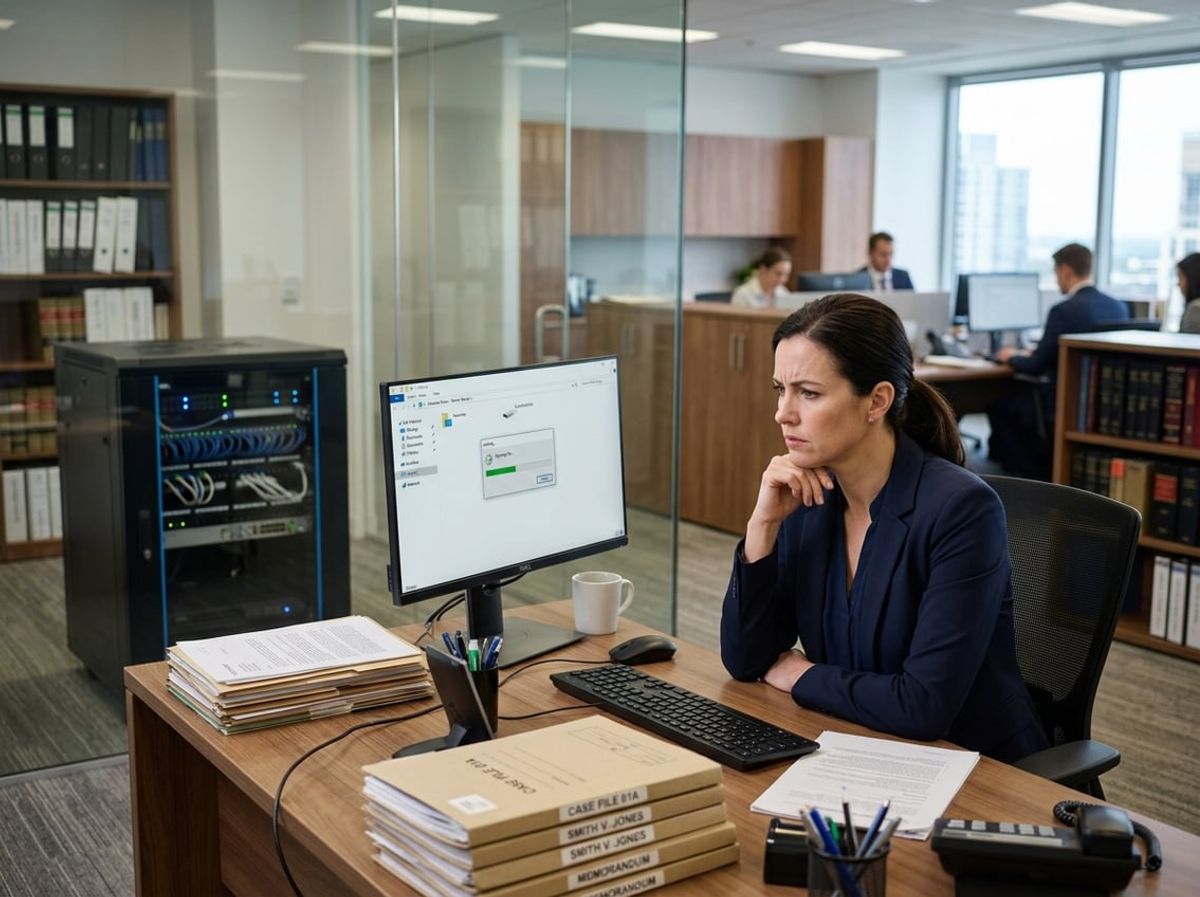
File server slowdowns in law practices typically stem from hardware degradation, outdated system components, or misconfigured settings that simultaneously degrade performance and create security vulnerabilities. Each technical cause affects both your ability to access case files and your firm's capacity to maintain client confidentiality under New York's strict ethical rules.
Storage Capacity and Disk I/O Limitations
When your file server reaches 80-90% storage capacity, disk I/O performance degrades significantly, creating delays of 40-45 seconds or longer when opening case documents. This happens because Windows file servers struggle to allocate contiguous disk space for new files and temporary operations, forcing the system to fragment data across available sectors.
Disk queue length becomes the critical metric: if your average disk queue exceeds 2-3 times the number of physical spindles, users experience frozen applications and connection timeouts. For law firm IT infrastructure handling discovery materials and pleadings simultaneously, these bottlenecks prevent proper file locking, allowing multiple attorneys to edit the same document without conflict warnings.
The compliance risk extends beyond productivity loss. When disk I/O limitations prevent timely backup completion, your disaster recovery plan fails to capture critical client communications, potentially violating New York Rules of Professional Conduct 1.6(c) regarding data preservation. Slow file server conditions also force attorneys to copy sensitive files locally to their workstations, creating unencrypted copies outside your controlled environment.
Server Age and Firmware or Driver Issues
File servers older than 5-7 years typically run outdated server firmware and storage controller drivers that lack compatibility with modern security protocols and encryption standards. These legacy components create performance degradation and expose your practice to known vulnerabilities that threat actors actively exploit.
Outdated kernel-mode filter drivers, particularly those from backup agents like ARCserve or VERITAS Open File Manager, return incorrect status codes to the Server service, causing network delays between client requests and server responses. You'll notice symptoms like red X marks on mapped drives, "network path not found" errors, or complete application freezes when accessing shared matter folders.
The security implication is direct: firmware vulnerabilities in older servers cannot support TLS 1.3 encryption or modern authentication protocols required for cyber insurance coverage. When your file sharing configuration relies on deprecated SMB 1.0 protocols due to hardware limitations, you're broadcasting unencrypted client data across your network in a format that packet sniffers easily intercept.
Poorly Configured File Sharing and Indexing Settings
File sharing configuration errors create both performance issues and access control failures that compromise client confidentiality. Opportunistic locking (oplocking) misconfigurations cause clients to cache entire documents locally, then experience 30-40 second delays when the server breaks those locks to accommodate concurrent access requests from other users.
Windows Search indexing running during business hours consumes disk I/O resources needed for active case work, while indexing privileged materials creates searchable metadata that discovery requests or breach incidents could expose. Incorrectly set NTFS permissions force the server to evaluate complex inheritance chains for every file access, delaying operations and potentially granting unauthorized access to conflict-checked matters.
Your file server slowdowns often indicate that share-level permissions conflict with NTFS permissions, creating security gaps where departing employees retain access to client files. These misconfigurations prevent proper audit logging of who accessed which case files, eliminating your ability to demonstrate compliance during malpractice claims or disciplinary proceedings.
How Outdated Hardware Creates a Slow Law Firm File Server
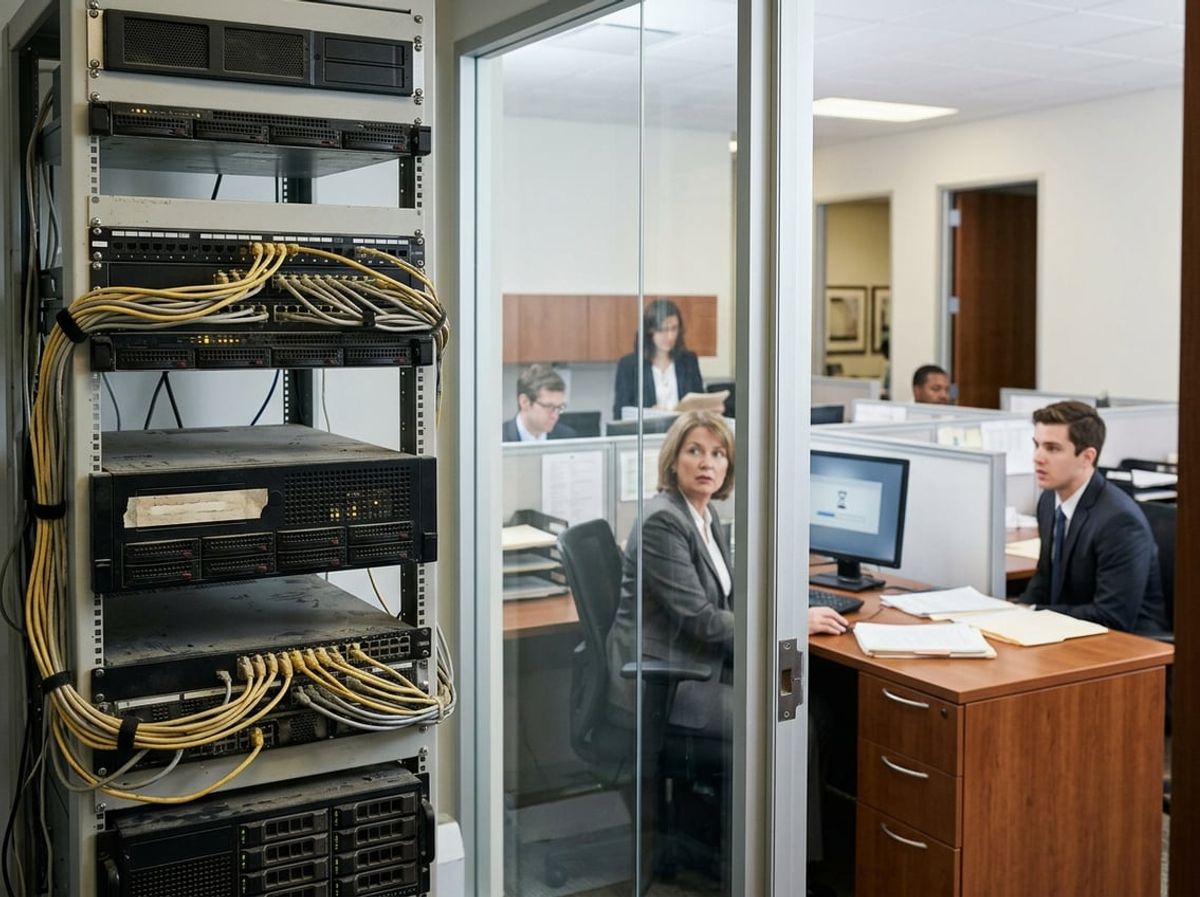
Aging server hardware doesn't just degrade performance, it creates security gaps that violate bar cybersecurity standards and exposes client data to breach. When your law firm file server runs on end-of-life equipment with unsupported operating systems, you're simultaneously slowing down document retrieval and failing compliance obligations that require active security patching.
Signs Your Server Hardware Has Reached End of Life
Your file server performance problems often point directly to hardware that's exceeded its functional lifespan. Most server-grade equipment is designed for a three-to-five-year operational window, after which failure rates climb sharply.
Physical symptoms include frequent unexpected reboots, file access delays exceeding 5-10 seconds, and drive errors appearing in system logs. If your server requires manual restarts more than once per quarter, the underlying storage or memory components are likely failing.
Check your server's manufacture date and warranty status. Equipment purchased before 2021 is typically past manufacturer support windows, meaning you can't obtain firmware updates or replacement parts. This matters for compliance because outdated firmware contains known vulnerabilities that auditors flag during cybersecurity assessments.
Why Legacy Servers Increase Both Latency and Vulnerability
Legacy server hardware creates a slow file server through degraded disk performance and insufficient memory capacity for modern file encryption protocols. Spinning hard drives older than four years develop bad sectors that force read retries, adding 2-4 seconds to each document open request.
The same obsolete components that slow file access also prevent you from running current security software. Legacy servers often lack the processing power to handle real-time antivirus scanning alongside normal file operations, forcing you to choose between performance and protection, a choice that violates attorney confidentiality duties.
Outdated network interface cards on aging servers cap throughput at 100Mbps or 1Gbps when modern infrastructure supports 10Gbps. This bottleneck compounds when multiple attorneys access case files simultaneously, creating the document lockout and timeout errors that characterize a slow law firm file server during high-demand periods.
The Compliance Risk of Running Unsupported Server Operating Systems
When your server runs an unsupported operating system like Windows Server 2012 or earlier, you lose access to security patches that address newly discovered vulnerabilities. Bar associations and malpractice insurers increasingly require evidence of active patch management as a condition of maintaining coverage.
Microsoft ended extended support for Server 2012 R2 in October 2023. Any law firm still running this OS cannot install security updates that address ransomware exploits targeting SMB protocols, the same protocols your attorneys use to access client files. This creates a direct compliance violation under Model Rule 1.6(c), which requires reasonable cybersecurity measures.
Cyber insurance applications now explicitly ask about unsupported operating systems. Running an end-of-life server OS can void your coverage or trigger premium increases exceeding 40%. More critically, if a breach occurs while you're operating unsupported systems, insurers may deny claims based on gross negligence.
State bar cybersecurity requirements mandate timely security updates. An unsupported operating system makes compliance impossible by definition, exposing your firm to disciplinary action and malpractice liability if client data is compromised through known, unpatched vulnerabilities.
Security Risks Hiding Behind Sluggish File Server Performance

A slow law firm file server often masks deeper security problems that directly threaten client confidentiality and regulatory compliance. Delayed file access frequently stems from unpatched systems, poorly configured permissions, or malware consuming resources in the background.
Unpatched Vulnerabilities That Slow Systems and Invite Attackers
Unpatched vulnerabilities create a dual threat for your firm. Security patches consume processor cycles during installation, but delaying them leaves your file server exposed to exploits that degrade performance while opening backdoors.
Attackers specifically target law firms running outdated Windows Server versions or legacy file management software. These unpatched systems experience both the performance drain of outdated code and the active exploitation attempts that generate network overhead. Your file server slowdowns may indicate automated scanning by threat actors probing for known weaknesses.
When your server runs security updates months behind schedule, you're simultaneously failing bar association data protection requirements and creating the exact conditions that led to major law firm data breach incidents. Each delayed patch represents both a performance bottleneck and a compliance gap that could expose privileged client communications.
How Misconfigured Access Controls Strain Server Resources
Access control misconfiguration forces your file server to process unnecessary permission checks thousands of times daily. When user groups overlap incorrectly or inherited permissions create redundant security evaluations, every file request takes longer to process.
Overly permissive share settings allow unauthorized users to browse directories they shouldn't access. This creates both security exposure and performance degradation as the server logs excessive access attempts. Small law firms without IT oversight often have partners with full domain admin rights, multiplying both the attack surface and the processing load.
Properly segmented access controls reduce server resource consumption while limiting lateral movement for attackers who compromise a single account. The slow file server performance you're experiencing might directly result from permission structures that make both security enforcement and file retrieval inefficient.
Detecting Suspicious Activity Disguised as Performance Problems
Suspicious network activity frequently mimics ordinary performance issues. Ransomware encrypting files in the background, credential harvesting tools scanning directories, or data exfiltration all generate the same symptoms as hardware failures or network congestion.
Your file server logs may show unusual access patterns during off-hours, repeated authentication failures, or spike in read requests from specific accounts. These indicators appear as performance metrics but represent active security incidents. Law firm file server performance monitoring must include behavioral analysis, not just hardware diagnostics.
When partners complain about slow document saves, the root cause might be malware systematically copying case files to external servers. The difference between a failing hard drive and an active breach often appears identical until proper forensic analysis reveals unauthorized data transfers consuming bandwidth and processor cycles.
The Hidden Cost of Ignoring a Slow Law Firm File Server

A slow law firm file server doesn't just frustrate your attorneys. It creates measurable financial losses through missed billable opportunities, exposes your firm to client confidentiality breaches when staff adopt risky workarounds, and increases your malpractice exposure through missed deadlines and system failures.
Billable Hour Losses and Missed Filing Deadlines
When your attorneys wait 30 seconds for a client file to open, that time disappears from potential billable work. Across a 10-attorney firm, file server slowdowns costing each lawyer just two hours per week translate to approximately 80 lost billable hours monthly.
At typical New York billing rates, those delays represent $15,000 to $30,000 in unrealized revenue each month. Your file server performance directly impacts your firm's ability to capture billable time that would otherwise go toward client matters, research, or document preparation.
More critical than lost revenue are the compliance risks. Court filing deadlines don't adjust for slow technology. When your file server takes minutes to retrieve exhibits or supporting documents during time-sensitive filings, you're one server timeout away from a missed statute of limitations or a blown court deadline.
These aren't hypothetical scenarios for New York firms operating under strict procedural rules. A slow file server that causes a paralegal to miss a response deadline creates malpractice exposure that far exceeds any technology investment you've deferred.
Client Confidentiality Risks from Workarounds and Shadow IT
Your staff will find ways around slow law firm file server performance. They'll email case files to personal accounts, upload documents to unauthorized cloud services, or store sensitive materials on local devices to avoid waiting for network file access.
This shadow IT behavior directly violates your ethical obligations under ABA Model Rule 1.6 and New York Rules of Professional Conduct regarding client confidentiality. When an associate emails a confidential settlement agreement to their Gmail account because your file server is too slow to access remotely, you've created an unsecured copy of privileged material outside your firm's control.
These workarounds happen silently. Your attorneys don't announce when they've bypassed your document management system or copied client files to Dropbox to work from home. By the time you discover these practices, confidential client information may already exist across multiple unmonitored platforms.
File server slowdowns also force staff to keep documents open longer than necessary, leave files cached on local machines, or create redundant copies across devices. Each workaround multiplies your data exposure and weakens your ability to demonstrate reasonable data protection measures if a breach occurs.
Reputational and Malpractice Exposure from Repeated Downtime
File server failures during critical work periods create compounding risks beyond immediate productivity loss. When your file server crashes during discovery production or goes offline before a filing deadline, the resulting scramble often leads to incomplete submissions or procedurally deficient filings.
New York legal malpractice claims frequently cite technology failures as contributing factors when firms miss deadlines or lose critical case documents. Your malpractice carrier expects you to maintain reliable systems that support your professional obligations.
Repeated downtime also damages client confidence. When clients can't access their matter files through your portal, or when you delay document production because your slow file server couldn't complete a backup, you appear operationally incompetent regardless of your legal expertise.
Courts and clients expect New York law firms to maintain professional-grade technology infrastructure. A pattern of technology-related delays signals poor practice management and creates discoverable evidence in any subsequent malpractice claim that your firm failed to maintain adequate systems to fulfill client obligations.
Network Congestion and Remote Access Bottlenecks

Remote attorneys competing for limited bandwidth create file server slowdowns that also expose client data during transmission. VPN misconfigurations force unencrypted fallbacks, and court e-filing during peak hours compounds congestion that delays privileged-document retrieval.
How Hybrid and Remote Work Increases Load on Legacy Servers
Your file server was designed when most attorneys sat in the office on wired Ethernet. Now remote work bandwidth demands force multiple concurrent VPN tunnels to pull large case files through residential broadband connections. Each remote session multiplies the load on your server's network interface and disk I/O, creating a slow file server that also increases the window for interception during transmission.
Legacy servers lack the capacity to handle simultaneous off-site access requests without throttling throughput. When five attorneys stream depositions, open scanned exhibits, and sync document management systems at once, packet loss climbs and connections time out. Attorneys then resort to downloading entire matter folders to personal devices, violating ABA Model Rule 1.6(c) safeguards and creating unsecured copies outside your backup and encryption controls.
Hybrid law firm network architectures require server hardware and network adapters that can sustain parallel read/write operations without degrading encryption overhead. Without this capacity, you face both performance failures and compliance gaps when privileged materials traverse unsecured home networks.
VPN Configuration Issues That Slow File Access
Misconfigured VPN tunnels are a leading cause of slow law firm file server performance and inadvertent data exposure. Split-tunnel VPNs route only firm traffic through the encrypted connection, but misapplied policies can force all internet activity through your office gateway, saturating your uplink and slowing file access to a crawl. Full-tunnel VPNs protect client confidentiality but require sufficient bandwidth and proper compression settings to avoid latency spikes when opening multi-gigabyte litigation databases.
Many law firms deploy consumer-grade VPN clients that lack enforcement of multi-factor authentication or endpoint encryption checks before granting file server access. Weak encryption ciphers negotiated during handshake further degrade throughput while failing to meet encryption standards expected under New York's cybersecurity regulations for professional services. When remote attorneys experience file server slowdowns, they disable the VPN entirely, transmitting case files in plaintext and violating your duty to safeguard confidential information.
Bandwidth Planning for Multi-Office and Court-Facing Law Firms
Court-facing access requirements add unpredictable traffic spikes that congest your network during e-filing deadlines and virtual hearings. NYSCEF uploads, PACER document retrieval, and remote depositions all compete with internal file server traffic during business hours. Without Quality of Service policies that prioritize client-facing applications, your file server performance degrades precisely when attorneys need rapid access to exhibits and briefs.
Multi-office firms often rely on a single internet connection at the main office, creating a bottleneck when branch locations pull case files across site-to-site VPN tunnels. Insufficient uplink capacity delays privileged-document transfers and forces attorneys to email attachments, circumventing your encrypted file server and audit trails. You need redundant circuits with automatic failover and bandwidth reserves for simultaneous remote work bandwidth peaks and court system interactions to maintain both speed and data protection during critical deadlines.
Permissions Sprawl and File Organization Issues That Slow Access

Uncontrolled folder permissions create both performance bottlenecks and confidentiality risks, while disorganized file structures force your attorneys to waste time searching through duplicate documents and competing versions spread across practice groups.
Why Uncontrolled Folder Permissions Slow Down Searches and Access
When folder permissions accumulate without regular audits, your file server must evaluate hundreds or thousands of access control entries every time someone opens a directory. This permission sprawl occurs when staff members leave, roles change, or temporary access grants become permanent. Each time an attorney searches for a file, the server checks whether they have rights to view every folder in the path, multiplying response times across nested directory structures.
Overly broad permissions pose dual threats: they slow down your file server by forcing unnecessary permission checks, and they expose privileged client communications to staff who shouldn't access them. A litigation associate with inadvertent access to corporate transactional files creates both a performance drain and an ethical wall violation.
You'll notice law firm file server performance degrading as Active Directory group memberships expand without corresponding removals. The server processes these permission layers sequentially, creating delays that compound when multiple users access shared resources simultaneously. Many small NYC law firms lack the IT oversight to track permission changes, allowing access rights to accumulate unchecked over years.
Duplicate Files and Version Chaos Across Practice Groups
Duplicate files scattered across your file server force the system to index and back up the same content repeatedly, consuming storage I/O capacity that slows legitimate access requests. When paralegals save client intake forms to personal folders, shared matter folders, and departmental archives, your server manages three copies of identical data. Without document version control, attorneys waste billable time determining which draft contains the latest redlines.
This fragmentation creates slow file server conditions during backup windows and when multiple users access different versions simultaneously. Your system treats each duplicate as unique content requiring separate read/write operations. Practice groups that maintain separate folder structures for the same matters multiply this problem, creating redundant paths the server must traverse during searches.
Version chaos introduces confidentiality risks when outdated drafts containing privileged information remain accessible long after final versions are filed. Your backup systems capture every duplicate, extending retention periods beyond what bar rules require and increasing discovery exposure.
Aligning File Structure with Ethical Wall and Confidentiality Requirements
Ethical walls demand permission structures that actively prevent conflicted attorneys from accessing restricted matter files, but most small firm file servers rely on trust rather than technical controls. When your folder permissions don't mirror these confidentiality boundaries, you create compliance gaps and performance issues simultaneously. The server can't efficiently enforce access rules that exist only in policy documents rather than Active Directory group assignments.
File structures organized by attorney name or practice group rather than matter-specific permissions make ethical wall enforcement nearly impossible. You need folder hierarchies that allow granular access control at the client and matter level, with inheritance rules that automatically restrict subdirectories. Without this alignment, your slow law firm file server struggles to evaluate complex permission chains while failing to protect client confidentiality.
Manual permission adjustments for each conflict check slow both server performance and your intake process. Automated permission management tied to your matter management system enforces ethical walls through technical controls rather than administrative overhead, reducing the permission sprawl that degrades file server response times.
Backup and Antivirus Software Conflicts That Drag Performance
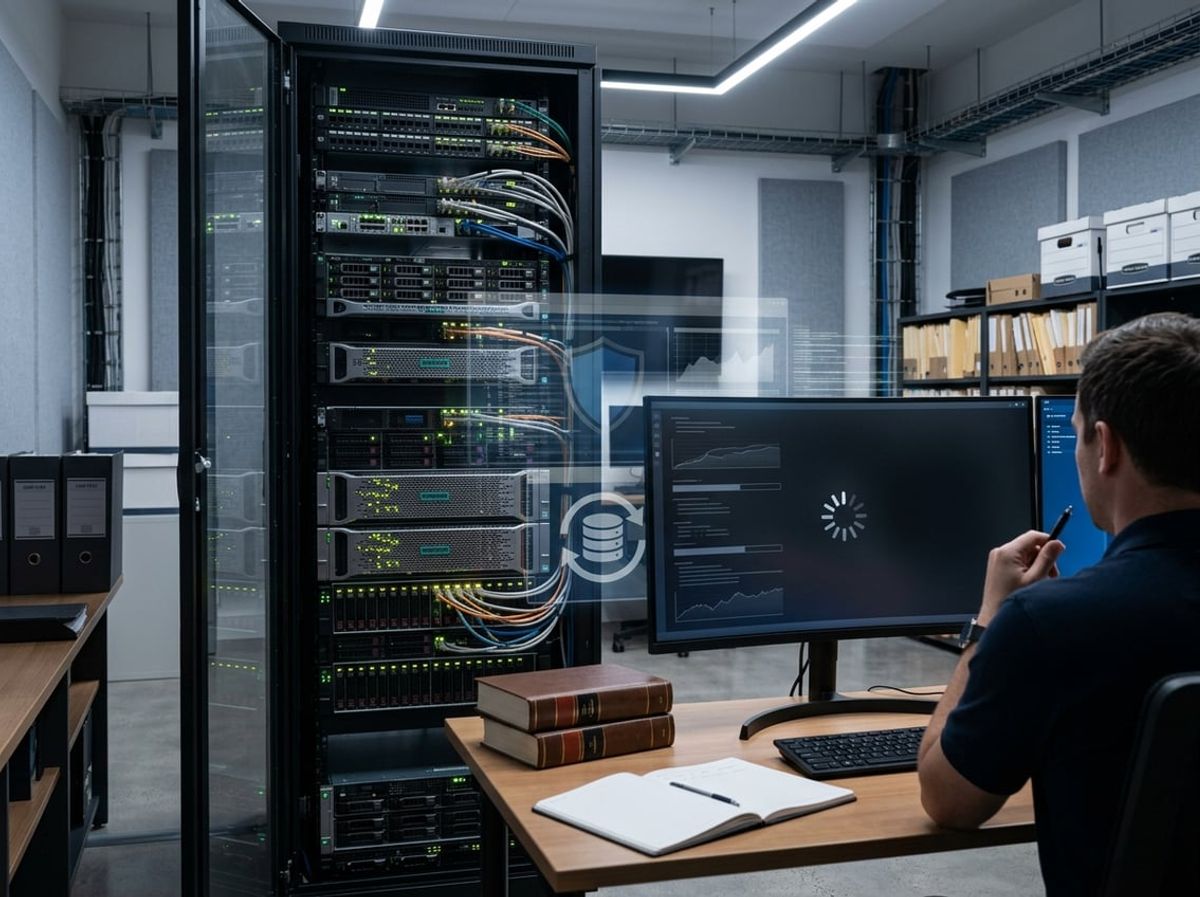
Security tools designed to protect your client files can inadvertently create a slow law firm file server when backup jobs and endpoint detection systems compete for the same resources during peak hours. The conflict between data protection requirements and server performance becomes especially problematic when your firm lacks in-house IT staff to optimize scheduling and tune security configurations for legal workloads.
How Poorly Scheduled Backups Compete for Server Resources
Backup scheduling directly impacts your file server's ability to respond to document requests during business hours. Many law firms configure backups to run continuously or during times when attorneys still need access to case files, creating server resource contention that slows retrieval of contracts, pleadings, and discovery materials.
When backup processes scan and copy active files while staff simultaneously edit briefs or pull client records, the server's disk I/O capacity gets split between operational needs and data protection. This becomes a compliance risk because slow file server performance may delay your ability to produce documents within court-ordered timeframes.
Your backup window should align with genuine off-hours activity patterns specific to legal practice. If associates routinely work until 8 PM, scheduling backups at 6 PM creates unnecessary friction and potential data inconsistencies when files remain open during backup operations.
Backup timing risks for law firms:
- Daytime continuous backup: Consumes bandwidth needed for active case management
- Early evening jobs: Conflicts with after-hours attorney work
- Uncoordinated cloud sync: Duplicates on-premise backup resource usage
- Snapshot frequency: Excessive intervals strain storage arrays without improving recovery objectives
Antivirus and Endpoint Detection Overhead on File Servers
Traditional antivirus software creates law firm file server performance problems by scanning every file access in real time, including large PDF exhibits and video depositions that attorneys need to retrieve quickly. Endpoint detection overhead becomes severe when security tools lack exclusions for known-safe legal applications like document management systems or practice management platforms.
Your file server processes thousands of small transactions when attorneys search through client folders, but aggressive antivirus scanning treats each file access as a potential threat vector. This creates measurable delays in document retrieval that compound throughout the day.
Modern endpoint detection and response tools add another performance layer by monitoring file behavior for ransomware indicators. While this protects client confidentiality from encryption attacks, poorly configured detection systems flag legitimate legal workflows as suspicious when attorneys rapidly access multiple client folders.
Security software must exclude specific file paths used by your legal applications while maintaining protection over user directories and email attachments. Without proper tuning, you face the choice between adequate security and usable performance, neither of which your firm can compromise given ethical obligations around data protection.
Balancing Continuous Data Protection with System Performance
Continuous data protection promises real-time backup of client files but introduces persistent background processes that create a slow file server when implemented without capacity planning for legal document workflows. Your server must simultaneously handle attorney file access, backup agent monitoring, change block tracking, and replication to backup targets.
The appeal of near-zero recovery point objectives conflicts with the reality that legal files, particularly large litigation databases and archived matters, generate substantial change data that backup agents must capture and transmit. This constant activity competes with operational demands when attorneys need immediate access to time-sensitive filings.
Snapshot-based continuous data protection reduces overhead by capturing changed blocks at intervals rather than monitoring every file modification. This approach better suits law firm file server performance requirements while still meeting reasonable recovery objectives for client data.
You need backup architecture designed around legal practice patterns rather than generic business continuity templates. Most law firms can accept 15-minute recovery point objectives for active matters while maintaining hourly snapshots for closed files, reducing the server resource contention that creates file server slowdowns during critical work periods.
Malware and Unauthorized Access as Hidden Performance Drains
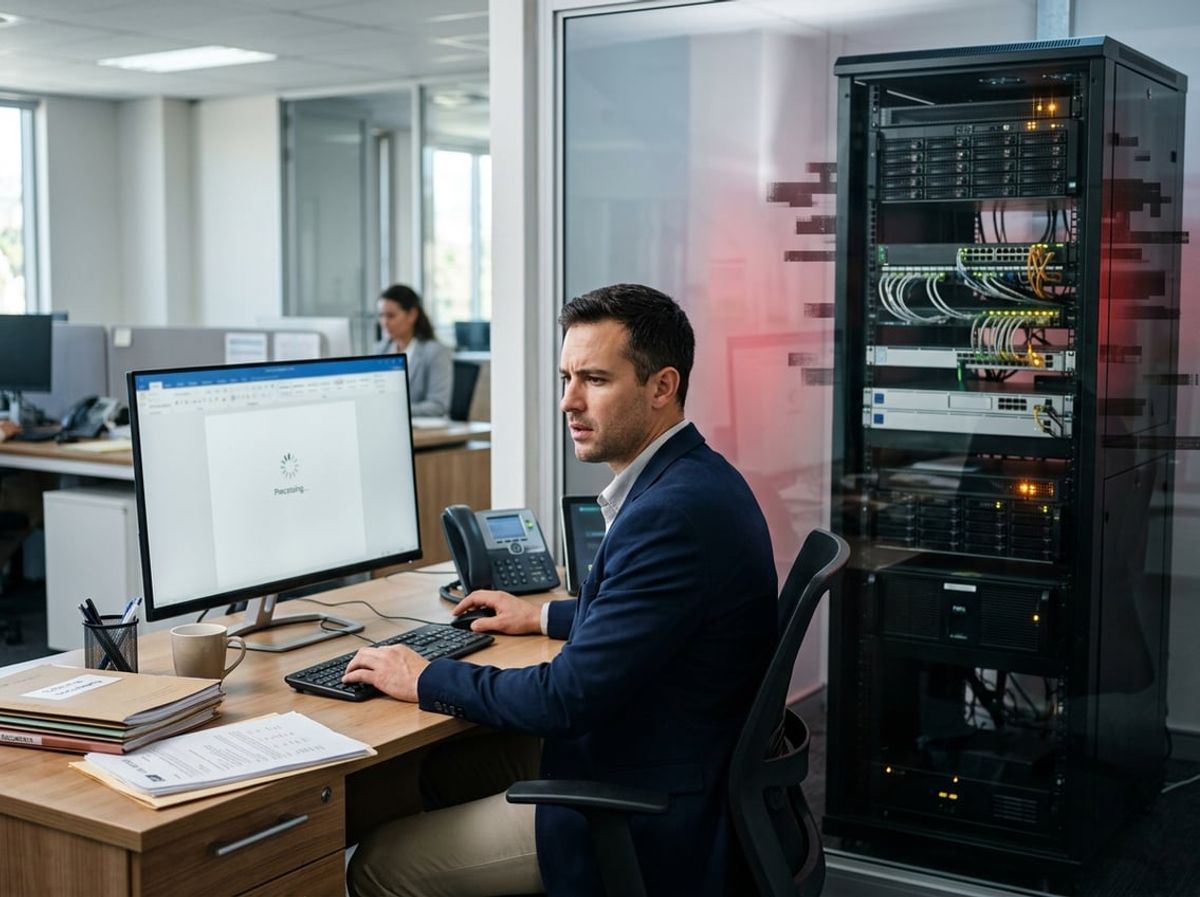
Malware infections and unauthorized network access often disguise themselves as routine performance issues, causing file server slowdowns that appear technical but represent active security breaches. These threats consume system resources while simultaneously exfiltrating confidential client data, creating dual risks that most small law firms miss until substantial damage occurs.
How Malware Infections Manifest as Slow File Access
A slow law firm file server frequently signals an active malware infection rather than aging hardware or network congestion. Ransomware variants specifically target legal files, scanning directories and encrypting documents in preparation for extortion demands, which consumes disk I/O capacity and processor cycles that would otherwise serve legitimate file requests.
Cryptominers installed through phishing emails or compromised credentials run background processes that monopolize CPU resources, making file operations lag noticeably during business hours. Backdoor malware establishes persistent connections to external command servers, generating constant network traffic that competes with your file transfer bandwidth and creates intermittent access delays that staff attribute to "the server acting up again."
The Silent Ransom Group's 2026 physical infiltration tactics demonstrate how attackers now bypass digital defenses entirely, plugging USB drives directly into office equipment to install malware that gradually degrades file server performance while cataloging privileged client communications. These infections create baseline slowdowns that worsen incrementally, training your team to accept poor performance as normal while threats mature undetected.
Signs of Data Exfiltration Masked as Network Slowdowns
Data exfiltration operations typically occur during off-peak hours but leave telltale performance signatures that appear as generalized network slowdown symptoms. When cybercriminals access your file server to copy case files, discovery documents, or settlement communications, they generate sustained outbound traffic that saturates your internet connection and creates lag for all users.
You may notice specific patterns that indicate active theft rather than benign congestion:
- Evening or weekend bandwidth spikes when no attorneys are working remotely
- Specific file types (PDFs, Word documents, emails) showing unexplained access timestamps
- Certain folders experiencing read activity without corresponding user login events
- Backup operations taking longer than usual due to files being locked by unauthorized processes
Law firms using personal Dropbox or Google Drive accounts for oversized files create additional exfiltration pathways that bypass your monitoring capabilities entirely. Attackers who compromise these shadow IT channels steal client data without ever touching your file server, yet the performance impact appears on your network as unexplained throughput degradation during synchronization cycles.
Why Monitoring Tools Are Essential for Early Detection
Without continuous monitoring specifically calibrated for legal environments, you cannot distinguish between legitimate slow file server issues and early threat detection opportunities. Standard performance dashboards track CPU and disk usage but miss the behavioral anomalies that indicate malware infection signs, such as file enumeration patterns characteristic of ransomware reconnaissance.
Security information and event management (SIEM) tools designed for law firm file server performance correlate user behavior with system activity to identify suspicious access patterns. These platforms flag after-hours logins from unusual geographic locations, bulk file downloads that exceed typical attorney workflows, and permission escalation attempts that precede data theft operations.
ABA Model Rule 1.6(c) requires you to make reasonable efforts to prevent unauthorized access to client information, which necessitates monitoring capabilities beyond basic antivirus software. Your ethical obligations demand visibility into who accesses which files when, particularly given that file server slowdowns may represent the only observable symptom of an ongoing breach until ransom demands arrive or regulatory notifications become mandatory.
Cloud Migration as a Long-Term Fix for File Server Performance

Moving client files and case documents from aging on-premise hardware to cloud file storage eliminates the infrastructure bottlenecks that slow law firm file servers while simultaneously strengthening compliance posture through provider-managed security controls and documented audit trails.
How Cloud Infrastructure Addresses Legacy Server Bottlenecks
A slow law firm file server typically stems from hardware constraints that cloud platforms eliminate by design. When you migrate to cloud file storage, you replace fixed disk arrays and limited RAM with elastic infrastructure that scales automatically during high-demand periods like trial preparation or M&A closings.
Your current file server performance degrades predictably as storage fills beyond 80% capacity and as permission structures grow more complex over years of matter work. Cloud platforms distribute storage across multiple locations and use indexed metadata instead of nested folder permissions, which directly addresses the two most common causes of file server slowdowns in legal environments.
The cybersecurity advantage is immediate. Cloud providers deploy security patches within hours of disclosure, while your on-premise server may wait days or weeks for manual updates. That patching delay creates exposure windows where threat actors can exploit known vulnerabilities to access client files.
Compliance Considerations When Moving Client Files to the Cloud
Law firm cloud migration requires documented answers to ethical questions that local bar authorities and malpractice carriers will ask about client confidentiality. You need written confirmation from your cloud provider about data residency, encryption at rest and in transit, and access controls that prevent unauthorized disclosure.
Your ethical obligation under Model Rule 1.6(c) extends to third-party vendors, which means your cloud provider's security practices become your compliance responsibility. Request SOC 2 Type II reports, HIPAA compliance documentation if you handle medical records in personal injury matters, and specific answers about which jurisdictions will physically host client data.
Data portability deserves particular attention before you sign. If you need to exit the platform or respond to a discovery request, you must be able to extract matter files in usable formats with complete metadata and audit trails. Many cloud contracts offer theoretical portability but lack practical export tools for terabyte-scale legal document repositories.
Build reengagement checkpoints with your ethics counsel throughout the migration project. Requirements around privilege logs, conflict screening data, and trust accounting often surface late and can invalidate earlier platform decisions if not addressed upfront.
Evaluating Microsoft 365 and SharePoint for Law Firm File Storage
Microsoft 365 SharePoint represents the most common entry point for law firm cloud migration because most firms already use it for email. However, SharePoint was designed for general business collaboration, not legal-specific workflows, which creates meaningful gaps in document security models and matter-centric organization.
SharePoint's permission inheritance model can inadvertently expose privileged documents if not configured carefully. Legal work requires strict need-to-know access at the matter level, but SharePoint defaults to broader team-based permissions that don't align with ethical walls and conflict screening requirements.
The reporting limitations matter more than most firms anticipate during evaluation. You lose direct database access that your current file server provides for tracking document access, audit compliance, and billing reconciliation. SharePoint's reporting layer requires Power BI expertise or third-party tools to replicate the ad hoc queries your practice management system currently runs.
Before committing to Microsoft 365 SharePoint as your primary document repository, verify specific functionality:
- Matter-based security models that prevent cross-matter access without manual permission grants
- Integration pathways to your practice management, billing, and conflict systems
- Retention policies that satisfy bar record-keeping requirements and litigation hold obligations
- Search capabilities that locate documents across all matters without exposing content users shouldn't access
Legal-specific document management platforms like iManage and NetDocuments offer compliance-ready cloud infrastructure built around law firm workflows, but at higher subscription costs than Microsoft 365. The economic decision depends on your firm's size, practice areas, and whether generic collaboration tools can meet privilege and confidentiality requirements without extensive customization.
Proactive Monitoring: Catching Performance Issues Before They Escalate

Proactive IT monitoring detects file server problems before they compromise attorney productivity, trigger security incidents, or expose confidential client data. Without continuous oversight, early warning signs like failing drives, permission conflicts, or malware activity remain invisible until they force downtime during critical deadlines.
Why Reactive IT Support Misses Early Warning Signs
Reactive IT support waits for attorneys or staff to report that your law firm file server is unavailable or unusably slow. By that point, the underlying problem may have existed for days or weeks, silently degrading backup integrity, creating security gaps, or allowing unauthorized access to privileged communications.
A slow file server caused by a failing drive often shows intermittent errors days before complete failure. Without monitoring, your firm discovers the problem when a paralegal cannot access case files before a filing deadline. Reactive support also misses failed backup jobs, which may run overnight but never alert anyone until a ransomware incident requires restoration and no clean backup exists.
Security threats follow the same pattern. Malware that quietly encrypts file shares or exfiltrates client data does not announce itself. It operates in the background, consuming server resources and scanning directories while attorneys work normally. By the time someone notices unusual slowdowns, the breach may already violate ethical duties around confidentiality and competence under Model Rule 1.6.
Key Metrics MSPs Should Monitor on Law Firm Servers
Effective proactive IT monitoring tracks server performance metrics that indicate both technical degradation and potential security incidents. Your MSP should be watching your file server environment continuously, not just responding to trouble tickets.
Critical metrics for law firm file server performance:
- Disk health and SMART status – Failing drives generate predictable warnings before they crash
- CPU and memory utilization – Sustained spikes often signal malware, runaway processes, or insufficient resources
- Network throughput and latency – Bandwidth bottlenecks slow file access and may indicate data exfiltration
- Failed login attempts – Repeated authentication failures suggest credential attacks or compromised accounts
- Permission changes – Unauthorized modifications to file access controls create insider threat risks
- Backup job status – Silent backup failures eliminate your last defense against ransomware
These metrics connect directly to compliance obligations. A slow law firm file server caused by malware scanning client files may constitute a reportable breach under state bar rules. Monitoring allows your provider to detect the attack before encrypted files or stolen matter details force client notification.
How 24/7 Monitoring Prevents Downtime and Security Incidents
24/7 monitoring gives your provider early warning detection when file server slowdowns indicate hardware failure, security threats, or configuration problems. Automated alerts trigger investigation and remediation before attorneys lose access to case files or confidential data leaves your network.
When monitoring detects a failing drive, your MSP can schedule replacement during non-business hours and verify backup integrity before the drive crashes completely. When CPU usage spikes unexpectedly at 3 AM, your provider investigates whether malware is encrypting shares or legitimate backup jobs need optimization.
Round-the-clock oversight also closes the gap between breach and detection. Without continuous monitoring, ransomware may encrypt your file server over a weekend while the office is closed. By Monday morning, your firm faces a choice between paying attackers or admitting to clients that matter files are unrecoverable. Proactive monitoring catches encryption activity as it starts, allowing your provider to isolate infected systems and restore from clean backups before the damage spreads.
For law firms handling sensitive client matters, 24/7 monitoring supports your duty of technological competence. You cannot prevent every incident, but you can demonstrate that your firm maintained reasonable safeguards and detected problems quickly enough to limit harm.
Choosing the Right IT Partner to Diagnose and Fix File Server Issues

A law firm IT partner must approach file server diagnostics with an understanding of bar ethics rules, client confidentiality obligations, and data breach notification requirements, not just performance metrics. Security-first MSPs analyze slow file server issues through the lens of access controls, audit trails, and encryption standards that generic IT providers often overlook.
Why Generic IT Providers Miss Law Firm-Specific Risks
Generic IT providers typically diagnose a slow law firm file server by checking CPU usage, disk space, and network bandwidth. They miss the connection between performance degradation and security vulnerabilities that create compliance risks for your firm.
When a file server slows down due to permission misconfiguration, a generalist technician may fix the speed issue by broadening access rights. This approach can inadvertently expose privileged client communications across matter teams, violating ethical walls and confidentiality obligations under ABA Model Rule 1.6.
Malware scanning delays that cause file server slowdowns require analysis of whether ransomware variants are evading detection. A generic provider may disable scanning to restore performance, leaving your firm exposed to encrypted client files and bar-reportable breaches.
Law firm file server performance issues often stem from backup processes consuming resources during business hours. A non-specialist might reschedule backups without verifying encryption protocols or testing disaster recovery procedures that satisfy malpractice carrier requirements.
Questions to Ask About Server Security and Compliance Audits
Before engaging an MSP to diagnose file server slowdowns, ask whether they perform compliance audits that connect performance issues to your regulatory obligations. Request documentation of their process for reviewing file server permissions against matter-based access requirements.
Ask how they identify whether slow file server performance indicates unauthorized access attempts, failed login patterns, or data exfiltration that triggers breach notification duties. Your IT partner should explain how they analyze server logs for anomalies that signal both performance problems and security incidents.
Inquire about their approach to auditing backup integrity when investigating a slow law firm file server. They should verify that backup processes causing resource contention are encrypting data at rest and in transit while maintaining version history for litigation hold purposes.
Request specifics about how they test disaster recovery plans during file server diagnostics. A compliance audit should confirm that your backup restoration procedures meet RPO and RTO requirements without exposing unencrypted client data during recovery operations.
What a Compliance-First MSP Delivers Beyond a Performance Fix
A security-first MSP diagnoses your slow file server by simultaneously evaluating whether the root cause creates data protection gaps. They identify performance bottlenecks caused by insufficient encryption, outdated access controls, or audit logging that consumes resources while protecting your firm from malpractice claims.
When file server diagnostics reveal hardware limitations, a compliance-first provider recommends upgrades that include encrypted storage, redundant systems for business continuity, and configurations that support eDiscovery obligations. They calculate whether moving to cloud-based file storage reduces both latency and your exposure to ransomware attacks targeting on-premises servers.
These providers document every change made during performance optimization to demonstrate due diligence during insurance audits or bar investigations. They ensure that resolving your slow law firm file server includes updating your incident response plan, testing failover procedures, and verifying that client matter data remains segregated according to conflict of interest rules.
A compliance audit following file server repairs should deliver written confirmation that your system meets cybersecurity insurance requirements, bar association technology standards, and data breach prevention obligations under state and federal law.

File server slowdowns at law firms raise questions that touch security protocols, compliance obligations, and the infrastructure decisions that directly affect client data protection and your ethical responsibilities under bar rules.