
CAD and BIM Workstations
Revit, AutoCAD, Civil 3D and rendering tools ask more of a computer than almost any other office software. The articles in this category explain what that hardware actually needs: why processor speed matters more than core count for most modeling work, how much memory large models use, when a professional graphics card is worth it, and how storage speed affects opening and syncing files. You will also find guidance on laptops versus desktops for designers, planning a workstation refresh, and getting the most from the machines you already own. The goal is to help design and engineering firms buy the right hardware once, rather than guessing and replacing it early.
CAD and BIM workstations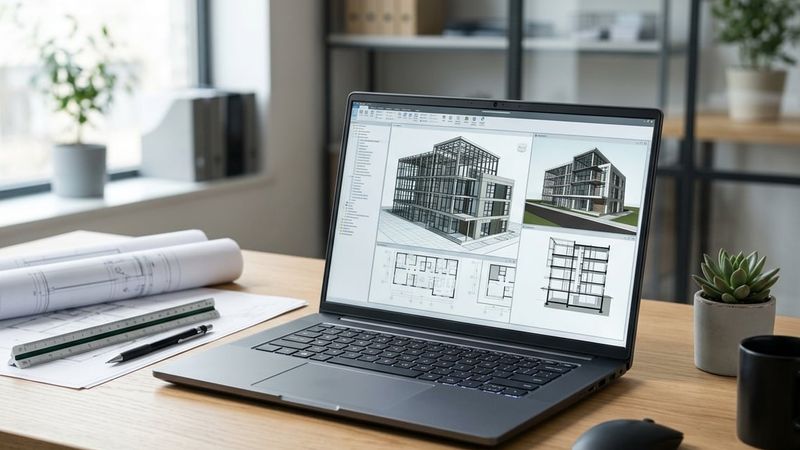
Best Laptop for Revit and AutoCAD Work
Find the best laptop for Revit and AutoCAD, with GPU, RAM and storage guidance built around real AEC coordination and site work.
Read article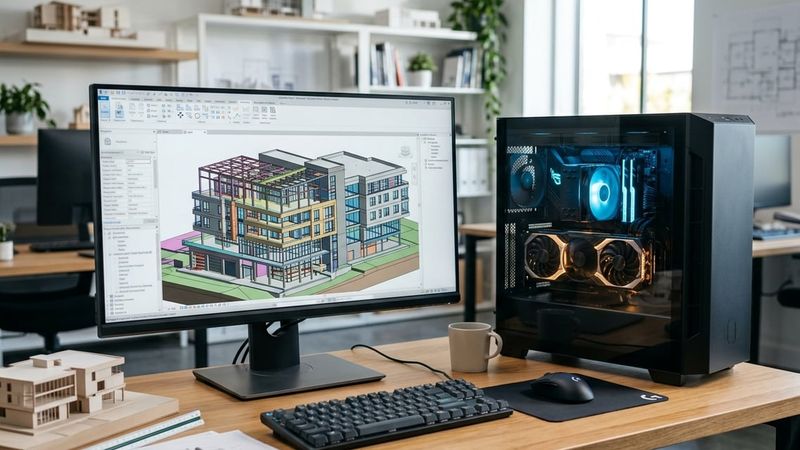
Revit CPU or GPU: Which One Matters More
See whether Revit CPU or GPU matters more for modeling, syncing large central models and rendering with Enscape or V-Ray.
Read article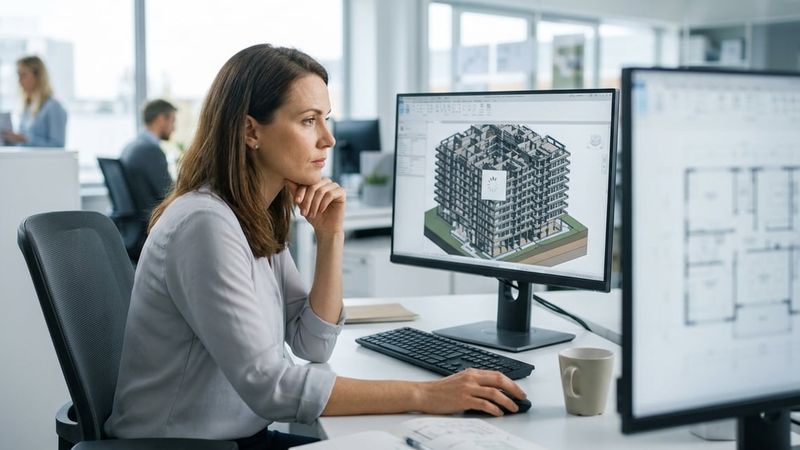
Revit Running Slow? The Real Causes and the Fixes That Work
See why Revit running slow usually means model, network or workstation problems, and the practical fixes AEC firms use to speed it back up.
Read article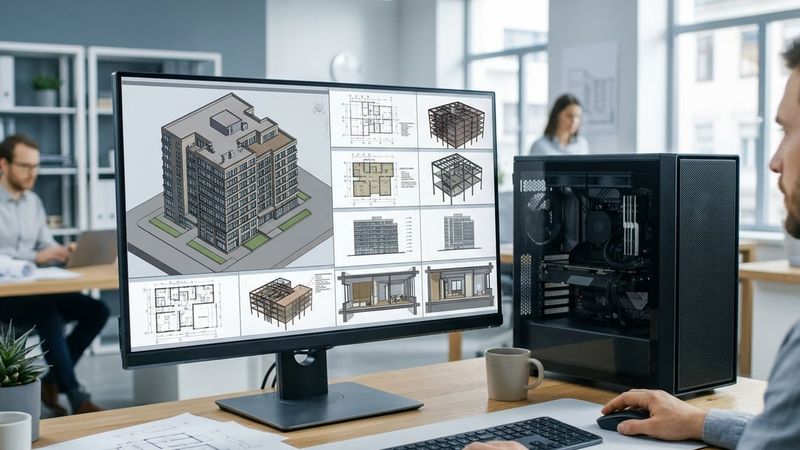
Revit Hardware Requirements: What Your Firm Actually Needs
Revit hardware requirements explained by seat and project type, covering CPU, RAM, GPU and storage so your firm buys the right workstation.
Read articleTalk to someone who knows design and construction IT.
Book a free consultation. We will look at how your firm works today, where the gaps are, and what we would change first. No obligation.