
IT Support for Construction Companies: What a Contractor Needs
See what IT support for construction covers, from job site connectivity to project data security, and what your firm actually needs.
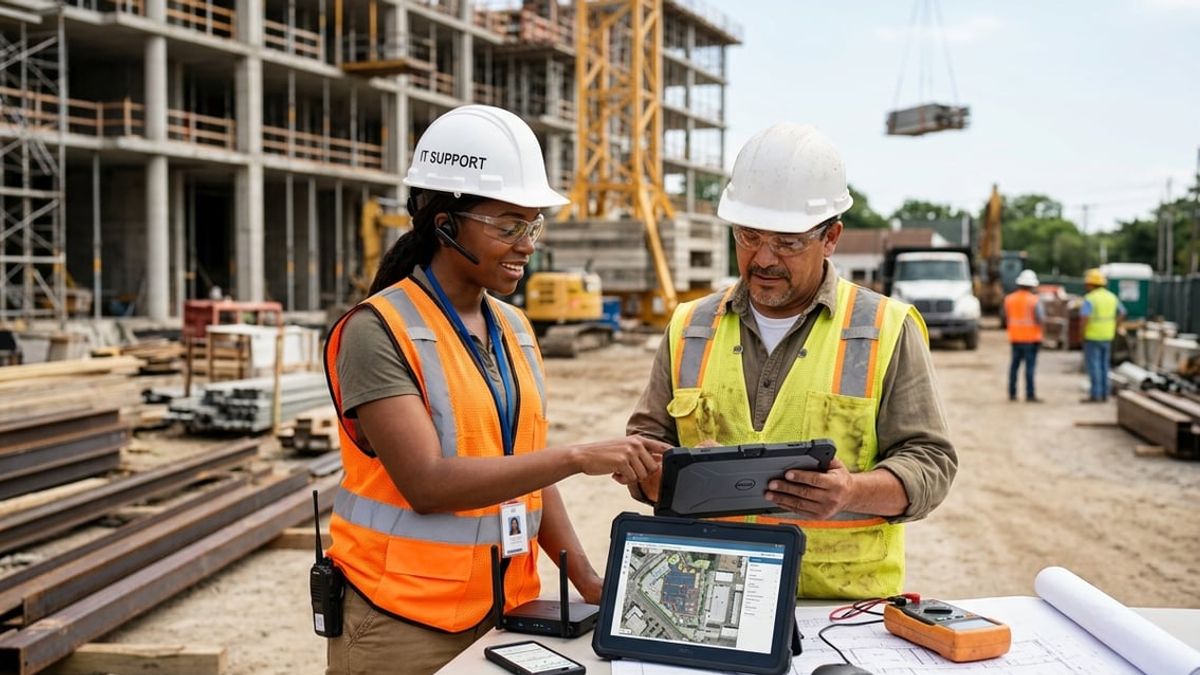
A general contractor running four jobs across the five boroughs coordinates every project through Procore or Autodesk Forma, formerly Autodesk Construction Cloud, shares marked-up drawing sets through Bluebeam, keeps a superintendent connected in each site trailer, and manages payment approvals and payroll from the main office. IT support for construction has to cover all of that together: the office network and computers, the project management software your teams rely on, the internet connection at each job site, and the tablets and phones your field supervisors carry. What works for a law firm or a marketing agency does not work for a contractor, because your technology sits in two places at once and your project data moves between them constantly.
This article is written for construction and design-build contractors in and around New York City who run multiple active projects, handle their own estimating and project management, and do not have a full-time IT department on staff. IT support for construction is different from generic small-business IT because your field teams depend on technology just as much as your office does, and the stakes around downtime, data access, and payment security are immediate and measurable. A single day offline at a job site can delay a schedule, and a single compromised email can redirect a six-figure wire transfer.
The sections that follow walk through what a practical IT setup looks like for a contractor: the software you already use, how to connect your job sites reliably, how to protect project files and financial transactions, what devices make sense for field and office roles, and how to decide whether you need managed support or can handle IT internally. Each section is grounded in the actual workflows your firm runs every day, not abstract IT concepts.
Key Takeaways
- IT support for contractors must cover both office systems and job site connectivity, not just the front office.
- Managed IT becomes practical once you run multiple job sites, handle significant payment volume, or lack a dedicated internal IT hire.
- Cybersecurity basics like multi-factor authentication and backups protect your firm and satisfy what cyber insurers commonly require.
What IT Support for Construction Actually Means for a Contractor

IT support for construction covers the systems your team depends on to run the office, keep job sites connected, manage project data, and access the software that holds your schedules, drawings, and payment records. It includes the computers estimators and project managers work from, the tablets superintendents carry on site, the network that links your trailers to the main office, and the platforms where Procore or Forma project files live.
Where Construction IT Differs From Office IT
Your IT needs span two distinct environments that most office-based businesses never deal with. The main office runs design workstations handling Revit models and point cloud data, estimating software, project management platforms like Procore or Forma, and accounting systems that process payment applications and change orders. Job sites operate from trailers with temporary internet connections, rugged tablets for daily reports and punch lists, Bluebeam markups synchronized between the field and office, and subcontractors who need controlled access to specific project folders without touching your core systems.
A typical small-business IT setup assumes everyone works from a single office on a stable network with desktop computers. That model breaks down when your superintendent needs to pull up RFIs from a trailer, your project manager needs to approve a change order from a site visit, or an engineer uploads a revised drawing set that your foreman has to access within the hour. Construction IT services have to account for devices that move between locations, connectivity that varies by site, and software that syncs project data between the field and office in real time.
Generic IT support often treats the job site as an afterthought, assuming that if the office network works, the field will sort itself out. In practice, job site technology requires planning for each location: dedicated internet service or cellular connectivity, secure access for temporary users, and devices built to survive dust, weather, and job site conditions rather than climate-controlled office space.
The Day-to-Day Problems It Should Solve
You need IT support that keeps your team working when an estimator cannot open a large AutoCAD file from an architect, a superintendent's tablet will not sync the latest schedule, or a project manager is locked out of Procore the morning a payment application is due. These interruptions cost hours when your team sits idle waiting for a fix, and they cost money when delays push back approvals, submissions to the Department of Buildings, or subcontractor coordination.
Reliable support handles help requests from both the office and the field without requiring your people to troubleshoot on their own or wait until someone makes it to your main office. It ensures that backups run for active project files so a hardware failure or ransomware incident does not erase weeks of work. It manages access so new hires, subcontractors, and consultants get the files they need without opening your entire system, and it removes access when someone leaves or a project closes.
It also addresses the security risks contractors face daily: phishing emails that spoof payment requests, business email compromise attempts targeting payment approvals, and weak passwords on accounts that hold project data and financial records. Multi-factor authentication, email filtering, and phishing awareness training are not abstract cybersecurity measures. They are the steps that stop an attacker from redirecting a $120,000 wire transfer or locking your files the week before a project milestone.
Why Generic IT Support Falls Short on Job Sites
Most managed IT providers focus on office environments where every user works from a desk on a wired network with predictable hardware and software. They lack experience with the tools contractors depend on: Bluebeam for RFI workflows, Forma for document control, or the mobile devices field supervisors carry. When your team calls for help with a connectivity issue in a job trailer or a problem syncing daily reports from a tablet, a provider without construction experience often cannot diagnose the issue quickly because they do not understand how the pieces fit together in contractor operations.
Job site internet setup requires a different approach than extending your office Wi-Fi. Each site needs its own plan based on duration, location, and how many people will use it. A provider without field experience may suggest solutions that work in an office but fail on an active site where equipment, weather, and temporary structures interfere with signals.
Field devices also differ from office equipment. A project manager's laptop needs enough power to handle large drawing files and run estimation software, while a superintendent's tablet prioritizes durability, battery life, and cellular connectivity over processing power. A one-size-fits-all hardware policy wastes money on over-specced field devices or leaves office staff with machines that cannot handle their workload. IT support for a construction company has to account for these differences rather than treating every user the same way.
The Software Stack a Contractor's IT Needs to Support
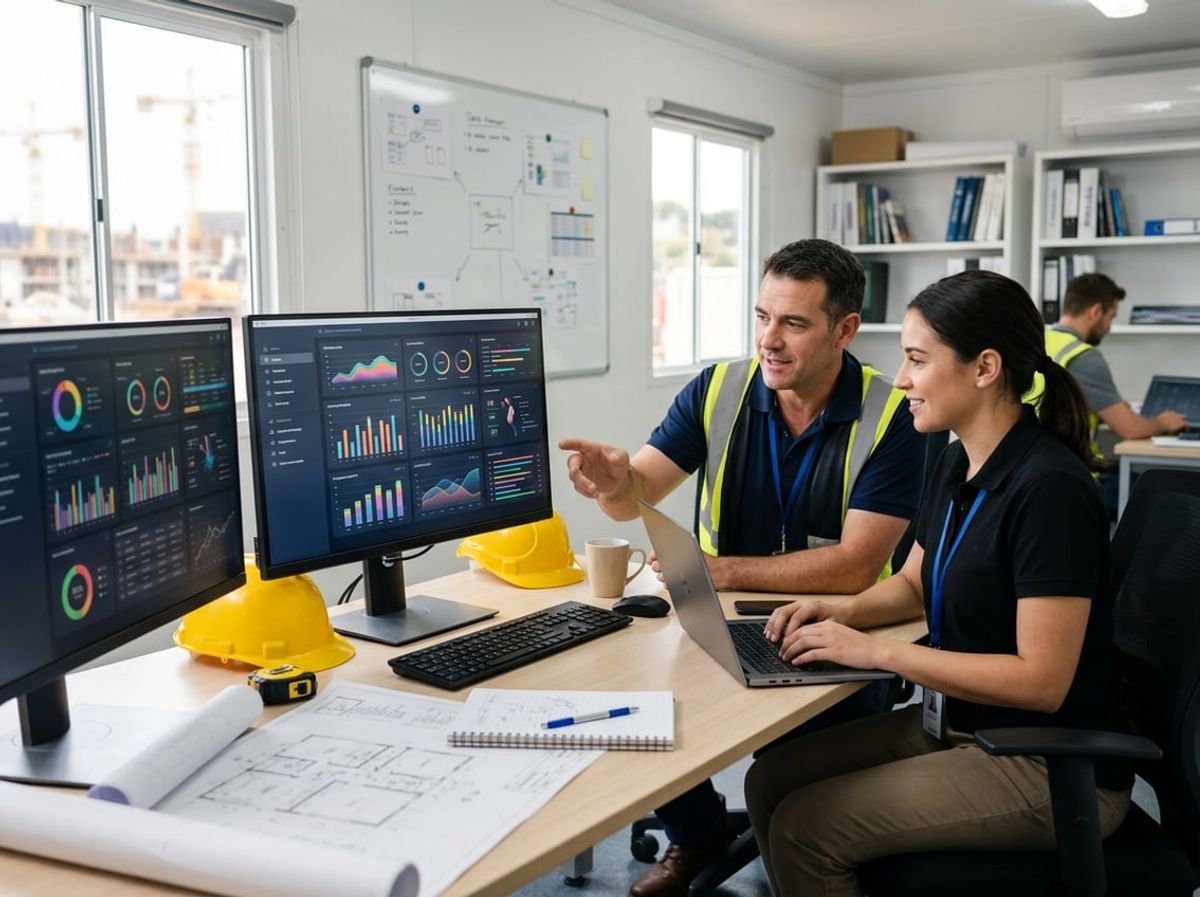
Construction IT support for contractors means keeping distinct categories of software running: design and coordination files that arrive from outside consultants, project management platforms that tie the office to the field, financial and estimating tools that feed each other, and the storage infrastructure that point clouds and large drawing sets demand.
Design and Coordination Files: Revit, AutoCAD and Bluebeam Coming From Consultants
Your architects and engineers deliver Revit files, AutoCAD drawings, and specification sets that range from a few hundred megabytes to several gigabytes per discipline. Revit models from structural, mechanical, electrical, and plumbing consultants need to be opened, coordinated, and often overlaid for clash detection.
AutoCAD drawings still form the backbone of many civil and site plans. Bluebeam markups move between your team, the design consultants, and subcontractors during RFIs and submittal reviews.
IT support for a construction company has to ensure your workstations can open these files without multi-minute load times. That means adequate RAM, fast storage, and licenses for the software your consultants use. When a consultant upgrades to a newer file format, your systems need to keep pace or request downgraded exports.
File versioning matters. You need to know which drawing set was current when a change order was priced and which Revit model the steel fabricator worked from.
Project and Construction Management Platforms
Procore and Forma are the two dominant project management platforms among mid-sized contractors in the New York City market. Both handle drawings, submittals, RFIs, daily reports, and payment applications in a central system accessible from the office and the field.
Your IT has to manage user provisioning, permission sets, and access for subcontractors and consultants who need visibility into a subset of project files. Superintendents and foremen work from job trailers and need mobile access that syncs reliably when connectivity drops and reconnects.
A separate article on this site covers the Procore versus Forma decision in depth. For IT planning purposes, both platforms require consistent internet access at each job site, integration with your accounting system, and enough user licenses to cover project staff and key trade partners.
Storage and document control shift from your local server to the platform's cloud hosting. Your backups and version history live inside the platform, so understanding export options and data ownership before you commit matters.
Accounting, Estimating and Scheduling Tools
Job costing, accounts payable, and certified payroll run through construction-specific accounting software. Your estimating tool feeds cost data into accounting once a job is awarded. Your scheduling software tracks progress and drives payment applications.
Each of these systems exchanges data with your project management platform. When that integration breaks, invoices sit waiting for approval, change orders get priced against outdated cost codes, and payment apps go out with mismatched quantities.
IT support for construction has to keep these integrations working, manage user access as project managers rotate between jobs, and ensure your accounting data gets backed up daily. When your accountant or CFO needs a report, the data has to be current and the export has to work.
Estimating software often sits on a dedicated workstation because of license restrictions or because your estimator prefers a local install. That means backups of estimate files and templates need their own schedule.
Point Clouds, Large Files and What They Do to Storage
Point clouds from laser scans and photogrammetry can run tens or hundreds of gigabytes per scan. A multi-floor building scan generates more data than your entire project folder from five years ago.
These files land on your network when your survey consultant delivers them or when your team captures site conditions for as-built documentation. Opening a point cloud in coordination software requires local or high-speed network storage, not a slow connection to a remote file share.
Your storage planning has to account for point clouds as a distinct workload. They do not compress well, they are not opened and closed like a drawing, and they sit in active use during coordination and layout phases.
Backing up point clouds under the same daily schedule as your project files can overwhelm your backup window. Segmenting them into separate storage with a slower backup cadence keeps your nightly backup jobs manageable without losing the data if a drive fails.
Connecting the Job Site to the Office Network
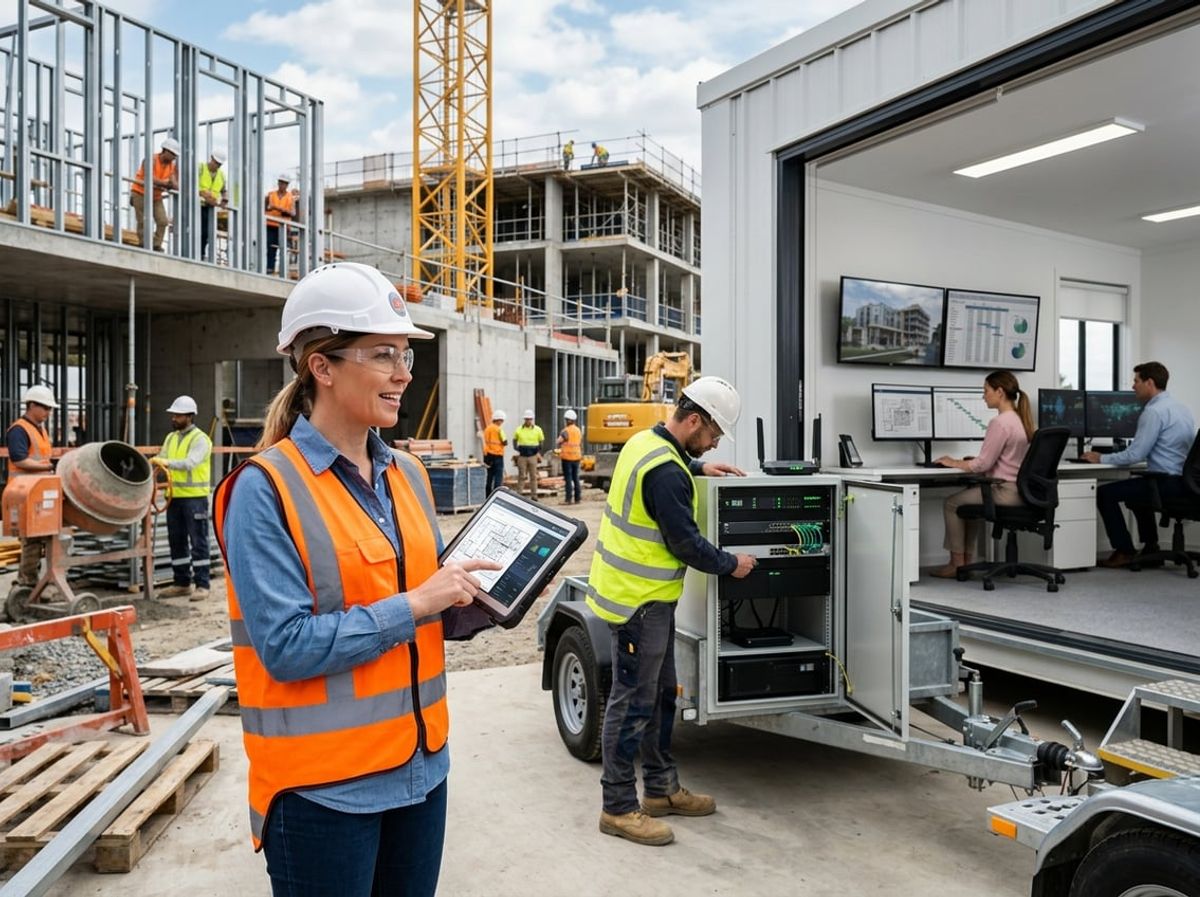
Each active job site needs its own connectivity setup, not an extension of the office Wi-Fi, and the right approach depends on location, project duration, and how much data moves between the field and your office systems. Keeping Procore or Forma synced with what your superintendents and foremen enter from the job trailer requires planning around cellular internet, satellite options, and equipment built to survive dust and weather.
Getting Reliable Internet to a New Job Site
Job site internet is a separate setup from your office network because most sites are temporary, often in areas without broadband infrastructure, and exposed to conditions that destroy consumer-grade equipment. Bonded cellular is the most common solution. A ruggedized router combines data connections from multiple carriers into one aggregated link, so if Verizon has weak signal at the trailer, AT&T and T-Mobile compensate. This approach works in most urban and suburban areas and typically costs $200 to $500 per month for data plus hardware.
Satellite internet, especially low-earth orbit options like Starlink, works where cellular coverage is weak or nonexistent. Latency is low enough for video calls and real-time collaboration in Procore or Bluebeam, and monthly costs run $120 to $250 with higher upfront hardware expense. Satellite requires clear line-of-sight to the sky, so tall buildings or heavy tree cover can degrade performance.
Fixed wireless from a local provider can deliver higher speeds if the site has line-of-sight to a transmission point, but installation lead time runs one to three weeks. Temporary fiber delivers the highest speeds and symmetrical upload capacity, useful for large BIM files and drone footage, but installation takes 30 to 90 days and costs $5,000 or more upfront. Most contractors use bonded cellular as the primary connection and add satellite as failover on remote sites.
Syncing Field Data With the Office Without Losing Work
Field-to-office sync depends on consistent connectivity and software that handles interrupted uploads. When a superintendent marks up plans in Bluebeam Revu or logs daily reports in Procore, those changes need to reach your office without manual re-entry or file version conflicts. Cloud-based project management platforms handle this automatically when the job trailer has stable internet, but intermittent connections can leave files stuck mid-upload or create duplicate entries.
Most construction IT support setups address this with always-on cellular connections that maintain a VPN tunnel back to the office or direct encrypted access to cloud platforms. Automatic failover between cellular and satellite keeps the link active even when one connection degrades. SD-WAN appliances monitor all available connections in real time and route traffic over the best path, prioritizing Procore sync and VoIP calls over background downloads.
Offline mode in project management software lets field teams enter data when connectivity drops, then syncs changes when the connection returns. This works well for daily logs and punch lists but requires discipline around file versioning when multiple people edit the same drawing or submittal offline. Regular automated backups of project files, both in the cloud and at the office, prevent data loss when sync conflicts or equipment failures occur.
Job Trailers, Temporary Networks and Equipment That Holds Up
A job trailer network starts with a ruggedized router designed for temperature extremes, dust, and vibration from heavy equipment. Consumer routers fail within weeks in these conditions. Purpose-built hardware like Cradlepoint or Peplink models includes weatherproof enclosures, external antenna mounts for better signal, and management interfaces that let you monitor performance remotely without visiting the site.
Mounting an external high-gain antenna on the trailer roof or a temporary mast significantly improves cellular performance, often doubling throughput compared to internal antennas. Secure the equipment in a locked enclosure to prevent theft and tampering. Power should come from a surge-protected circuit, and battery backup keeps the network online during brief outages.
Network segmentation matters when subcontractors and consultants need access. Your internal team, subs, and the owner's representative should each connect to separate VLANs or SSIDs so a compromised device on one network cannot reach data belonging to another party. At minimum, use WPA3 encryption with strong passwords rather than open guest networks. Portable SD-WAN appliances let you replicate the same security policies across every job site and pack up the equipment for redeployment when the project closes.
When a Job Site Needs Its Own IT Setup Versus Borrowing the Office's
Any site lasting more than a few weeks needs its own connectivity and network equipment rather than relying on mobile hotspots or expecting field staff to tether through their phones. Once you have a job trailer, multiple workers on site daily, and project data flowing between the field and office, cellular internet job site infrastructure becomes the baseline. This includes a bonded router or satellite connection, secured Wi-Fi for the trailer, and enough bandwidth to handle plan downloads, video calls, and cloud software without choking when everyone connects at once.
Larger projects or those with higher security requirements may need dedicated firewalls, managed switches, and on-site file servers that cache frequently accessed drawings and models so field teams do not wait for large Revit or AutoCAD files to download over a cellular link. Sites with security cameras, door access systems, or extensive IoT devices often justify a dedicated network appliance that segments traffic and monitors for unauthorized access.
Smaller short-term sites where one or two people check in occasionally can usually rely on mobile hotspots and direct VPN connections to the office, but this approach breaks down as soon as multiple people need simultaneous access or you are uploading point cloud scans and drone footage. The decision point is whether the productivity lost to slow or unreliable connectivity costs more than the monthly expense of dedicated construction site connectivity hardware and service plans.
Protecting Project Data, Payments and Financial Transactions

Construction firms handle large wire transfers, manage vendor and subcontractor payments across multiple parties, and maintain active project files that keep jobs moving. These characteristics make contractors attractive targets for wire fraud, invoice scams, and ransomware attacks that can halt work and drain payment reserves.
Why Construction Is a Target for Wire Fraud and Invoice Scams
Construction wire fraud typically starts with a compromised email account or a carefully crafted spoof message that appears to come from a subcontractor, supplier, or even your own project manager. The attacker requests a change to wire instructions or submits a fraudulent invoice just before a scheduled payment run. Because construction projects involve dozens of vendors, frequent payment approvals moving between the office and job trailers, and superintendents who may approve invoices from a phone or tablet in the field, an attacker has multiple entry points.
Your firm processes payments through Procore or Forma, where payment applications and lien waivers are uploaded, reviewed, and approved by multiple people. That workflow creates opportunities for invoice fraud when an email account is spoofed or compromised. A foreman receives what looks like a legitimate updated W-9 form from a regular supplier, forwards it to accounting, and the next payment goes to an attacker's account.
Common wire fraud and invoice fraud tactics include:
- Spoofed emails that mimic a subcontractor's address with a single-character change
- Compromised vendor email accounts used to send authentic-looking payment change requests
- Fake invoices submitted just before a known payment cycle
- Requests for urgency that bypass your normal approval process
IT support for construction firms should include email protection that flags external messages, applies sender authentication, and alerts your accounting team when a message requests a payment change.
Protecting Payment Approvals and Vendor Changes
Financial controls for contractors begin with a verification step that happens outside the original communication channel. If a vendor sends an email requesting new wire instructions, your accounts payable team calls the vendor using a number already on file, not one included in the email. The same rule applies to subcontractor W-9 updates and changes to ACH details.
Your payment approval workflow should require at least two people to verify any change to vendor banking information, and those verifications should be documented in your project management platform. Multi-factor authentication on Procore, Forma, and your accounting software prevents an attacker from accessing payment records even if they compromise a password.
Field approvals need the same level of protection. When a superintendent approves a payment application from a job site tablet, that approval should trigger a notification to your main office, and large payments should require a second authorization before funds move.
Backing Up Active Project Files So Work Isn't Lost
Your active project files include Revit and AutoCAD drawings from architects and engineers, Bluebeam markups and RFIs, point cloud data from site scans, cost records, contracts, and the daily logs your superintendents maintain. If ransomware locks those files or a hardware failure corrupts a project folder, your team cannot produce shop drawings, respond to RFIs, or issue change orders until the data is recovered.
Backups of project files need to run daily and store copies in a location separate from your office network and your cloud project management platform. A backup that only saves files to a second drive in the same office or only syncs to Procore will not protect you if ransomware spreads across your network or if your cloud account is compromised.
Your backup system should cover office workstations where estimators and project managers work, shared network drives, and the project data stored in cloud platforms. Subcontractors and consultants who access a subset of your project files through shared links should not be the only holders of certain drawings or specifications.
What Ransomware Does to a Construction Schedule
Ransomware construction attacks lock your files and demand payment to restore access. For a contractor under deadline pressure, each day of downtime delays the schedule, idles crews, incurs liquidated damages, and pushes payments from the owner further out. Attackers know that a project delay costs more per day than the ransom demand, which is why contractors are frequent targets.
When ransomware hits, your office cannot open Revit models, process submittals, update the schedule in Procore, or send payment applications to the owner. Field crews may be able to continue work already underway, but any task that requires a drawing, an RFI response, or a material order stops. Your project executives cannot access contracts, cost records, or the data needed to make decisions about recovery.
Paying the ransom does not guarantee that your files will be unlocked, and it marks your firm as willing to pay, which invites follow-on attacks. A tested backup system and a response plan that includes IT support for a construction company, your legal counsel, and your cyber insurance carrier give you a path to restore operations without funding an attacker.
Devices and Hardware for Field and Office Teams
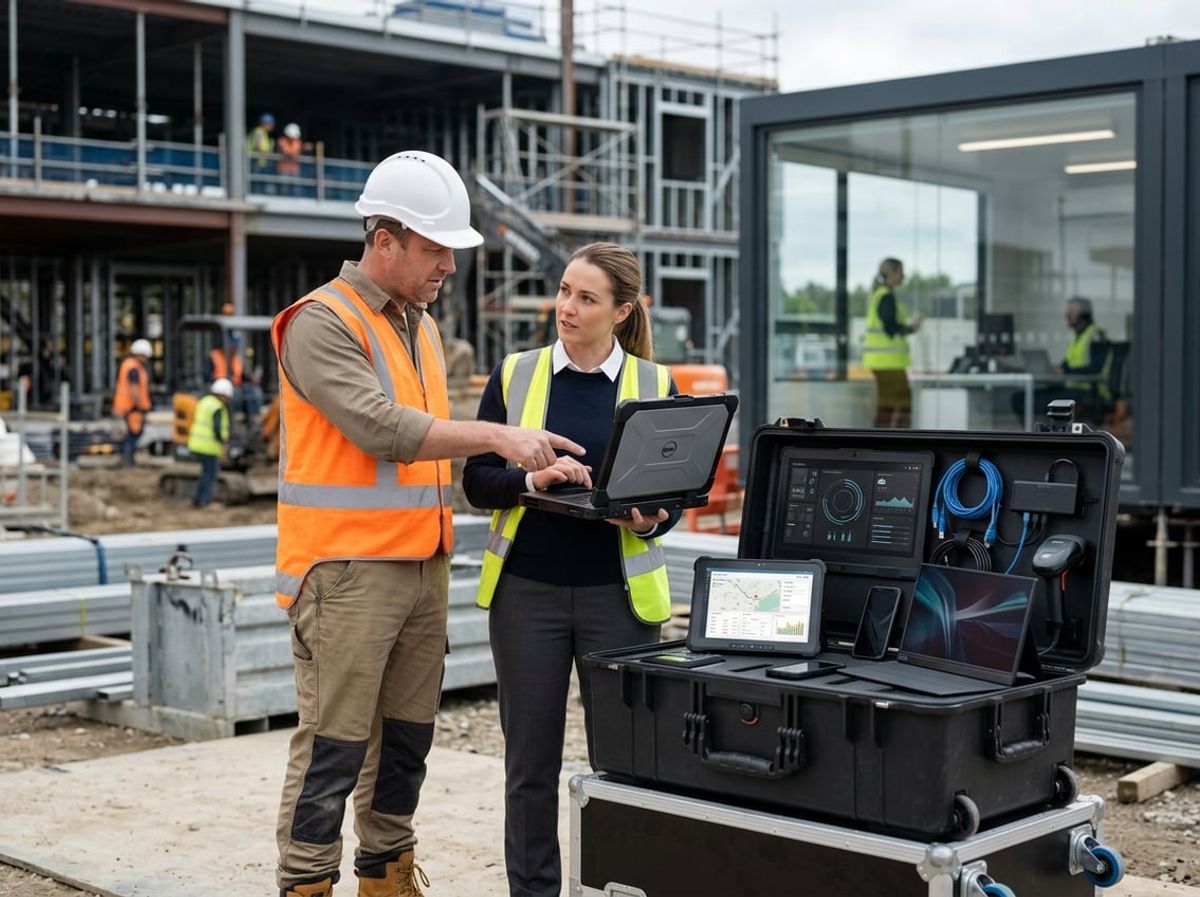
Hardware requirements split sharply between staff who work at desks running CAD software and cloud platforms, and those who work from trailers and open sites where devices face dust, drops, and weather. Replacement cycles prevent critical failures during active projects, and policies around contractor-owned and personal devices keep project access secure without overreach.
Laptops and Workstations for Estimators, PMs and Designers
Estimators, project managers, and designers need machines capable of running Bluebeam Revu, viewing Revit and AutoCAD files, and handling multi-tab browser sessions in Procore or Forma. A laptop with 16 GB of RAM, a current-generation Intel Core i5 or AMD Ryzen 5 processor, and a 512 GB solid-state drive handles most project management and document coordination workflows without lag.
Staff who work with full BIM models, perform clash detection in Navisworks, or process point clouds from site scans need workstations rather than standard business laptops. A desktop with 32 GB of RAM, a dedicated NVIDIA or AMD graphics card, and a multi-core processor keeps modeling and rendering tasks moving. Dual monitors improve efficiency when comparing drawing sets or coordinating between Revit and a project management platform.
Portable workstations such as Dell Precision or Lenovo ThinkPad P-series laptops give designers and project engineers the power to handle BIM files while moving between the office and job sites. These machines cost more than standard business laptops but prevent the slowdowns that occur when underpowered hardware tries to open large drawing files.
Rugged Tablets and Phones for Superintendents and Foremen
Superintendents and foremen need devices that survive job site conditions and maintain connectivity for daily reports, RFI submissions, and photo documentation. Standard consumer tablets crack when dropped on concrete, fail in temperature extremes, and lose signal in steel-framed structures.
Rugged tablets from Panasonic Toughbook, Getac, or Samsung Galaxy Tab Active series meet MIL-STD-810 durability standards and include features such as glove-compatible touchscreens, sealed ports against dust and moisture, and sunlight-readable displays. An iPad in a heavy-duty case from OtterBox or Griffin Survivor provides a middle ground between consumer and fully rugged hardware for superintendents who work primarily from a trailer but spend time on active floors.
Field devices need reliable cellular connectivity more than they need processing power. A tablet with LTE or 5G keeps field staff connected when job site WiFi drops or a trailer router fails. Dual-SIM phones allow foremen to maintain service across carriers when one network has weak coverage at a particular site.
Managing Devices the Firm Doesn't Fully Control
Subcontractors, consultants, and employees using personal phones for work tasks create gaps in device management. A bring-your-own-device policy defines what the firm can control, what project data can live on personal hardware, and what happens to work files when someone leaves the project or company.
Mobile device management platforms such as Microsoft Intune enforce security policies without taking over a user's entire device. Intune can require a PIN for Procore access, encrypt OneDrive folders, and remotely wipe only the work-related apps and files if a phone is lost or stolen, leaving personal photos and messages untouched.
Contractors issuing devices to trade partners or temporary hires should provision them with restricted access profiles that limit what project folders and financial systems the device can reach. IT support for construction includes setting up guest and subcontractor access so external users get what they need without broad network permissions.
Replacement Planning So Hardware Doesn't Fail Mid-Project
Waiting until a laptop dies or a tablet stops holding a charge forces reactive purchases that disrupt active work. A replacement cycle retires devices before they fail, typically after three to four years for office laptops and workstations, and two to three years for field tablets that take heavier physical wear.
Standardizing on a small set of device models simplifies support and keeps spare parts, chargers, and cases interchangeable across the team. When every project manager carries the same laptop model and every superintendent uses the same rugged tablet, IT support becomes faster and field staff can share equipment during overlapping projects.
Budget for device replacement as a per-user annual cost rather than as one-time purchases. Spreading hardware costs across the year prevents large unplanned expenses when multiple devices reach end-of-life in the same quarter. Leasing through vendors such as Dell Financial Services or CDW shifts replacement from capital expenditure to predictable monthly operating cost and includes disposal of retired hardware.
Managing Consultants, Subcontractors and Outside File Sharing

Construction projects depend on moving drawings, models and specifications between your office, the architect's office, engineering consultants, and dozens of subcontractors who each need a different slice of project data. The challenge is not just moving large files but controlling who can open what, for how long, and preventing someone from working off an old drawing set.
Sharing Large CAD, Revit and Point Cloud Files Safely
AutoCAD drawings, Revit models and point cloud files from site scans are often multiple gigabytes. Emailing them as attachments is unreliable and leaves copies floating in inboxes with no version control.
A cloud-based file sharing platform built for construction workflows handles large files without breaking external references that CAD and Revit files depend on. Egnyte and similar platforms map cloud storage to a local drive letter so Revit and AutoCAD open files natively without downloading the entire file first. This preserves the directory structure that XREFs and linked models require.
Sending large files to consultants or subs through secure links replaces the attachment problem. Links can require authentication, expire after a set number of days, and log every download. You see who opened the file and when, which matters when a dispute arises about whether someone received the current drawing set.
Field teams need access from job trailers with inconsistent connectivity. Platforms with offline sync let superintendents cache selected folders to a laptop or tablet so they can open drawings on site and push changes back to the office when they reconnect.
Keeping Track of Who Has Access to What, and for How Long
Every subcontractor and consultant needs access to part of the project, not the whole thing. The mechanical sub does not need structural drawings, and the landscape architect does not need MEP coordination models.
Role-based access controls let you assign permissions by folder and by user. You create a folder for each trade or scope, invite the subcontractor as an external user limited to that folder, and set their access to expire when their contract ends. If the mechanical sub's scope closes in June, their access revokes automatically on the date you specify.
External shares should require email verification and log every access event. When a consultant claims they never received a drawing set, your audit trail shows whether the link was opened, by whom, and when. For sealed bid workflows, upload-only folders let subcontractors submit bids that no one can view until the bid window closes.
IT support for construction includes setting these permissions correctly from the start of each project. Granting a subcontractor access to the entire project folder because it is faster creates a leak you cannot close later.
Shared Workspaces for Markups and Coordination
Markups, RFIs and coordination notes move back and forth between your team, the architect, engineers, and subs throughout the project. Bluebeam Studio provides shared sessions where multiple parties can mark up the same drawing set in real time. One person does not have to collect markups from five different emails and merge them manually.
Bluebeam Studio Sessions and Projects work well for coordination workflows that involve live markup and comment threads. The underlying drawings and models still need to live in a governed file sharing platform so you control which version is current and who can access it after the session closes.
A shared workspace is not a replacement for version control. The markup session references a specific drawing revision, and when the architect publishes a revised set, you need to be certain everyone is marking up the new version, not the old one. Keeping the master files in a platform like Egnyte and linking Bluebeam sessions to those files avoids the problem of someone marking up a three-week-old drawing they saved locally.
Avoiding Version Confusion Across Multiple Firms on One Project
Version confusion happens when two people work from different revisions of the same drawing and produce contradictory deliverables. A revised architectural sheet may be linked into a structural drawing or referenced in a cost estimate. Without controlled versioning, the mechanical contractor prices ductwork based on a floor plan that the architect revised two days ago.
A construction file sharing platform tracks every version of a file, retains prior versions for rollback, and logs who modified what and when. Your team, the architect, and the subs all pull from the same repository rather than emailing copies back and forth.
For linked CAD and Revit files, drive-letter access preserves the paths that external references depend on. If your Revit model links three different consultant models, those links resolve correctly when everyone maintains the same folder structure and drive mapping through the cloud platform. Breaking those paths because someone renamed a folder locally is a common cause of coordination failures.
Close out each phase by locking the project folder from further edits so the official record cannot be changed after the fact. Inspectors, auditors and insurers need to see what the project team was working from at the time a decision was made, not a file that has been edited since.
Cybersecurity Fundamentals Every Contractor Should Have in Place
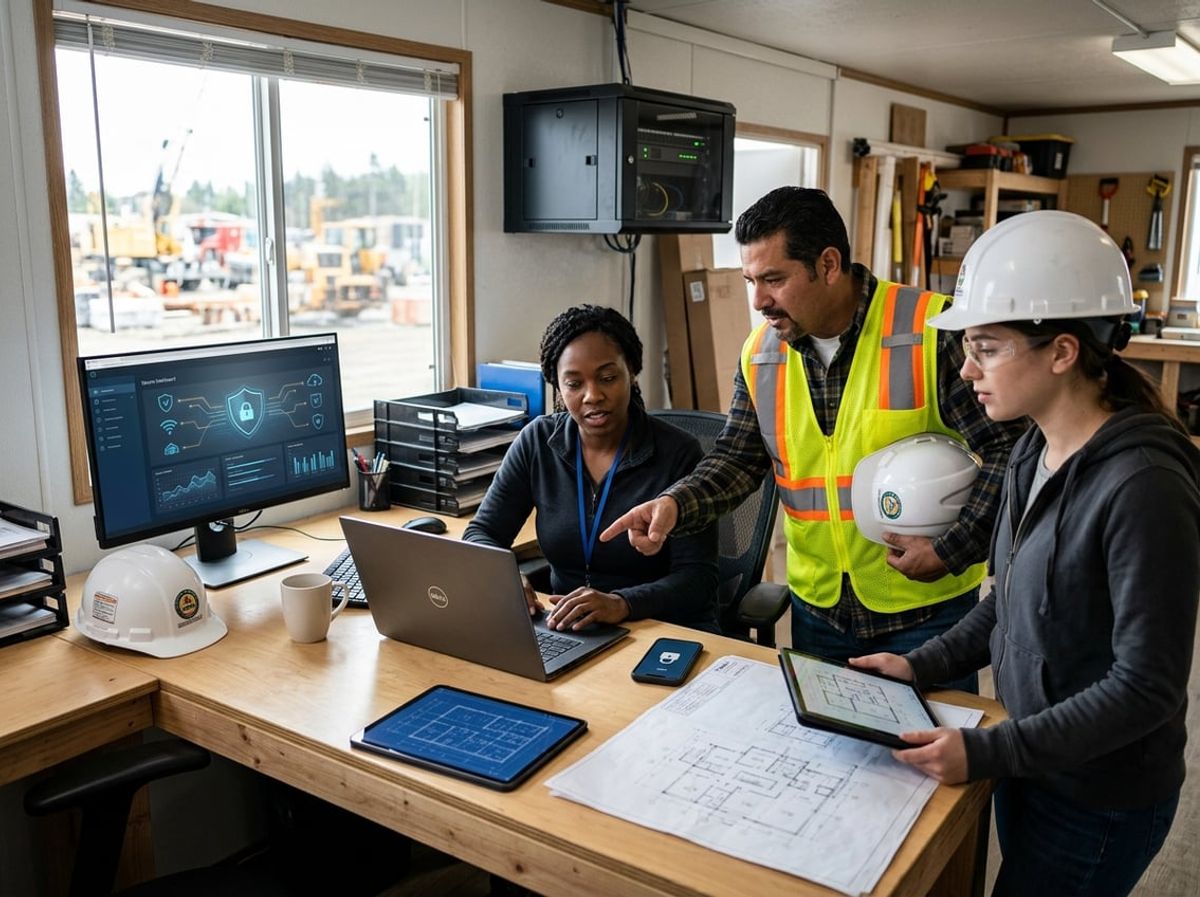
Four baseline controls protect your firm's project data, financial systems, and employee information regardless of what your insurer requires or whether you bid public work. Multi-factor authentication prevents unauthorized access to email and payment approvals, phishing training stops fake invoice scams before they succeed, email spoofing protection blocks impersonators from appearing to send messages as your team, and proper handling of employee and client personal data keeps records out of the wrong hands.
Multi-Factor Authentication on Email and Financial Systems
Multi-factor authentication requires a second proof of identity beyond a password, typically a code sent to a phone or generated by an app. You should enable it on every email account your team uses and on every platform where payments are approved or subcontractor banking details are changed.
Superintendents approving change orders from a job trailer and project managers releasing payments from the office both rely on email to coordinate with the accounting team. If an attacker gains access to one of those accounts, they can insert themselves into ongoing payment threads and redirect funds to a fraudulent account before anyone notices.
Multi-factor authentication stops that scenario even when a password is compromised. The attacker cannot complete the login without the second factor, which they do not have. Project management platforms like Procore and Forma, along with cloud storage where your Bluebeam markups and Revit files live, all support multi-factor authentication and should have it turned on for every user.
Recognizing Phishing and Fake Invoice Attempts
Phishing construction firms has become a reliable tactic because project teams exchange a high volume of invoices, change orders, and payment instructions by email with subcontractors and suppliers they may not interact with every day. Attackers monitor email threads and insert themselves at the right moment with a message that looks genuine.
Your team needs to recognize the warning signs: an email asking for urgency around a payment change, slight misspellings in a sender's domain name, and any request to update banking details that arrives only by email without a follow-up call. Train everyone who touches payment approvals or updates vendor records to verify banking changes by calling the subcontractor or supplier at a number you already have on file, not one provided in the email.
Many fake invoice attempts target the gap between field and office workflows. A foreman forwards what looks like a supplier invoice to accounting, and accounting processes it without questioning the details because it appears to come from someone they trust.
Locking Down Email Against Domain Spoofing
Email spoofing lets an attacker send messages that appear to come from your domain without ever touching your actual email system. A subcontractor receives what looks like an email from your project manager with updated payment instructions, and the message passes a casual inspection because the sender name and domain match what they expect to see.
Domain-based authentication records, which your IT support for construction can configure in your domain settings, tell receiving mail servers which systems are allowed to send email on your behalf. When properly configured, these records block spoofed messages before they reach the recipient.
Your firm should have these protections in place both to stop others from impersonating your team and to reject spoofed messages arriving in your own inboxes. Subcontractors, consultants, and clients all receive email that appears to come from you, and you are responsible for making sure those messages are legitimate.
Protecting Employee and Client Personal Data
Your firm holds employee records that include Social Security numbers, banking details for direct deposit, and health information if you provide benefits. You also collect personal details from clients during contracting and may handle tax identification numbers and financial records for joint venture partners.
This information requires specific protections. Store it separately from general project files, limit access to the individuals who need it for payroll and HR tasks, and do not send it by unencrypted email or leave it on shared drives where anyone at the firm can open it. Laws such as the NY SHIELD Act may apply to your firm depending on the type and volume of personal data you handle, so confirm your obligations with counsel.
Laptops and tablets used in the field should be encrypted and password-protected so that a lost or stolen device does not expose employee or client records. Project files that contain no personal information do not require the same handling, but any file with names, addresses, Social Security numbers, or financial details should be treated as sensitive and kept under access controls.
What Cyber Insurers Expect From Construction Companies
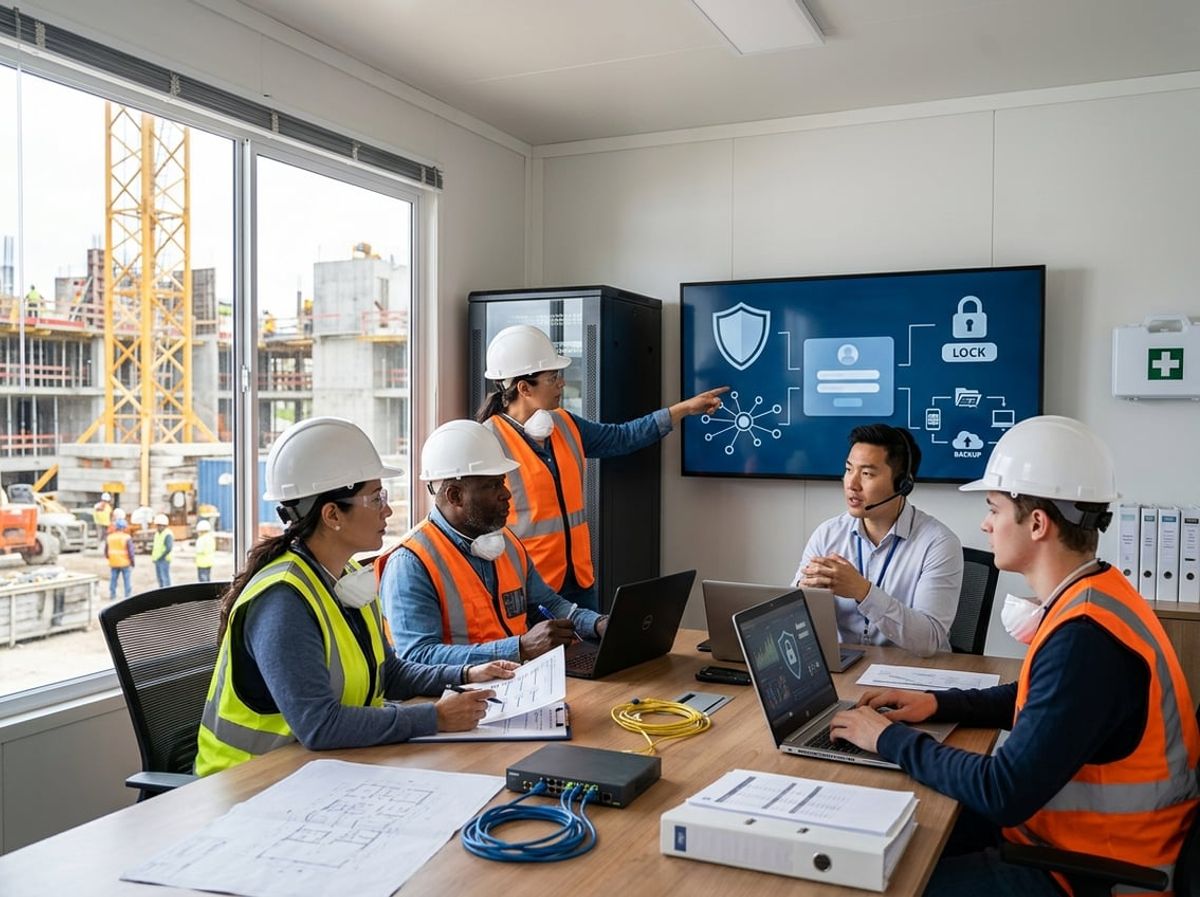
Cyber insurers typically require controls that already make sense for protecting project data and payment workflows. The practical question is whether your firm can support those answers with evidence when the application or renewal is reviewed.
Common Controls Insurers Ask About Before Binding a Policy
Applications usually ask about multi-factor authentication, protected backups, endpoint protection, email security, and incident response readiness. MFA matters most for email, remote access to project platforms like Procore or Forma, and administrative accounts. Carriers want to know whether it is enforced across the scope you include in the application, not just available.
Backups need to be protected from the live network and tested for restoration. A weekly backup to a connected NAS may not satisfy the requirement if ransomware can reach it from a compromised workstation. Testing means confirming that you can actually restore project files, accounting data, and payment records within a timeframe your firm can tolerate.
Email protection covers filtering, anti-phishing, and anti-spoofing measures. Given how many payment-approval and subcontractor-coordination workflows depend on email, this control directly affects your exposure to wire fraud and invoice fraud, which are among the most common construction cyber claims.
Endpoint protection refers to detection and response tools on workstations, laptops, and field devices. Carriers may ask for a count of protected endpoints and whether your coverage extends to job site tablets and phones.
Incident response readiness can be as straightforward as a written plan that names who gets called, how backups get restored, and how your firm decides whether to involve counsel or a forensic vendor. The insurer wants to know whether your firm has thought through the response before an event forces the decision.
Why a Contractor's Application Answers Have to Match Reality
The objective in a cyber insurance application is not to provide the most confident-sounding answer. It is to provide an accurate answer your firm can support if the carrier asks for evidence.
If your application states that MFA is enforced company-wide but a field superintendent or recently onboarded project engineer does not have it, that gap creates a problem during a claim review or renewal audit. If your answer says backups are tested quarterly but the last documented test was over a year ago, the insurer may challenge your claim or adjust your coverage.
The signing executive should confirm that IT, finance, and operations all agree on what the application says before submission. Discovering conflicting interpretations after the policy is bound puts your firm in a weak position if a claim arises.
Partial deployments and exceptions are common, especially after an acquisition or when opening a new office or job site. The appropriate response is to document the gap, assess the exposure, and ask your broker how to represent it accurately rather than forcing it into a broad yes-or-no answer.
Where This Overlaps With, and Differs From, Everyday IT Support
IT support for a construction company already involves managing email access, securing project platforms, protecting devices, maintaining backups, and onboarding users. Those same controls also happen to be what insurers commonly ask about during policy renewal.
The difference is in scope and evidence. Your IT provider may have MFA enabled for your Microsoft 365 tenant, but the insurer wants to know whether it covers field users, whether exceptions exist, and whether you can produce an enforcement report.
Backups may run nightly, but the carrier may ask whether they are isolated from your production environment and whether you have tested restoration. Endpoint protection may be deployed across office workstations, but if field tablets and job site laptops are not enrolled, your answer needs to reflect that.
The practical benefit of aligned IT support is that controls remain consistent, monitoring produces the records you need for renewals, and exceptions get flagged before they become application problems. A managed IT provider familiar with construction workflows should already be addressing these areas as part of normal support rather than treating them as separate insurance tasks.
In-House IT, Managed IT Support for Construction, or a Hybrid Model
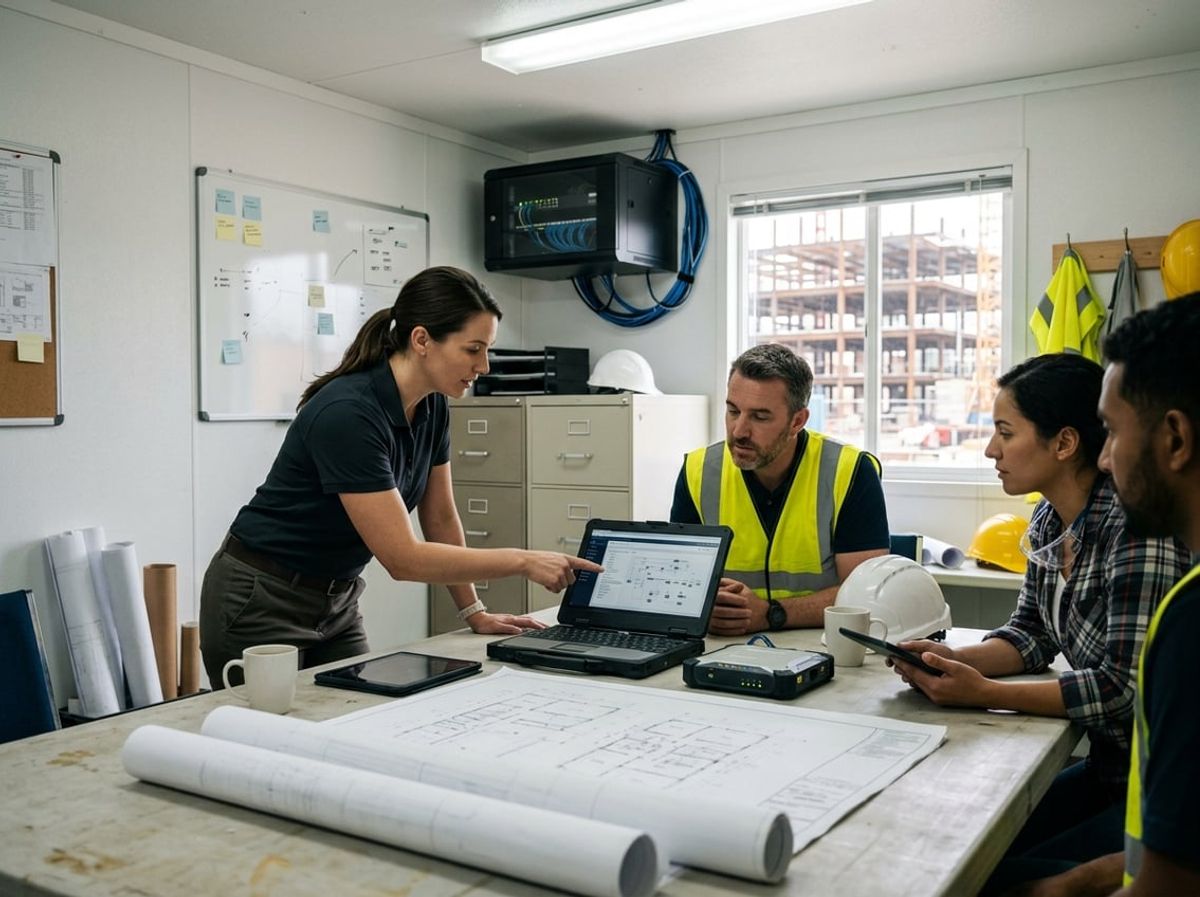
Construction firms typically choose between three IT staffing approaches: hiring someone internally, working with an outside provider, or pairing a part-time coordinator with managed support. The right model depends on how many active job sites you run, how much project data moves through your systems, and whether anyone at the firm can own IT as their full responsibility.
What an Internal IT Hire Realistically Covers
An in-house IT contractor typically handles desktop support, password resets, printer troubleshooting, and basic network issues at your main office. They set up new hires with email and access to Procore or Forma, maintain your file server, and respond when someone's laptop won't connect or a shared folder breaks.
What they usually cannot cover alone is after-hours support when a superintendent calls from a job trailer at 7 PM, specialized cybersecurity work like configuring email authentication to prevent wire fraud spoofing, or the breadth of vendor relationships needed to troubleshoot a VPN that connects your estimating team to an architect's Revit server. They also rarely have backup coverage when they're sick, on vacation, or tied up with a project rollout.
For a smaller contractor with one office and a few active sites, a capable internal hire can manage day-to-day needs. Once you're running four or more active projects, handling significant payment approvals digitally, or relying on cloud platforms for RFIs and submittals across multiple trades, a single internal person often becomes a bottleneck.
What Managed IT Support for Construction Adds
Managed IT support for construction brings a team rather than a single point of contact. You gain access to specialists who understand how Bluebeam markups move between the office and the field, how to secure file sharing when subcontractors need access to a subset of drawings, and how to monitor backups of active project files so a ransomware incident doesn't wipe out three months of submittal history.
Managed providers typically offer remote monitoring of your office and job site systems, structured cybersecurity measures that align with what cyber insurers ask about, and defined response times that cover evenings and weekends when field staff are working. They also handle vendor coordination when your Autodesk subscription needs renewal or your internet provider at a job trailer goes down.
This model works well once you've outgrown ad hoc fixes and need IT support for a construction company that treats the field and the office as one connected operation. It becomes practical rather than optional when no one at your firm can own IT full time and you're managing enough project data and payment volume that an outage or security incident would delay billings or stop work.
Hybrid Setups: an Office Manager Plus an Outside Partner
Many contractors use a hybrid IT model where an office manager or project coordinator handles routine requests and password resets, and an outside managed service provider covers everything beyond first-level support. This approach gives you a familiar internal contact for everyday questions while bringing in specialized expertise for cybersecurity, job site connectivity planning, and after-hours coverage.
The internal person acts as a liaison who knows your projects, your staff, and your software, and escalates technical issues to the managed provider when needed. The provider handles tasks like configuring multi-factor authentication across your Microsoft 365 tenant, setting up secure file sync for point cloud data from site scans, and monitoring backup jobs to ensure compliance with the 3-2-1 rule.
This structure works particularly well for design-build firms where project volume fluctuates and IT needs spike during preconstruction and closeout phases. You keep local presence and control over routine workflows without requiring the internal coordinator to also be a network engineer or a cybersecurity specialist.
Signs a Contractor Has Outgrown Ad Hoc IT
Ad hoc IT support stops working once you rely on multiple systems that need to stay connected and secure. Key indicators include:
- Multiple active job sites where superintendents and foremen need reliable access to project plans, RFI logs, and daily reports from trailers or the field.
- Significant payment activity moving digitally, including payment applications, lien waivers, and wire transfer approvals that make you a target for invoice fraud.
- No one owns IT full time, so issues pile up, security patches get delayed, and no one monitors whether your backups actually run.
- Frequent vendor and subcontractor access requests that require setting up permissions, sharing files securely, and revoking access when a trade finishes their scope.
- Cyber insurance requirements that ask for documented controls like email filtering, endpoint protection, and regular backups, which ad hoc support typically does not track or maintain.
When these signs appear together, managed IT support for construction or a hybrid model becomes a practical infrastructure decision rather than an optional upgrade.
Managing Access as Crews and Project Teams Change

Construction workforce turnover creates a constant stream of access changes: new hires need project folders and software on day one, departing crew members should lose access immediately, seasonal workers cycle in and out, and subcontractors need visibility into only their portion of the work. Each change carries security risk if it's handled slowly or left incomplete.
Getting a New Hire Set Up Before Their First Day on Site
A new superintendent arriving Monday morning needs a working email account, login credentials for your project management platform, permissions to the right Procore or Forma projects, and access to the shared drives where submittals and RFIs live. Waiting until they show up to start the process means they spend half their first day unable to do their job.
Role-based provisioning solves this. When you define what a superintendent, project engineer, or estimator needs before anyone fills the role, onboarding becomes a matter of assigning that package rather than building it from scratch each time. Your IT support for construction should have templates ready so that a request submitted Friday results in full access by Monday.
Field crews using tablets or phones need those devices enrolled in mobile device management, configured with the apps they'll use, and connected to the right project folders. That setup happens before the device leaves your office, not after it reaches the job site.
Cutting Off Access Fast When Someone Leaves
The gap between someone's last day and the day their access gets disabled is where security problems start. A former employee with an active login can still open project files, download drawings, or forward emails, whether or not they intend harm. Subcontractor personnel who finish their scope but retain access to your systems represent the same risk.
Same-day offboarding should be automatic. When payroll processes a termination or a project manager marks someone as off the job, that event should trigger account deactivation across email, project platforms, file shares, and mobile devices. Centralized identity management makes this possible because access lives in one place rather than scattered across seven different systems that someone has to remember to update.
Remote wipe capability matters for field devices. A tablet that leaves with a departing crew member should lose all company data the moment you trigger the wipe, whether or not the device is ever returned.
Seasonal and Subcontractor Access That Shouldn't Linger
Seasonal crews hired for a busy summer or a large project create a spike in active accounts that should disappear when the work ends. Subcontractors need access to drawings, schedules, and the ability to submit shop drawings or payment applications, but that access should be scoped to their trade and limited to the duration of their contract.
Time-bound access removes the offboarding step entirely. When you provision a subcontractor account with an expiration date tied to their contract end date, the system disables it automatically. No follow-up required, and no forgotten accounts lingering months after the work is done.
Subcontractors should never receive network-level access to your systems. Everything they legitimately need can be delivered through your project management platform with permissions limited to their scope of work. Guest network access on site should reach the internet and nothing else, because granting a subcontractor access to your internal network means inheriting their security posture.
Keeping Project Folders Organized as Teams Rotate Between Jobs
A superintendent moving from one project to another needs immediate access to the new job's files and should lose access to the previous project's sensitive documents. When permissions don't follow job assignments, people accumulate access to every project they've ever touched, which creates confusion and risk.
Project-based folder structures in Forma or Procore should use role-based permissions rather than individual assignments. A superintendent role gets access to all active superintendents' projects, and changing someone's assignment updates their permissions automatically. The same principle applies to shared drives where you store Revit models, Bluebeam markups, and PDF plan sets.
Regular access reviews catch drift. Comparing your active project list against folder permissions every quarter surfaces subcontractor access that should have ended, employee permissions that don't match current assignments, and accounts for people who left months ago. Most contractors running their first review find active accounts they forgot existed.
Planning IT Around Growth, New Offices and New Job Sites
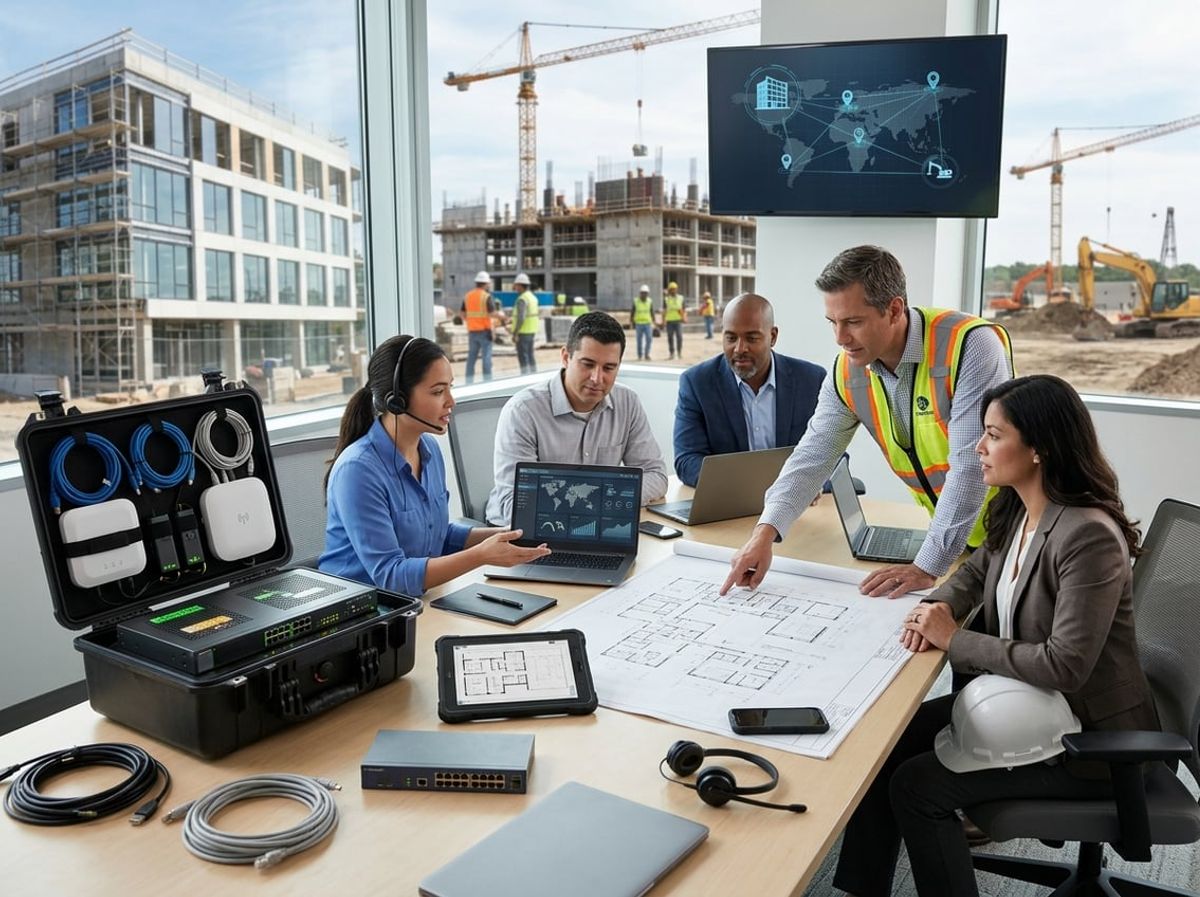
Construction IT planning works best when it happens before the lease is signed or the project starts, not after crews arrive and discover the internet connection was never ordered. Growth, whether it means opening a satellite office, standing up a new job site, or adding headcount, changes what your systems need to support.
What to Set Up Before a New Office Opens
A new office needs network infrastructure, internet service, workstations, phones, and access to project files before your team moves in. Order internet service weeks ahead of the move-in date. Commercial broadband in New York City often requires lead time for installation, and construction schedules do not wait for a technician.
Plan your network layout around how the office will be used. Estimating and project management roles need wired connections for reliable access to large Revit models and point cloud files. Conference rooms need wireless for client presentations and trade partner meetings. Set up a secure guest network so subcontractors and consultants can check email without accessing your project files.
Coordinate workstation delivery with the move schedule. Estimators and project managers need capable machines for Bluebeam, Procore, and Forma. Administrative roles need less power but the same access to your document management and accounting systems.
Standing Up IT for a New Project Location
Job sites present different IT demands than offices. Trailers need internet, but cellular backup matters more than in the office because wired service at a temporary location is often impractical. Superintendents and foremen work from tablets and phones to update daily logs, review RFIs, and approve submittals in Procore or similar platforms.
Plan connectivity based on how much data moves in and out of the trailer. If your team streams large plan sets or uploads jobsite photos throughout the day, a dedicated cellular router with an external antenna will perform better than personal hotspots. Confirm coverage with the carrier before the trailer is delivered.
Set up a dedicated file share or cloud folder for each project so field staff see only the drawings, specs, and RFIs relevant to their work. Subcontractors and trade partners should get project-specific access that expires when their scope closes out, not blanket access to every active job.
Budgeting IT as Part of Overhead, Not an Afterthought
IT budget planning for contractors should cover both recurring costs and growth-related spending. Recurring costs include software subscriptions, managed IT support if you use it, internet service, and cloud storage. Growth spending includes new workstations, job site connectivity, and licensing for new hires.
Track your IT spending by category so you know what scales with headcount and what scales with project count. Software licenses scale with users. Job site connectivity scales with active locations. Managed IT support for a construction company typically scales with both users and the number of endpoints being managed.
Construction-specific software often prices per user per month, so adding estimators or project managers increases your monthly spend immediately. Budget software costs as part of hiring costs, not as a surprise that appears after the new hire starts. Cloud storage for project files also scales with project count and file volume, especially when architects deliver large Revit models and engineers send federated coordination files.
Plan IT spending in the context of project overhead and general conditions. Job site connectivity and field devices are often recoverable as project costs, while office infrastructure and software licenses typically fall under general overhead.
Scaling Software Licenses as Headcount Changes
When you hire, you need to provision software access before the new employee's first day. Procore, Forma, Bluebeam, and similar platforms charge per seat. Order licenses as soon as the hire is confirmed, not the morning they arrive.
Offboarding requires the reverse. Revoke access to project management platforms, file shares, and email on the employee's last day. Downgrade or cancel the seat so you stop paying for it. Many firms carry unused licenses for months because no one tracks departures against active subscriptions.
Some platforms let you reassign seats; others require you to cancel and reorder. Know which model your vendors use so you can adjust licenses without disrupting your team. When your firm runs lean, a single unused seat represents real money, and IT support for contractors should include license tracking as part of routine account management.
Seasonal swings in headcount require flexibility. If you add field staff for the busy season and reduce after winter, confirm whether your licenses can flex or whether you are committed to annual minimums. Monthly billing costs more per seat but gives you the flexibility to scale down when projects close.
Document Control and Project Records Without Adding New Software

A shared file structure, paired with the project management tools already running your jobs, can handle drawing sets, RFIs and submittals if you organize permissions and establish version rules that match how your teams work. Retention periods for project records depend on the type of document and whether disputes, liens or audits remain open after closeout.
Keeping Drawing Sets, RFIs and Submittals in One Place
Most firms use Procore or Forma for RFIs and submittals because those platforms track status and approvals without forwarding files through email. Drawings live in the same system or in a shared folder tree that mirrors the folder structure inside your project management platform.
The key is setting permissions so subcontractors see only the drawings and submittals that apply to their scope, while your project team and architects have access to the full set. Bluebeam Studio Sessions are useful for live markups during coordination meetings, but the marked-up PDF should be saved back into the central system once the session closes so the markup history stays with the project record.
If you rely on a network share instead of a cloud platform, organize folders by discipline and phase, then grant read-only access to consultants and subs through a VPN or file sync tool. Write access should be limited to your project managers and document control lead to prevent accidental overwrites.
Avoid storing final copies in email threads or personal OneDrive folders. IT support for construction firms often includes setting up folder templates and access rules so every new job starts with the same structure and permissions.
Version Control When Everyone Marks Up the Same Set
Version control breaks when multiple people mark up copies of the same drawing without a clear process for merging changes and naming the next revision. Assign one person on your team to receive markups, consolidate comments and issue the next version with a new revision number or date stamp in the file name.
Bluebeam Studio Projects and similar tools allow simultaneous markup, but you still need a rule for when a marked-up set becomes the issued revision. A common pattern is to hold markups in a "Review" folder until your project manager or lead superintendent approves the changes, then move the file to an "Issued" or "Current" folder and archive the prior version.
Include the revision number and date in the file name, such as A-101_Rev3_2026-09-15.pdf, so field staff can confirm at a glance that they have the latest set. Lock the "Issued" folder to read-only access so no one edits an approved drawing without creating a new revision.
Your project management platform can track which revision is current and send automatic notifications when a new version is uploaded, reducing the risk that a foreman works from an outdated plan.
How Long to Keep Project Records After Closeout
Contract terms, warranties and the statute of limitations for construction defect claims determine how long you must retain project records. Most contractors keep final drawings, contracts, change orders, RFIs, submittals and closeout documents for a minimum of six years after substantial completion, matching common contract claim periods.
Payment records, certified payroll and subcontractor invoices should be kept for at least seven years to cover tax audits and prevailing wage verification. Some firms hold records longer if a project involves public funding or if the owner's contract requires extended retention.
Store closed-out project files separately from active jobs, either in a dedicated network share or in cold storage if you use cloud-based project management. Archive folders should be read-only to prevent accidental changes, and your backup routine should include these archived records so they remain recoverable if the primary copy is lost.
Electronic filing with the Department of Buildings and other agencies creates a separate record trail, but you still need your own copies of submitted and approved documents. IT support for a construction company should include a retention policy that defines where archived projects are stored, how long each document type is kept and who can authorize deletion after the retention period expires.
Choosing an IT Support Partner That Understands Construction
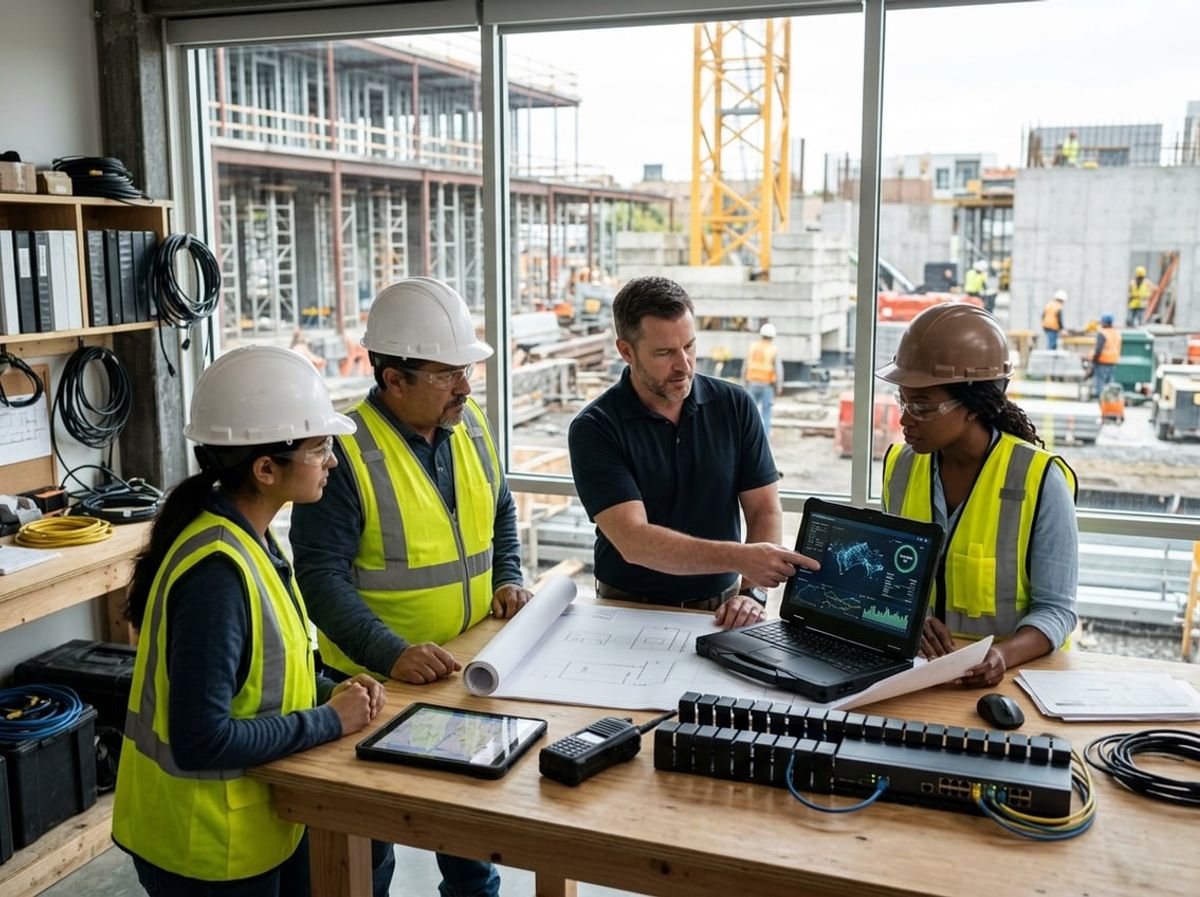
A provider who knows your industry will ask about Procore workflows and job site trailers before suggesting solutions, while a generic IT firm will start with server specs and remote desktop setups. The difference shows up in contract terms, onboarding, and how quickly the partner can solve real problems.
Questions That Reveal Whether a Provider Knows Construction Workflows
Ask how they handle file access for subcontractors who need drawings but should not see payment approvals. A provider familiar with construction IT will describe permission structures in Procore or Forma and explain how they segment access without creating administrative overhead for your project managers.
Ask what they recommend for getting Bluebeam markups and RFIs from a superintendent working out of a job trailer. The answer should cover mobile connectivity options, device management, and how those markups sync back to your document control system. A generic answer about VPN or cloud storage misses the point.
Ask how they back up active project files, especially large Revit models, point clouds from site scans, and AutoCAD drawings that change daily. The right answer will reference offsite storage, version control, and recovery time that keeps your estimators and project teams working without gaps.
Ask what their typical response time looks like when a field issue stops work. If they cannot commit to prioritizing job site problems differently than office requests, they do not understand how downtime on an active site costs you.
Red Flags in a Generic IT Contract for a Contractor
Contracts written for law firms or professional services will exclude support for "specialized software," which can leave Procore, Bluebeam, Revit, and AutoCAD outside the scope. Make sure construction management and design software are explicitly covered, not listed as exceptions.
Watch for service level agreements that only cover office hours. Your superintendents and project managers work early mornings and late evenings, and some providers will not commit to after-hours response unless you negotiate it up front.
Look at how the contract handles job site support. If every visit to a trailer or temporary office incurs a separate travel charge, costs will add up quickly once you have multiple active sites. Flat-fee or per-site pricing models work better for contractors than hourly dispatch billing.
Check whether the contract requires you to provide detailed network documentation before they will troubleshoot connectivity problems. Job sites change constantly, and a provider who insists on static network maps before responding to a field issue does not understand your environment.
What a Good Onboarding Process With a New IT Partner Looks Like
A strong onboarding starts with the provider visiting your main office and at least one active job site to see how your teams actually work. They should ask about your project management software, who uses what devices, and how data moves between the field and the office before making recommendations.
Expect the provider to document your current software stack, including who has access to what, where your project files are stored, and how backups run. This inventory becomes the baseline for monitoring and support, and it should be finished within the first two weeks.
The provider should set up their monitoring and help desk tools without disrupting your daily work. Your estimators and project managers should not lose access to Procore, Bluebeam, or file shares during the transition, and the provider should coordinate any changes around your project schedules.
A good partner will schedule short training sessions for your team on how to submit support requests, what to expect for response times, and who to contact for urgent field issues. Onboarding is complete when your office and field staff know how to get help and the provider has a clear picture of your workflows.
How ELMIDA Supports Construction Contractors in New York City
ELMIDA works with general contractors, design-build firms, and specialty contractors across New York City and the surrounding area. We support the software your teams rely on daily, including Procore, Forma, Bluebeam, Revit, and AutoCAD, and we plan job site connectivity and field devices as part of your overall IT setup.
Our approach covers your office network, job site internet and hardware, cybersecurity, backups, and the help desk support your office and field teams need to keep projects moving. We price our services to fit the way contractors actually operate, with plans that scale as you add job sites and grow your team.
If you need IT support for a construction company that understands how your firm works, visit our construction industry page to learn more about our services and get started.

Construction firms evaluating IT support typically need clarity on what systems are actually required, whether managed services make sense for their operation, how field coverage works, and who should make technology decisions when there's no dedicated IT hire on staff.