
#Revit
Articles tagged with Revit.

Revit Worksharing: Central Models and What Corrupts Them
See how Revit worksharing works, what causes central model corruption, and the storage and recovery steps that keep AEC project teams running smoothly.
Read article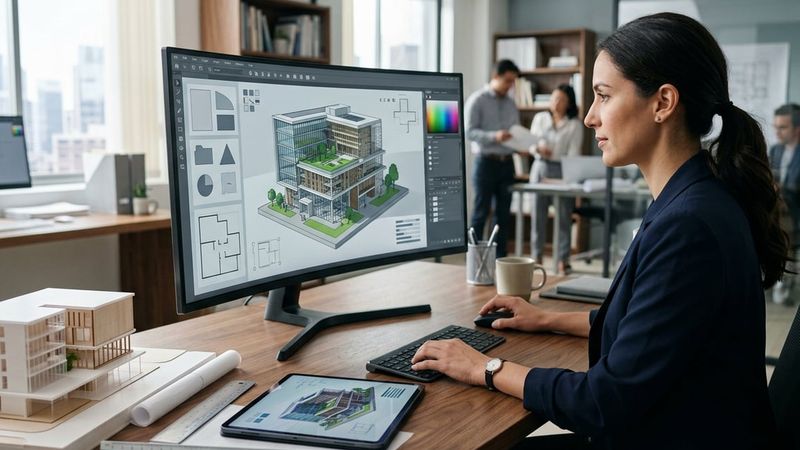
Architecture Firm Software: What Firms Actually Run
See what architecture firm software actually looks like across modeling, markup, storage and business tools, and how firm size shapes the stack.
Read article
The 3-2-1 Backup Rule for Active Project Files
Learn how the 3-2-1 backup rule protects active Revit, AutoCAD and Bluebeam project files from ransomware, hardware failure and data loss.
Read article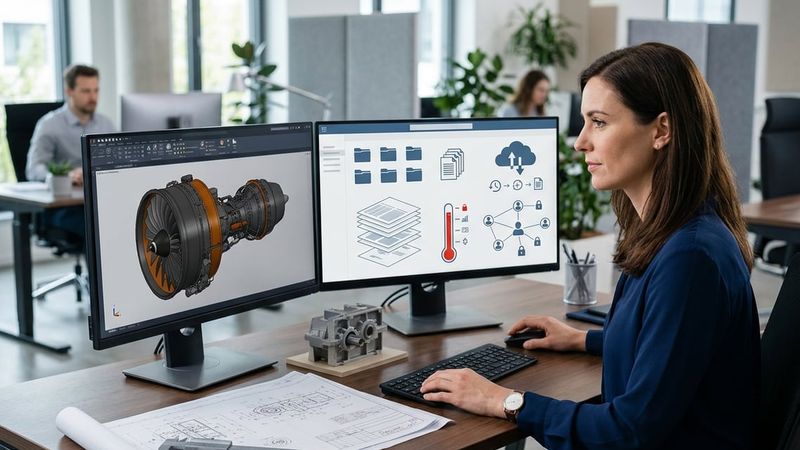
SharePoint Limits for CAD and Revit Files
See where sharepoint limits for cad hit hardest: file paths, sync throughput, and version history on Revit models, point clouds, and CAD sets.
Read article
File Server vs SharePoint for Project Files
Compare file server vs sharepoint for Revit, AutoCAD and Bluebeam project files, and see which setup fits your AEC firm's workflow.
Read article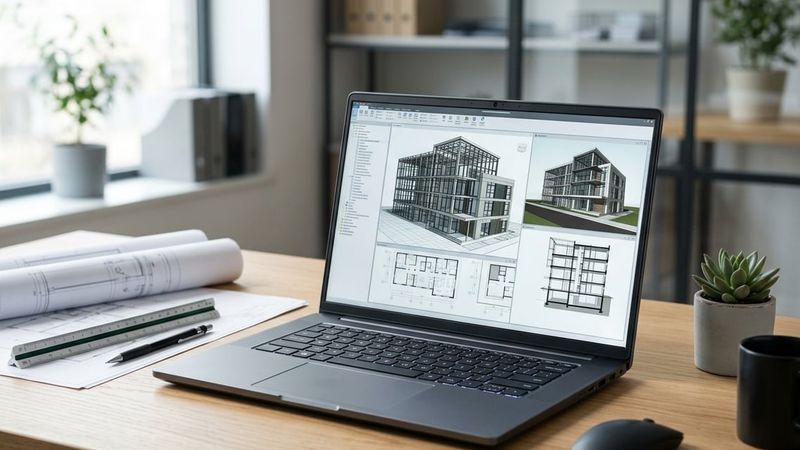
Best Laptop for Revit and AutoCAD Work
Find the best laptop for Revit and AutoCAD, with GPU, RAM and storage guidance built around real AEC coordination and site work.
Read article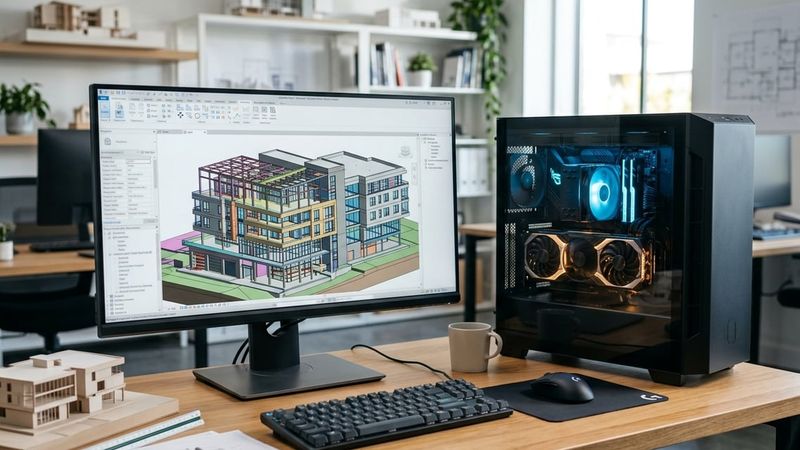
Revit CPU or GPU: Which One Matters More
See whether Revit CPU or GPU matters more for modeling, syncing large central models and rendering with Enscape or V-Ray.
Read article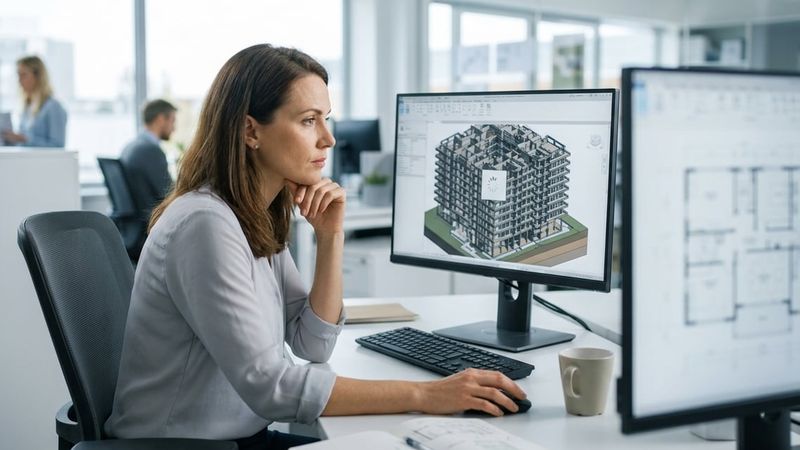
Revit Running Slow? The Real Causes and the Fixes That Work
See why Revit running slow usually means model, network or workstation problems, and the practical fixes AEC firms use to speed it back up.
Read article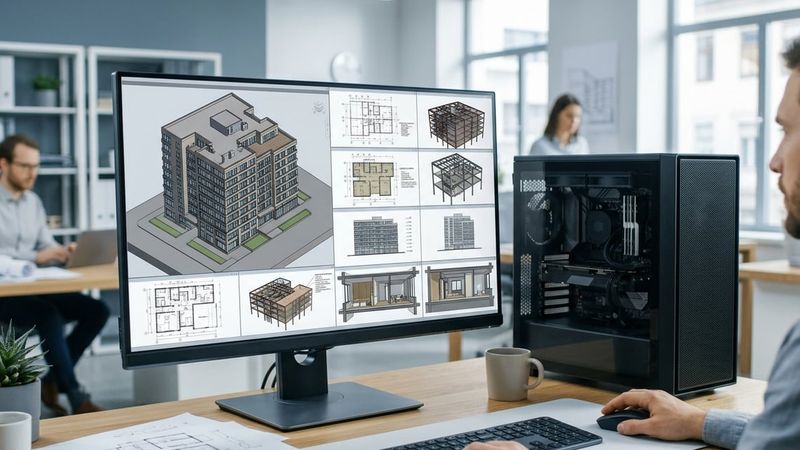
Revit Hardware Requirements: What Your Firm Actually Needs
Revit hardware requirements explained by seat and project type, covering CPU, RAM, GPU and storage so your firm buys the right workstation.
Read article
IT Support for Architects in New York: What It Covers
See what IT support for architects covers, from workstations and networks to file storage, security and backup built around Revit and AutoCAD work.
Read articleTalk to someone who knows design and construction IT.
Book a free consultation. We will look at how your firm works today, where the gaps are, and what we would change first. No obligation.